My Sony Bravia only has channel up and down. Do you have power capabilities?
Background image only appears on HA Lovelace dasboard. Does not appear on Astrion Remote.
EDIT: Did work just took a few refreshes and waiting. Image was 400x400px.
NOTE: Android Debug Bridge not displaying images in the below screen shot running V1.2.0
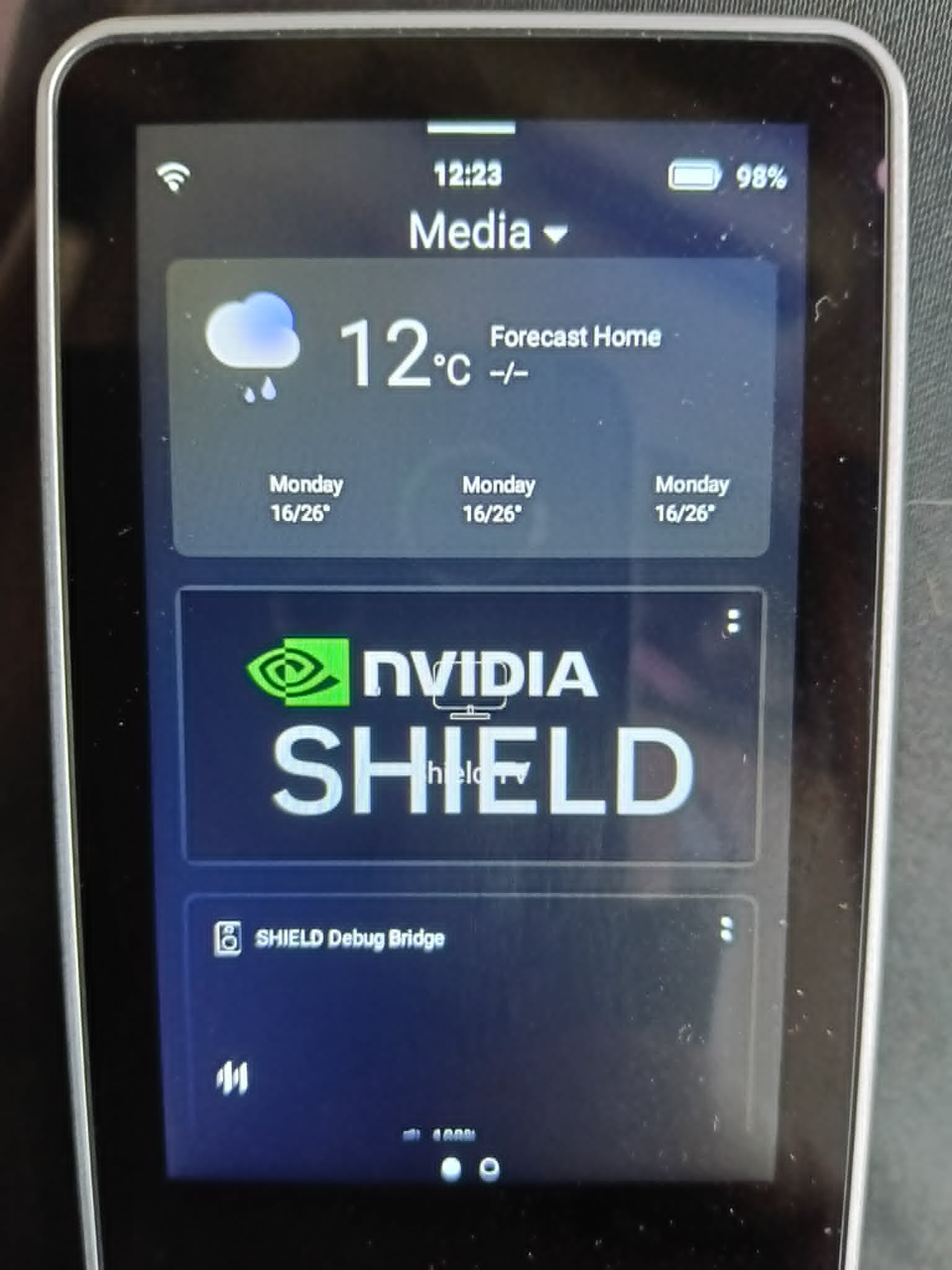
Hi, could you please go to the “Developer Tools” and send us the device attributes of this entity? Our engineers need this data for review. Thank you.
Haven’t tested yet, still working out a few issues…
@Charles can you look at the repository and see why the Sony Bravia only has channel up and channel down? I’ve tried putting in custom IR codes and nothing is working. Just trying to turn tv on and off

make sure your firmware is up to date go to the about and youll see the firmware
firmware was already up to date. thats a pretty obvious step before posting for assistance…
ultimately, i factory reset both remotes to fix the issue.
Hi, I just setup my Astrion, and I´m trying to setup a TV card to work with Broadlink, but it seens it´s not possible yet, Am I right or I´m missing something?
Latest update is nice, I’m not using any IR features at the moment since i’m 100% IP control, but the ability to swipe to the media panel is very nice.
However, the media info on the swipe media panel isn’t updating when on screen most of the time, the separate media panel does update properly, but the one connected tot he TV card gets stuck out of date unless I make a larger change like a stop and start, rather than changing track.
I suspect this might have something to do with the way i am building the media player metadata programatically, just changing out things like artist and track title, without sending a whole new “chunk” of metadata. is there some internal polling that pulls an update from HomeAssistant regularly, or does it wait for some trigger to update?
If I go back to the card list and re-select the TV card, then the media card is up to date again.
You may need to wrap your Broadlink commands in scripts. The scripts can then be mapped to the hardware buttons within the ROS TV Card.
There is something weird happening with how the media card updates. Something must have changed with the last update.
My Android Debug Bridge Shield integration does not update the image.
My Chromecast Shield integration is updating the text.
Yeah, I saw that, but since the Broadlink appear as a remote in the device list, I was hoping to use them directly. It just needs a “device” field alongside the “command” field, or the ability to pass both device and command together — something like “device|command”.
This feature is for Harmony Hub it is new for V1.2.0.
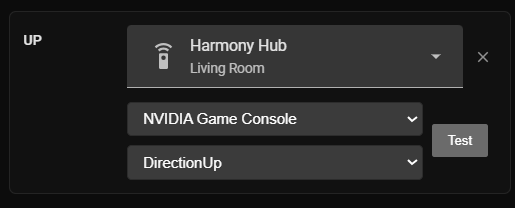
I assume Broadlink will need scripts at the moment until they can write something that will make it directly interface. They made it work for Harmony so they should be able to do it for Broardlink, especially with it being the only other alternative I know.
They really need to split the TV cards into separate cards to save this sort of confusion. Apple TV, Android TV and Harmony Hub.
Hello,
I have forwarded your entity data to our engineers. Below are the causes of the issues you encountered and the corresponding solutions:
1.Regarding the Harmony error: We sincerely apologize for this issue. Currently, our logic determines whether a device is a Harmony device based on the attribute current_activity: Plex. Since your remote entity contains this attribute, the error was triggered. Please rest assured that this error does not affect normal usage. Our engineers will optimize the judgment logic in a future update.
2.Regarding the card error: We recommend that you uninstall the card and then reinstall it.
We deeply apologize for the problems you have encountered and greatly appreciate your feedback. This issue has been logged. If you have any further questions, please feel free to contact us at any time.
Thank you.
Hello, your issue has been reported to the engineers. The reason the track does not update automatically is that we currently rely on Home Assistant to push message status updates. If your configuration data is not being pushed to Home Assistant, we are unable to perform the data update on our end. As a result, the play/stop status can be updated, but the previous/next track status cannot be updated.
Hi, I’d like to share our future plans for the TV card feature:
In the future, we plan to follow the Firemote model. You will be able to select a brand (i.e., a template) and a remote control entity, and the system will automatically map the corresponding code values to the relevant buttons. This means you won’t need to manually select and add each entity one by one — unless there are compatibility issues, in which case manual modifications will still be possible.
However, in our current concept, the brand selection will not include Harmony Hub. This is because Harmony functions more like a hub‑level integration. Instead, it will be placed under the entity selection section, where you can choose the remote control entity within the Harmony configuration.
We’d like to know — do you think this approach will improve your experience?
1 Like
The main problems at the moment is there is a bit of user confusion when trying to setup the ROS TV card.
You really need to separate the Apple TV and Android TV into separate cards especially as you have different mappings for each. This way they can auto setup for the device.
Then you need a Harmony Hub TV card that enables
- The user to choose separate ON/OFF buttons. (this may be a power behaviour option in the current card, like what Apple TV gives)
- Map the select.harmony_activities to the source selection.
- Be aware of which Harmony Activity is active and map different commands to the buttons per activity.
- Enable the coloured buttons to be mapped as well as all other hardware buttons (currently not possible in the current TV Card).
- Enabling button.* entities to be mapped is also required.
Emulating the Firemote model will get you a long way there.
Thank you very much for sharing your thoughts!!
Regarding the suggestion to separate cards by device type: currently, the only differences between device types are a few minor variations in configurable buttons, plus an Apple icon on the Apple device detail screen. Apart from that, there are no other differences. Therefore, I don’t think separating them into different cards would make a significant difference.
As for your suggestions about the Harmony TV card, I will log points 1, 2, 4, and 5 as requirements.
Regarding Activity mapping: I consulted with the development team about this. It’s a great and very flexible idea, but more details need further consideration. My main concern is that too much flexibility might make it difficult for users to understand which buttons are mapped to which functions — especially since a remote control might be used by more than one person.
Regarding the coloured buttons and other hardware buttons: I had previously raised this request with the development team, but it wasn’t implemented because the eight buttons at the bottom follow a specific logic of their own. Fully opening them up would go against our original intention of enabling quick switching to other devices. I’m sorry about that. However, I will log this request again and bring it up in our next discussion meeting.
Thank you again for all your ideas! After discussing them with everyone, we now have more topics to explore. If you have any further thoughts, please feel free to share them — we truly appreciate it.
Hello, regarding the issue where Panasonic TVs were unable to load, our engineer has fixed it. I’m not sure if my colleague has already informed you, but you can go to HACS and update the Astrion Home integration to version 1.0.7 to resolve the issue.