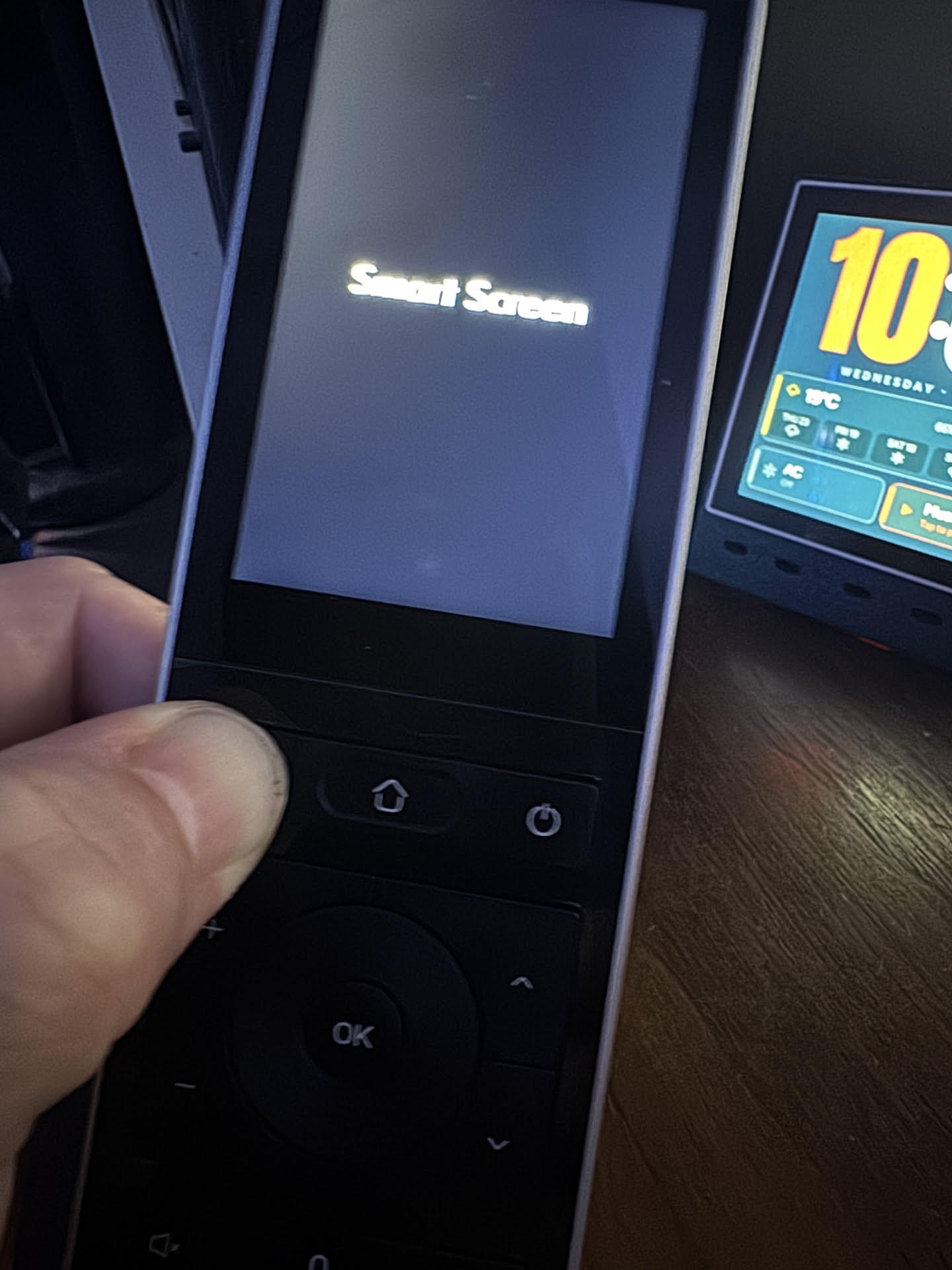
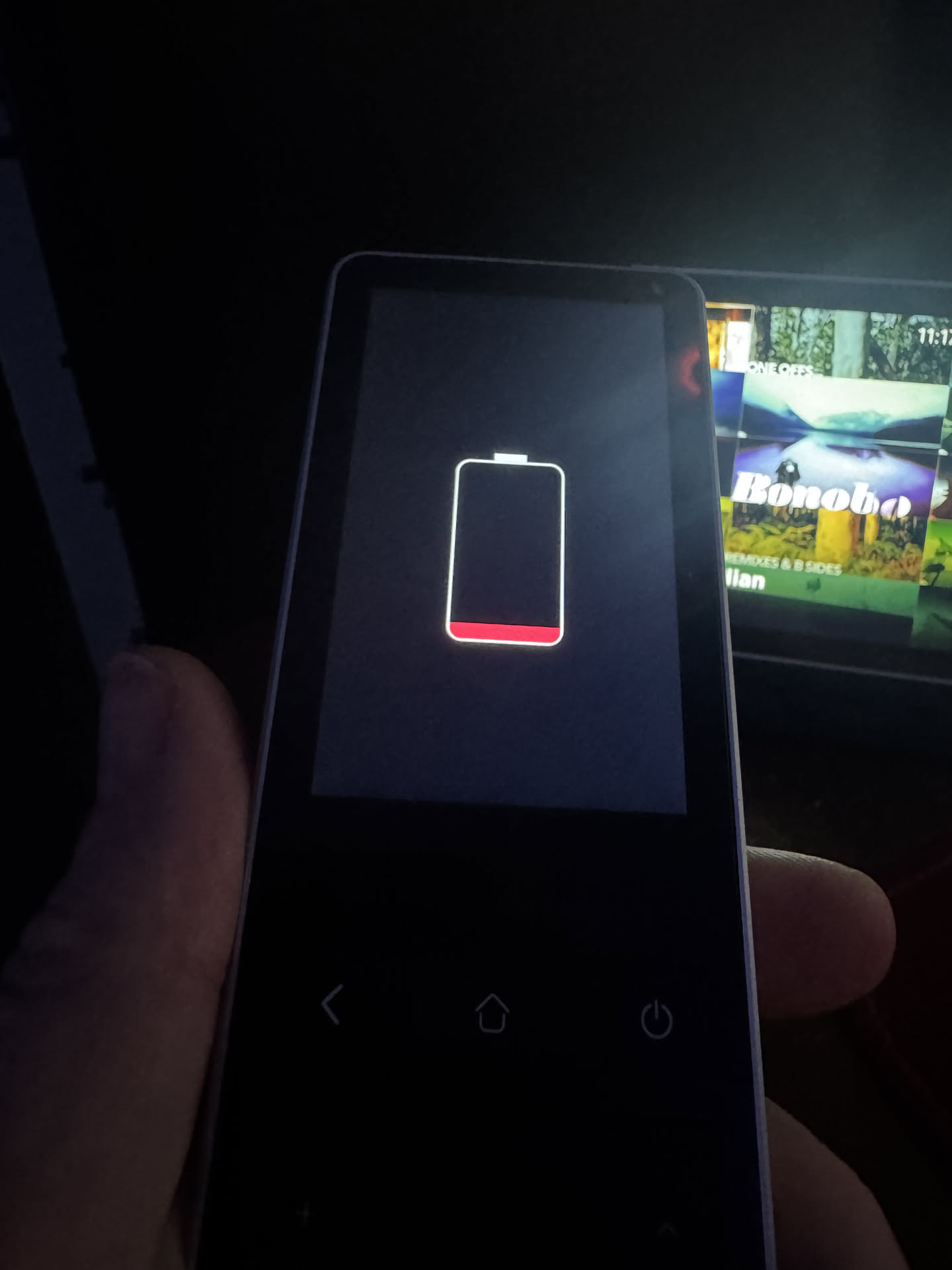
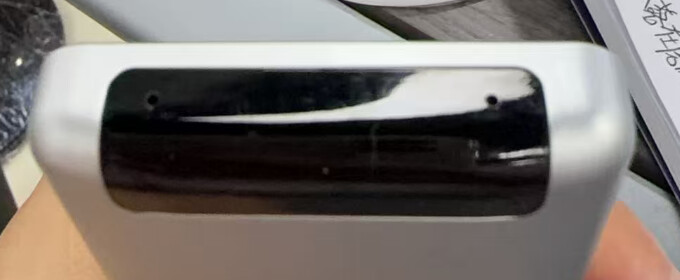
I seem to have bricked my own Astrion doing ADB stuff during KeyMapper setup. I disabled the OEM launcher (com.aiks.HaRemote, pm disable-user); it worked until the first reboot and now it bootloops on the “Smart Screen” logo, with the USB port connecting/disconnecting on a cycle. ADB can’t catch a stable window to re-enable the package.
It’s an MT6580 / Android 8.1, so I know it’s reflashable — I just can’t get in.
Can anyone confirm, for this hardware:
Button combo for Recovery mode? (the buttons are non-standard on the remote)
Button combo for Safe Mode (to disable 3rd-party apps and get a stable adb window)?
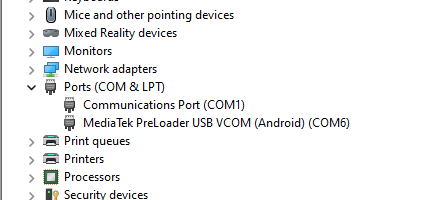
Preloader / BROM (SP Flash Tool) mode — hold which button while plugging USB? Does the PC see a MediaTek Preloader port?
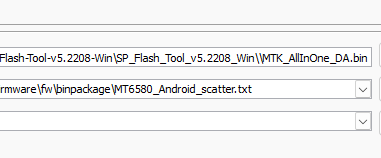
Anyone have the SP Flash Tool firmware image + scatter for the Astrion, or is that support-only?
Trying to fix it myself before bothering support. Any button-combo tips appreciated. Thanks!
Important note:
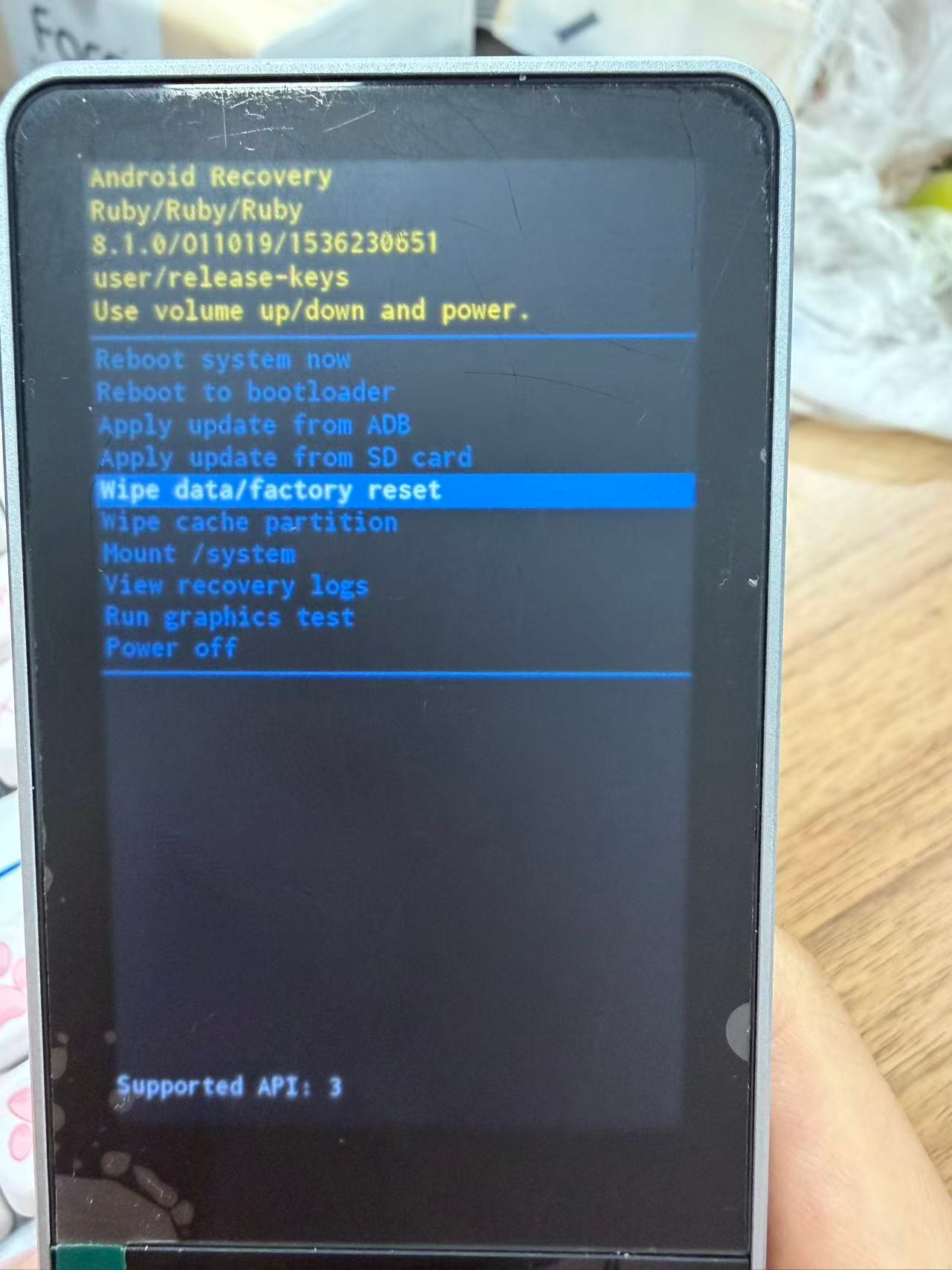
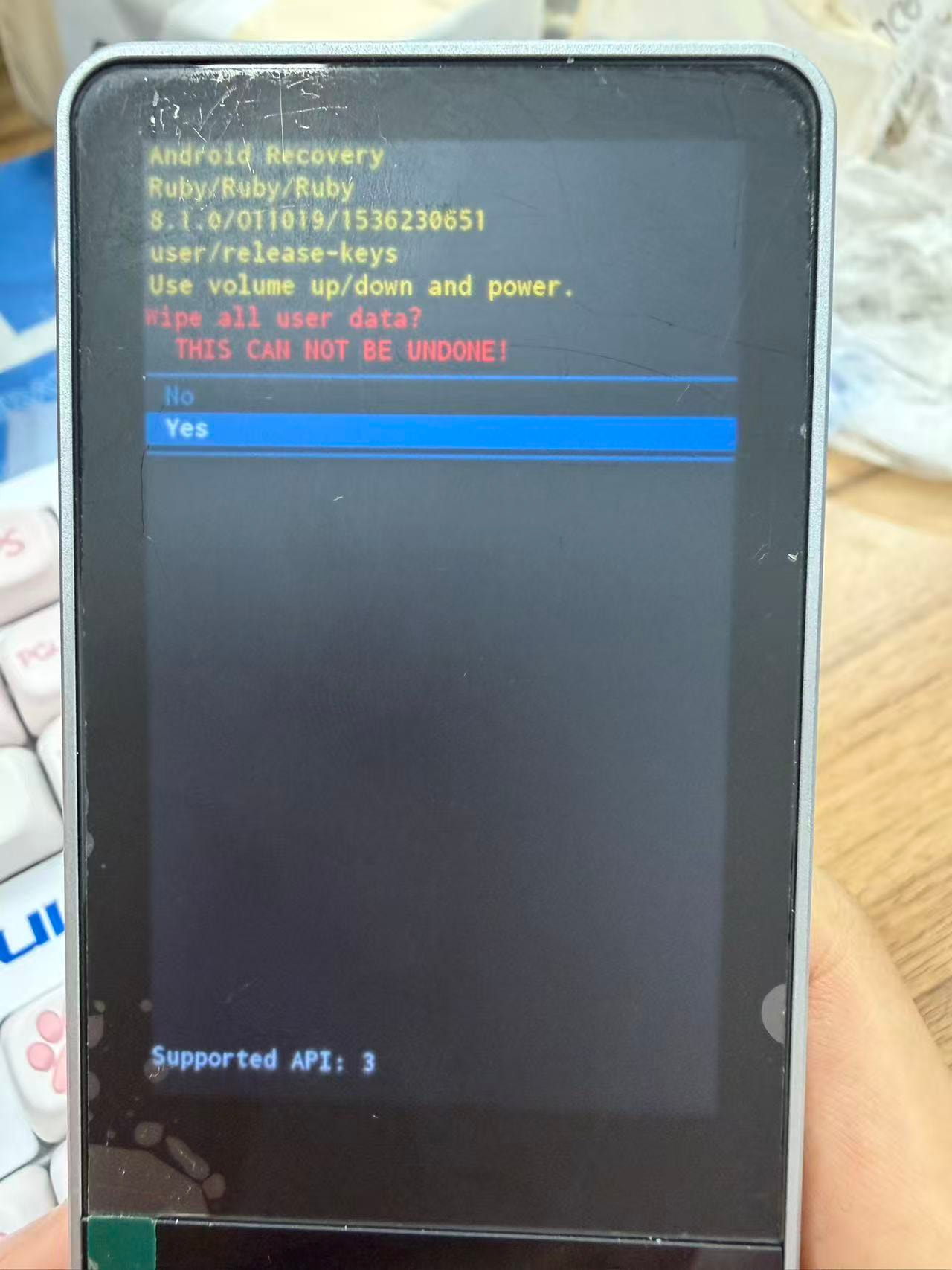
The confirmation button is always the side power button, not the OK button.
We hope this procedure resolves your issue. If you have any further questions, please do not hesitate to let us know. We wish you a pleasant experience with our product.
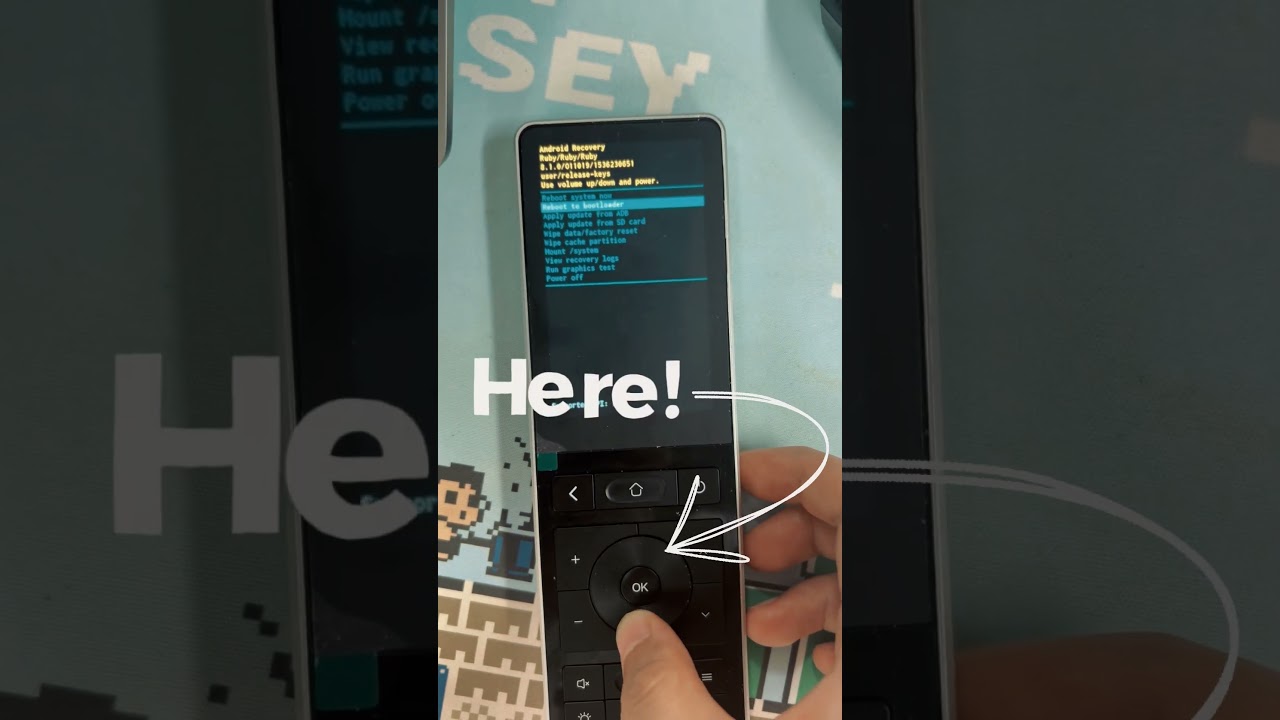
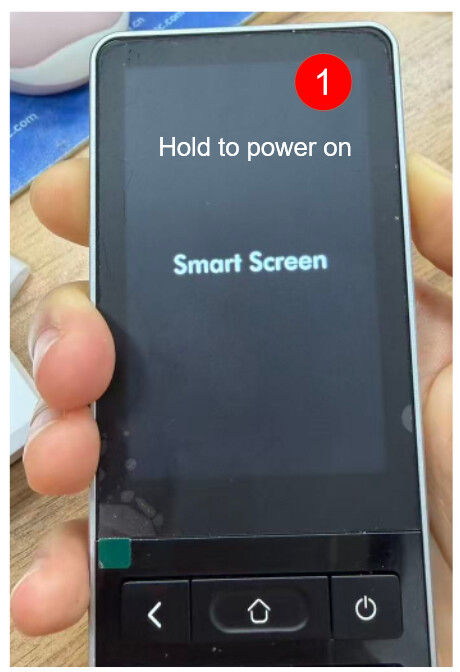
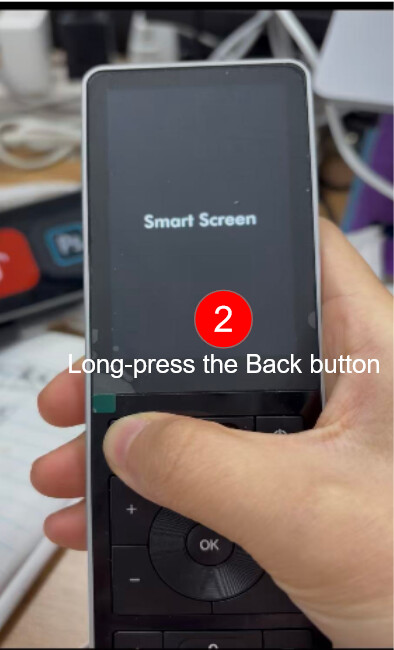
As mentioned earlier, since your remote is stuck in a reboot loop, please ignore the startup steps shown in my video. Instead, simply wait for the remote to display an image on screen, then press and hold the Return button. After that, you can follow the rest of the procedure in my video.
To be precise, the steps are as follows:
When the remote starts up and the “Smart Screen” appears, press and hold the Return button.
The screen will flicker once, and then the “Smart Screen” appears again — at that point, release the Return button.
Wait until the safe mode screen appears.
I hope this video and these steps help resolve the file corruption issue on your device.
I was doing exactly this and it seems that disabling com.aiks.HaRemote effects something way earlier in the boot process? Do you have access to any of the dev team to ask that question. What does disabling com.aiks.HaRemote do to the device?
Ill post a vid tonight showing what I’m doing just so you can see. I know what its like when you try to support someone and its like… But did you really do what I said??? HAHA
Could you let us know exactly how you disabled it? I checked with our development team, and they confirmed that disabling this app will remove the launcher (meaning you won’t be able to access the home screen), so the device will stay in a boot loop. However, in theory, you should still be able to enter safe mode.
So we’d like to understand your specific steps so we can reproduce the environment and better address the issue.
As for the firmware reflash, my colleague is currently organizing the materials and will provide me with the documentation and download links shortly. I’ll forward them to you as soon as I receive them. Please bear with us.
Alright Lim, thank you very much for sharing. We’ll test your steps shortly and try to enter engineering mode.
Here is the firmware reflash guide — you can start preparing your environment:
The procedure is the same for all firmware updates; only the firmware package differs.
And here is the firmware download link:
Please note that the firmware file is quite large, so the download may take a while. It is still being uploaded at the moment (the system estimates about another hour).
If you run into any other issues during the firmware reflash process, feel free to reach out to us anytime — we’re here to help.
Haha, I was just putting together the notes on the battery issue and things to keep in mind during firmware flashing, but it turns out you’ve already managed to get into flashing mode—that’s really great news!
If you have any other questions, feel free to reach out to us anytime. We’re always here to help.
We are truly delighted to see so many of you using our products and sharing such constructive feedback with us.
At Sanytron, our core philosophy is openness, collaboration, and mutual growth. We are committed to listening to our customers’ voices, and we see it as our responsibility and mission to help resolve any issues you encounter.
We also greatly appreciate the effort you’ve put into exploring and tinkering with our remote control—it’s through exploration that discovery and progress are made. We are more than happy to serve as the foundation for your journey.
If you ever run into any questions or issues while using our products, feel free to visit our new technical support website: https://hub.sanytron.com/ . We’re always here for you.
Yeah, I want to add a big thanks as well, ive done a lot of work with ESP32’s but this is my first Android SoC and its cool. What Claude and I have been able to create over the last couple of days has been pretty great
So thanks guys, its awesome that a company is open and helpful for us people that are technical. it’s a breath of fresh air compared to what I thought was going to happen.
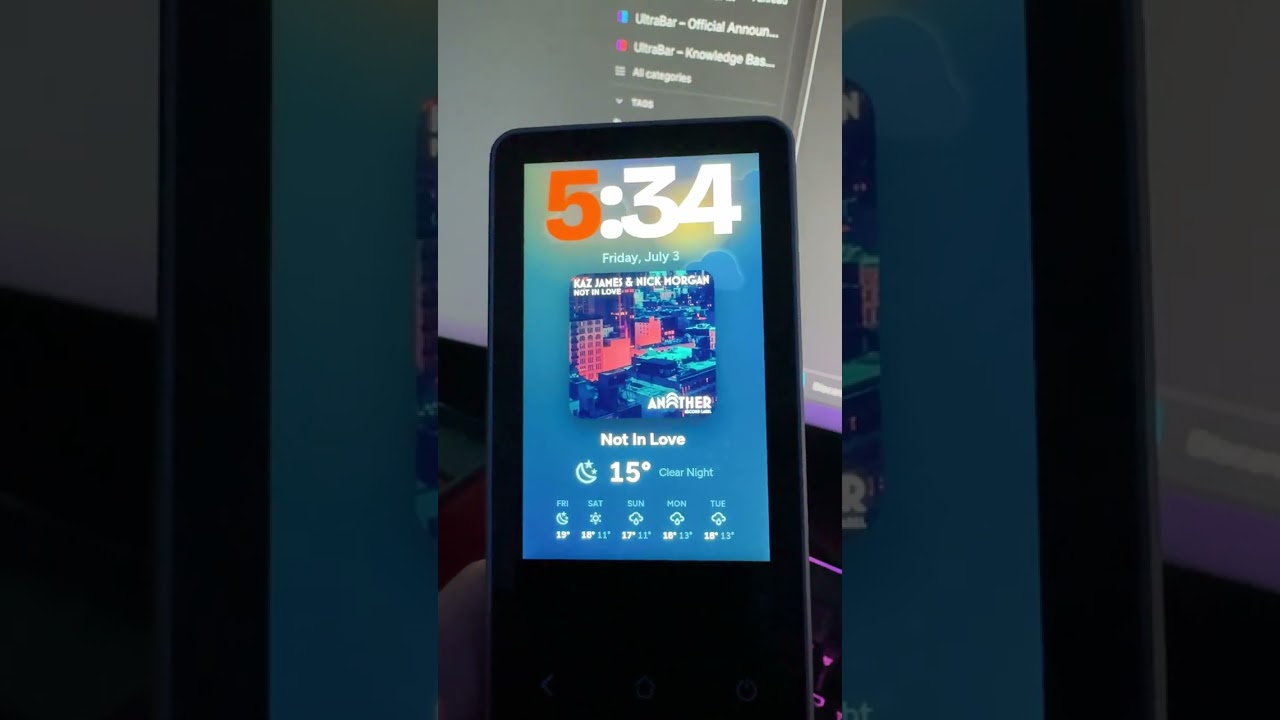
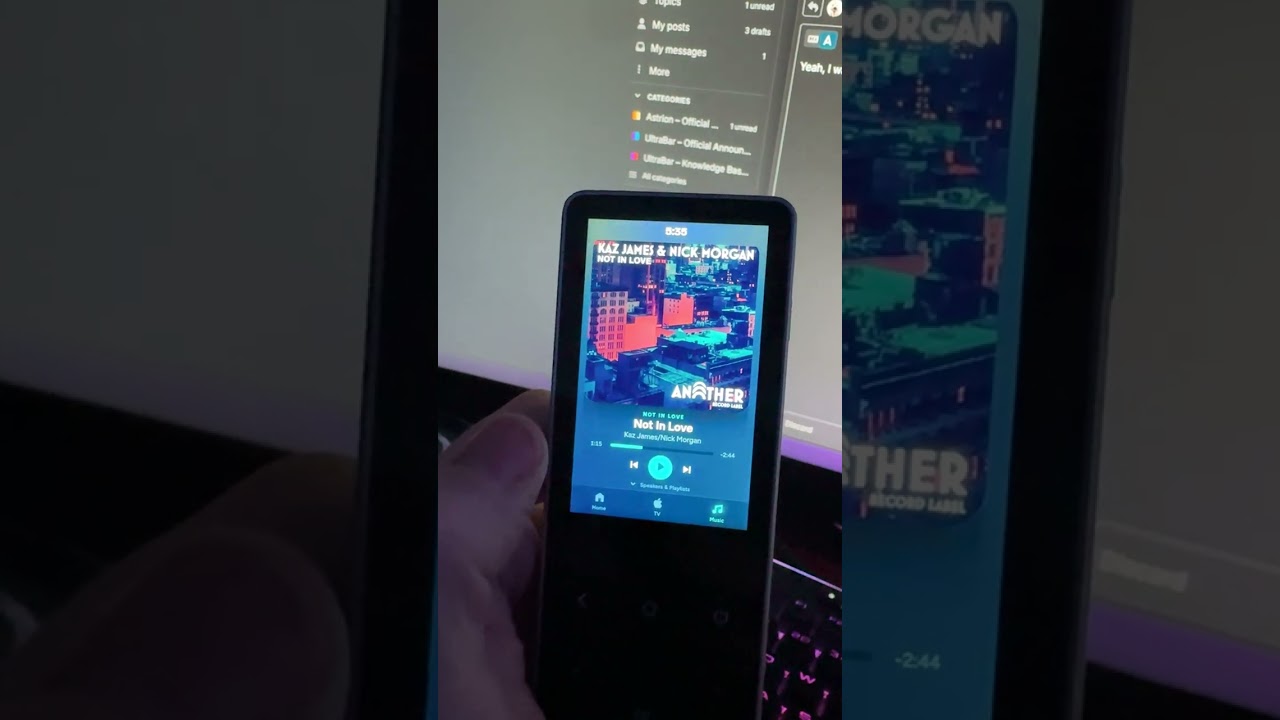
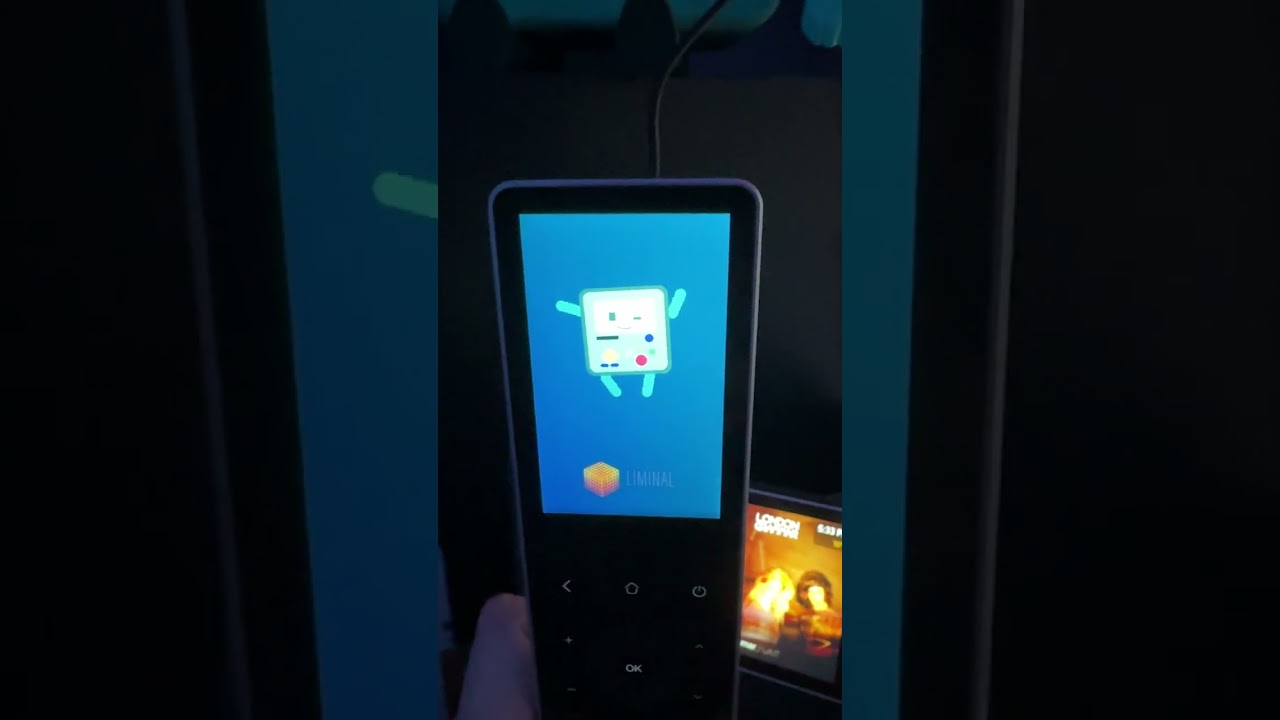
Also this FW is much lighter and works really well with Fully Kiosk, Im still working on the key mappings. But the gui is pretty close to being done. Even have a bootloader and start up animations.
Also Ive seen people say that this device is underpowered and its not a power problem. Its a Lovelace thing, these are all custom HTML specifically for this device and they are awesome. When you’re running Lovelace with a lot of cards, bubble card ect, it can really be pretty heavy.
Get Claude to help you do up some custom UIs, really worth the tokens
I put this in for the cloud animations, but its a bit hard to see
Everything works except for mute, cant figure that out; but everything else works. Every button press ends up as an HA service call.
Most buttons send normal key codes we catch in the browser: ⏻ = F2 (Apple TV on/off), Lights = F4, Curtains = F5, AC = F7, d-pad/OK drive the Apple TV. Each one just fires the matching HA service.
We match on the key code, not the name — a couple of buttons report a weird key name, so the number’s the reliable bit.
Volume’s different — Android eats those keys before the page sees them, so we let Fully grab them and hand them to us (fully.bind), then we push it to the amp.
Back comes through as a browser “go back,” so we trap it in JS — it just goes Home (or acts as Menu on the TV screen) and never kicks you out of the app.
Mute are locked down by Android — nothing we can do, left alone.
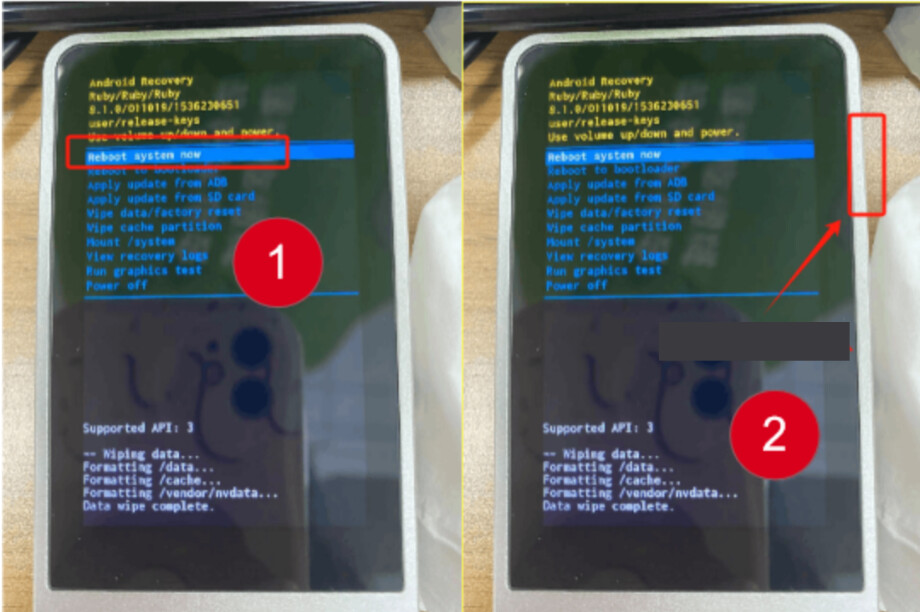
 Important note: