 Release: v1.1.0
 Devices Catalog & Hub Redesign
• Rebuilt the root URL (/) into a proper “add a device” hub, replacing the old single server-rendered form with a hero layout and four dedicated category tiles (Home Assistant, Harmony, IR Devices, and an Apple TV placeholder). Each tile features a live device count and opens a dedicated list + “+ Add device” flow inspired by Home Assistant integrations.
 Unified Single-Page App Architecture
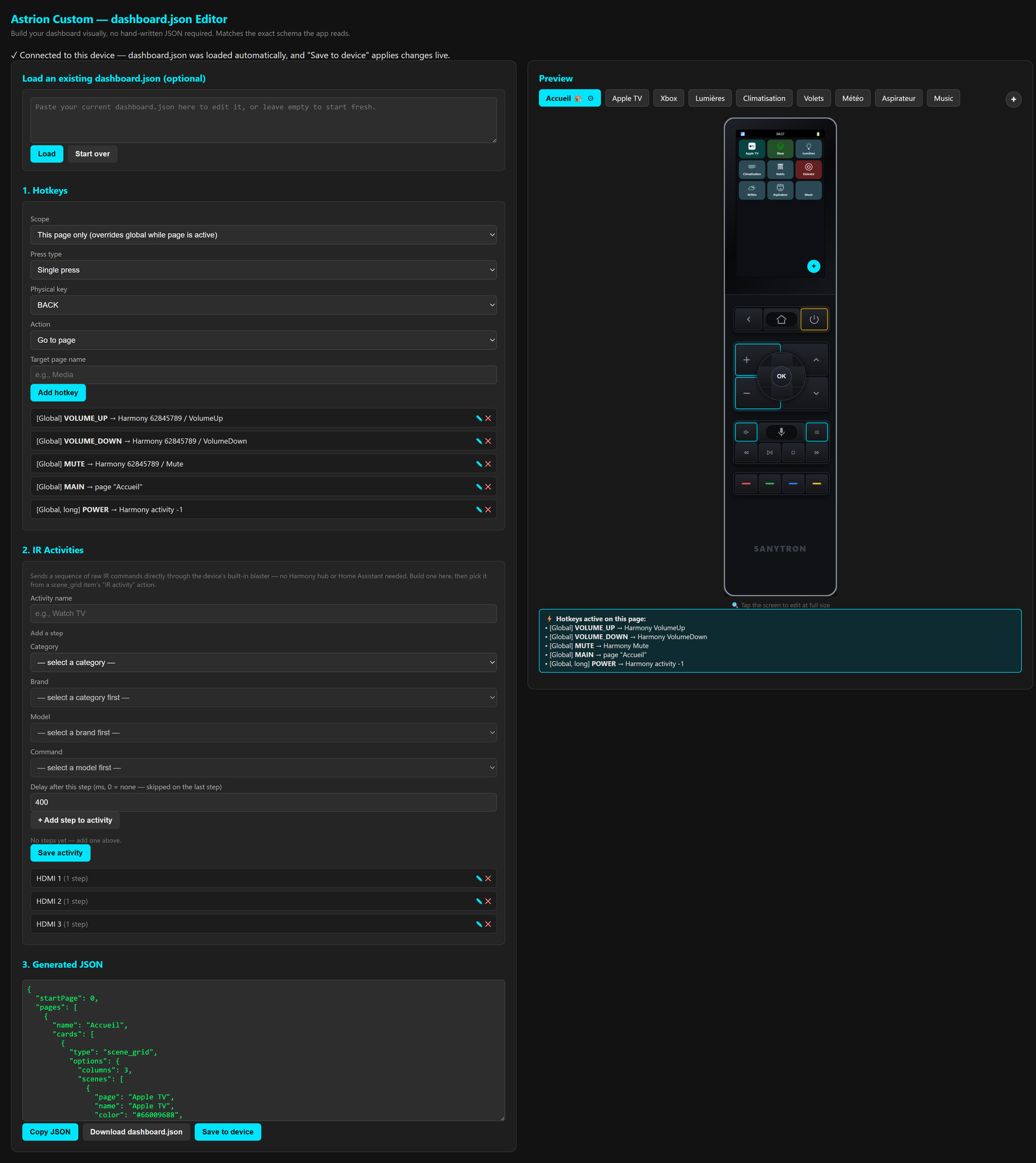
• Replaced ConfigServer.kt’s old serveForm() string output with two static single-page apps served from assets/docs/: devices.html (the new hub) and index.html (the dashboard builder). Both now share a unified routing path (serveDocsAsset()), allowing any new asset dropped into the folder to be served automatically.
 Live Home Assistant Catalog Picker
• Cards referencing HA entities no longer require a free-typed entity_id. Users can pick a domain and a live entity directly on the Devices page. Names are pre-filled using HA’s friendly_name (editable) and stored in a new haDevices array inside dashboard.json. Added a GET /devices-config endpoint to pre-fill edit forms.
 Smart Catalog Retrocompatibility
• When editing an older or hand-modified dashboard containing an entity_id not present in the new catalog, the web builder automatically injects a “(not in catalog)” option. This ensures old values round-trip perfectly without silently blanking the field.
 Aggressive Cache Control
• Added Cache-Control: no-cache, no-store, must-revalidate headers to every docs/ asset response. This forces browsers to drop old assets on app updates, eliminating elusive bugs caused by a stale .js file mismatched with a fresh .html wrapper.
 Docked Charging Screen & Auto-Dimming
• Replaces the dashboard with a clean, low-power charging display showing a large battery percentage and a pulsing glyph when docked. The screen automatically dims to near-zero brightness after 15 seconds of inactivity and restores instantly upon touch, pickup, or unplugging.
 Hardware-Aware Dock Detection
• Leverages string literal representations of hidden AOSP intent constants (ACTION_USB_STATE) to check UsbManager data connectivity. Because the hardware charging dock features power-only pins with no data lines, the app accurately distinguishes a dock connection (no USB data) from a PC development cable connection (active USB data).
 Architecture Refactoring (
ChargeDockMonitor)
• Extracted charging state detection and the dim timer into ChargeDockMonitor.kt to prevent MainActivity.kt from triggering detekt’s LargeClass warning. Shifted touch detection to MainActivity.kt’s native onUserInteraction() hook, bypassing the need for separate touch listeners.
 Shared UI Theme & Localization
• Implemented the new charging layout via ChargingScreen.kt using the existing ProvideTheme/LocalTheme design system. The underlying state engine (rememberBatteryState()) and vector graphics (batteryGlyph()) are now shared with Topstatusbar.kt instead of being duplicated. Added French translation strings (values-fr/).
 On-Device IR Code Resolution
• Replaced the heavy pre-resolved {freq, pattern} database tables embedded in dashboard.json with an on-device runtime resolver (IrDatabaseRuntime.kt). The app now parses Pronto codes into hardware patterns locally the first time a button is pressed, removing the need to re-flash dashboards when updating the database.
 Two-Level IR Cache & Legacy Support
• Implemented a two-level memory cache (parsed category JSON files + resolved command steps) to eliminate repeat disk reads and math overhead during rapid button presses. Legacy dashboards with inline-resolved commands remain fully supported via a new IrDeviceSource sealed class (Inline vs SdCardRef).
 Upgraded Web Editor IR Inputs
• Removed the old bundled IR catalog assets from the APK wrapper. The web builder’s “Add IR device” panel now features two distinct modes (Manual Pronto paste or External ir-database reference). Grid tile fields (giIrCommand) and Activity wizard macro fields now utilize free-text inputs with <datalist> suggestions since the live command schema is resolved on the remote at runtime.
 Local IR File Management
• Added an “IR devices” management panel to the local configuration page next to Icons. Users can upload curated <category>.json files directly to /sdcard/astrion/ir-database/ via a new validated POST /ir-database endpoint, removing the need for manual ADB or file-explorer copying.
 Coming Soon / Roadmap:
 ESPHome IR Extender Support
• Native compatibility coming for budget-friendly MQTT/Tasmota/ESPHome hardware (like the popular ESP8285 IR remotes found online for under $10/10€) to blast IR codes anywhere in your house via Wi-Fi.
Direct Media Control
• Direct integration for Apple TV and Chromecast protocol controls built straight into the remote’s native core without requiring external middleman hubs.
 Voice Recognition
• On-device voice control support to launch activities, trigger scripts, and control your smart home completely hands-free.
 Why this project?
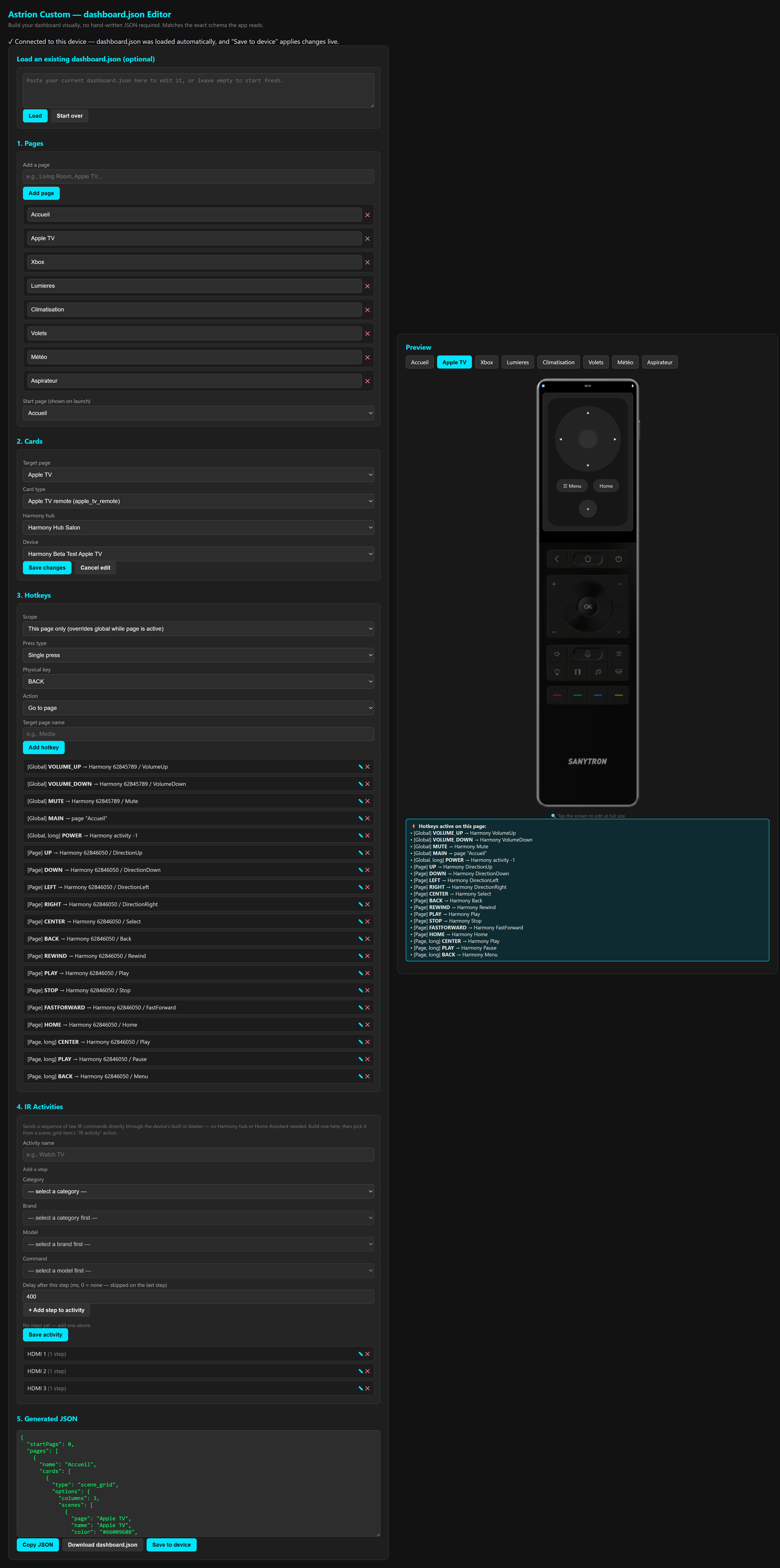
 Astrion Custom — dashboard.json Editor
 Links & Code
 v0.3.0 update available!
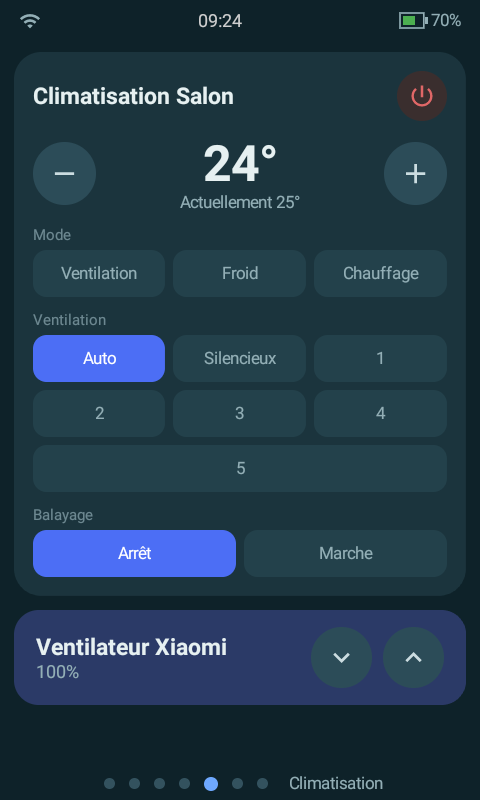
 New: swing mode support on the climate card (
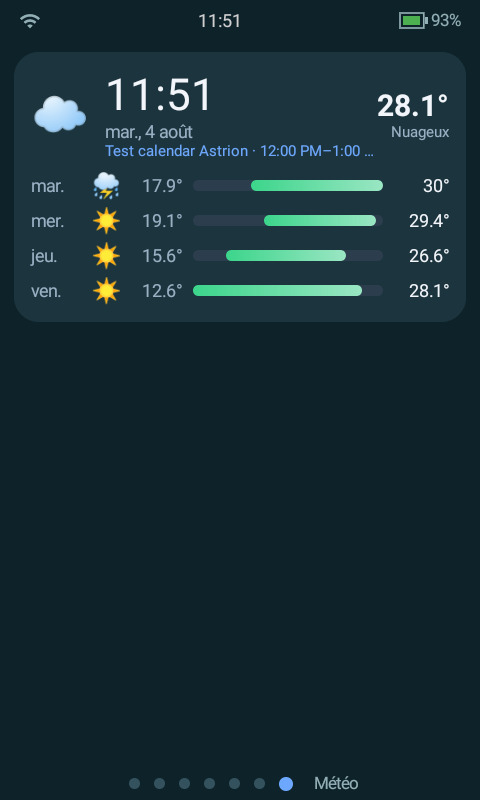
 Translation fixes: the weather and vacuum cards were showing raw Home Assistant English (“Partlycloudy”, “Docked”…) instead of being translated — fixed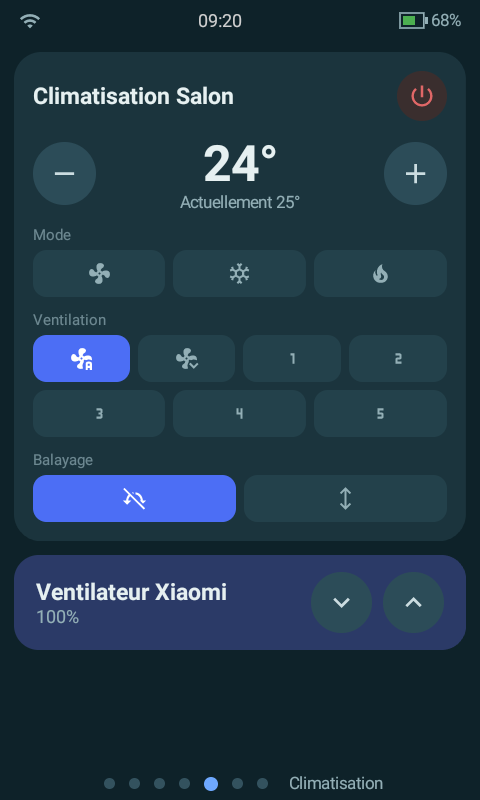
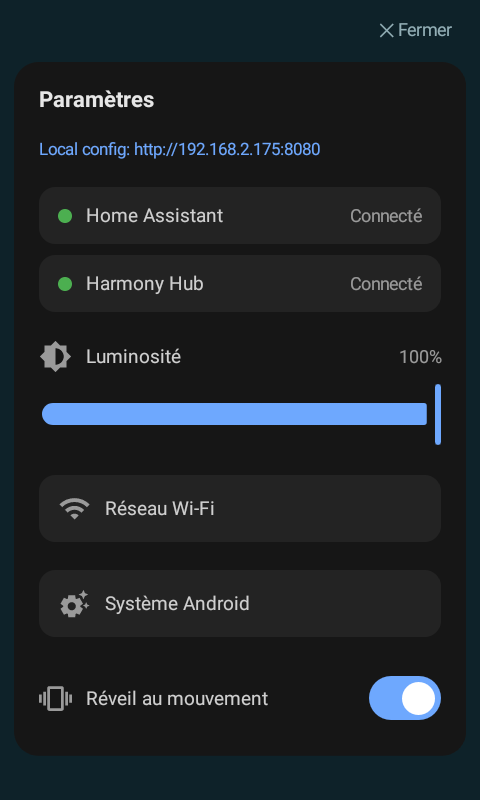
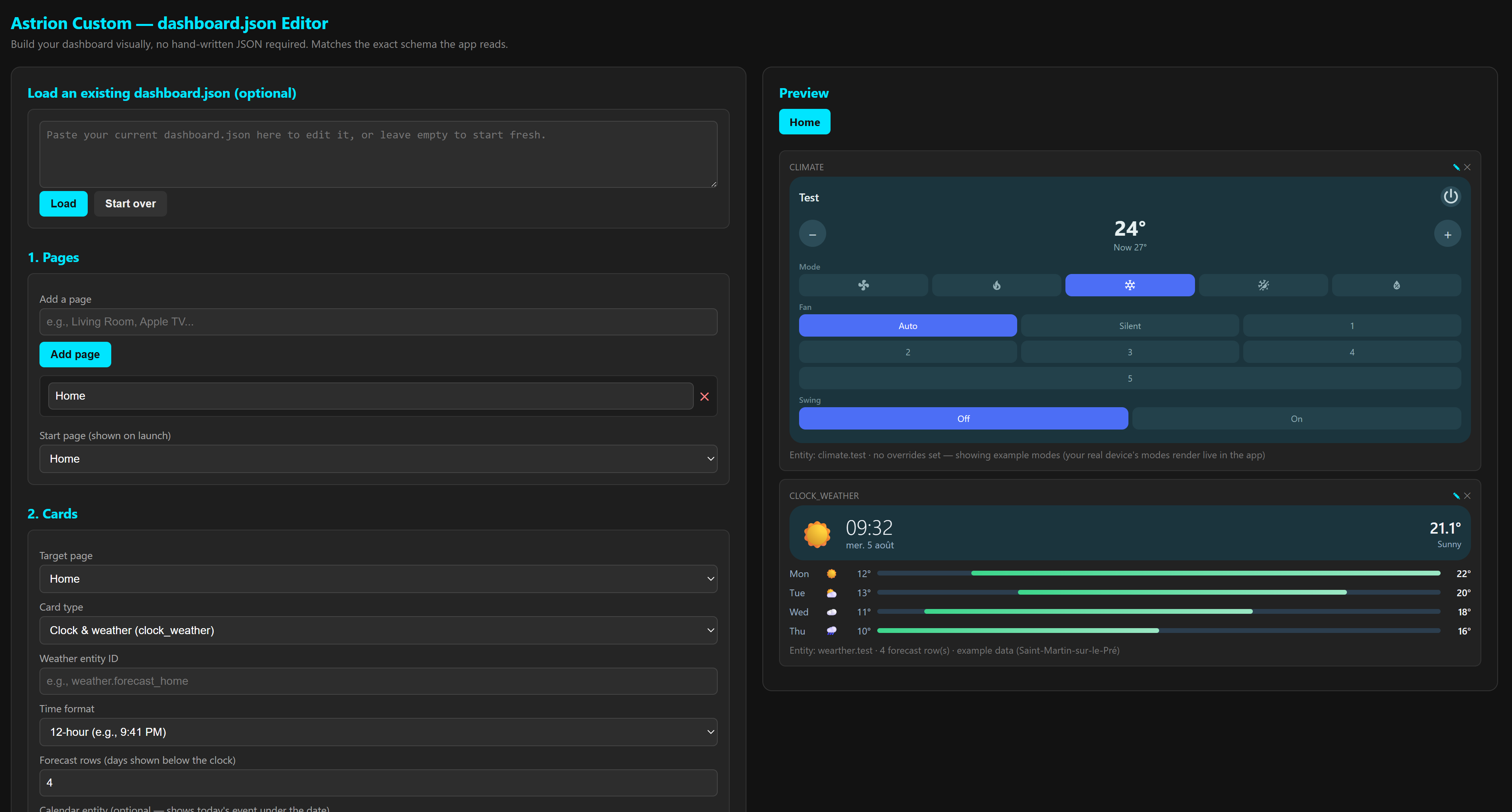
 Note regarding IR: The local IR activities engine and the Pronto Hex database editor are now live! However, the database (
 Key Highlights
 Detailed Changelog v0.4.0
 Added
Added Changed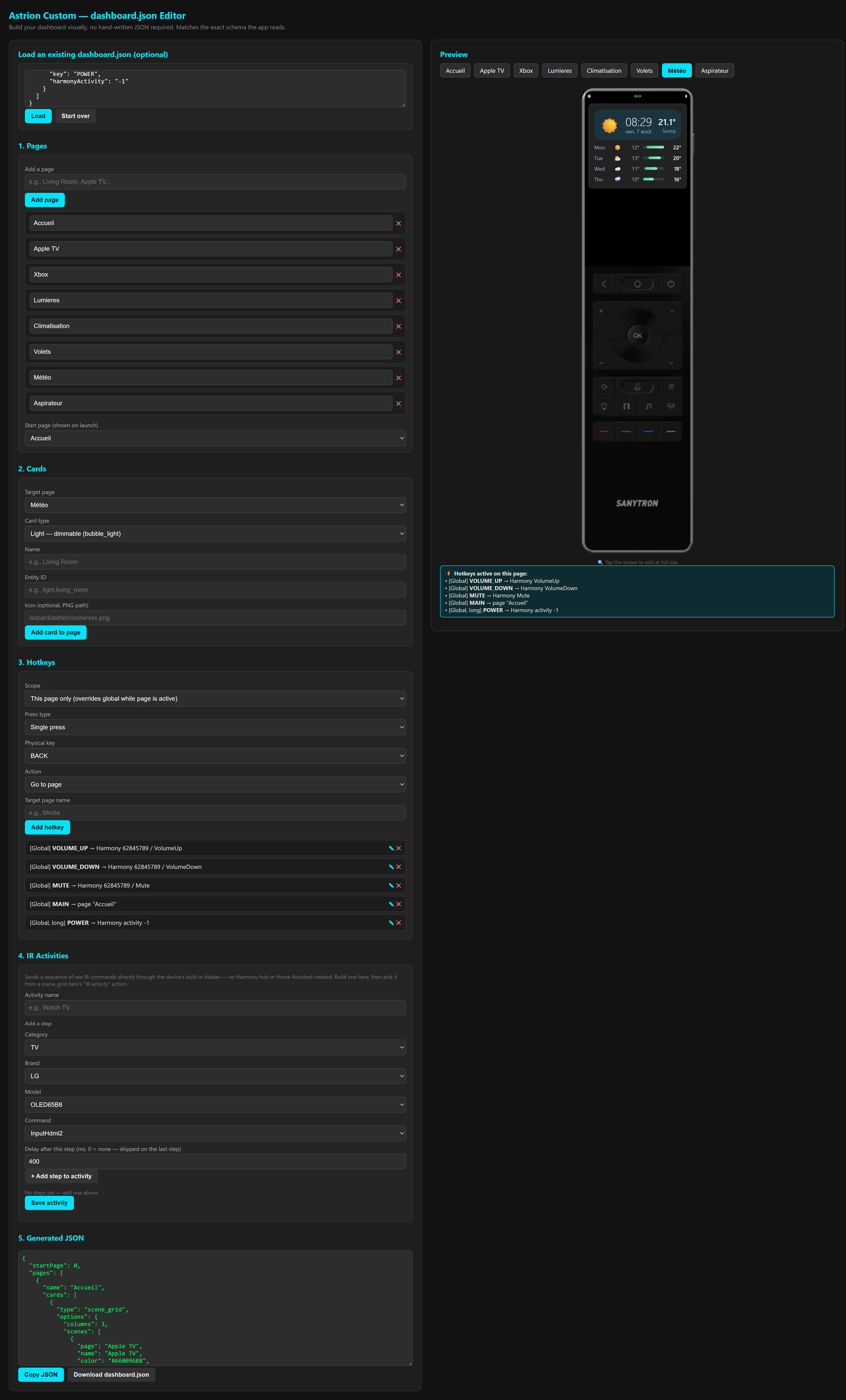
 Sneak Peek / Coming Soon: Embedded Editor & Harmony Config Auto-Import!
 Multi-Hub Harmony Support & Automatic ID Resolution
 Card & Shortcut Enhancements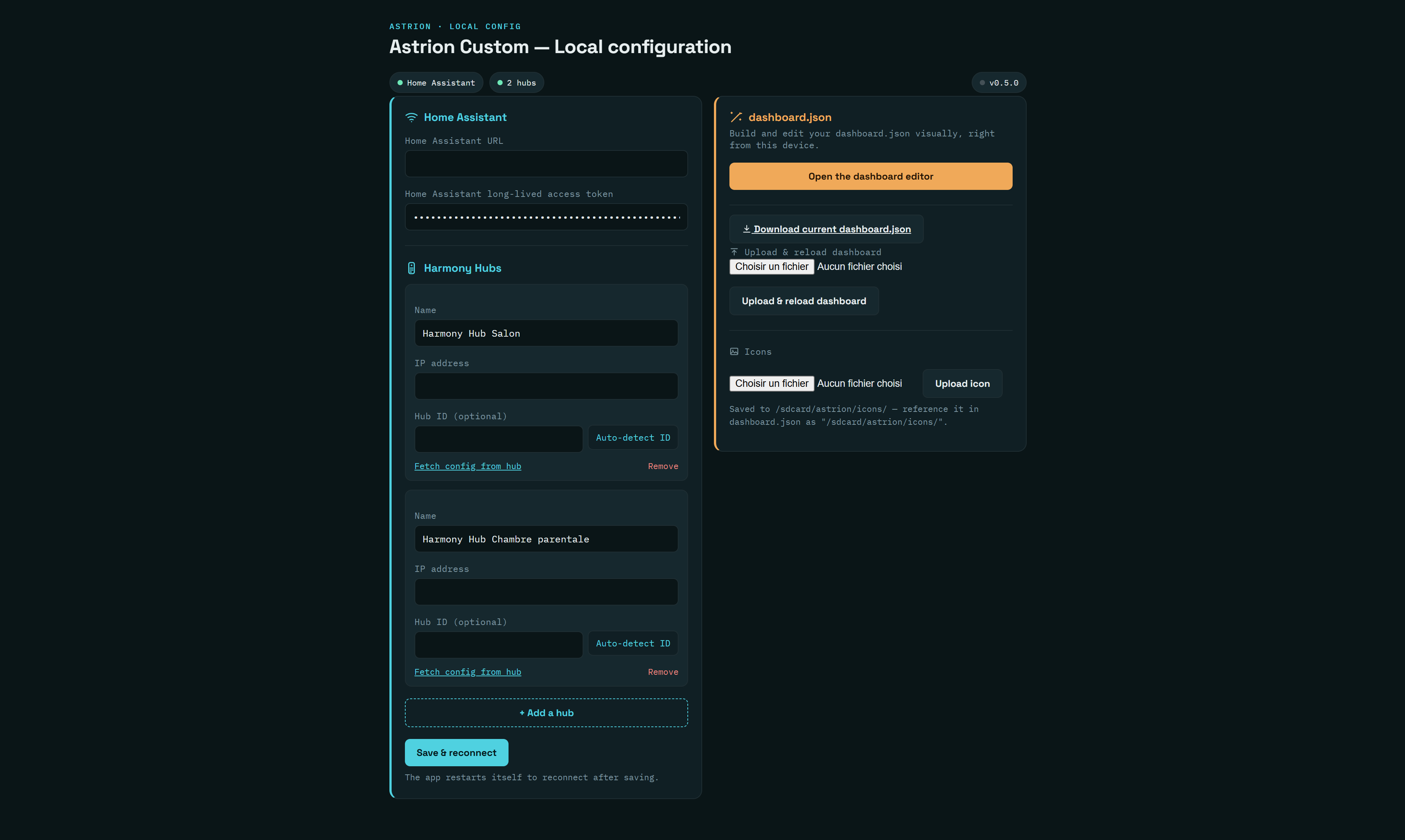
 Key Highlights:
 Links & Code

 Astrion IR Extender Repository: