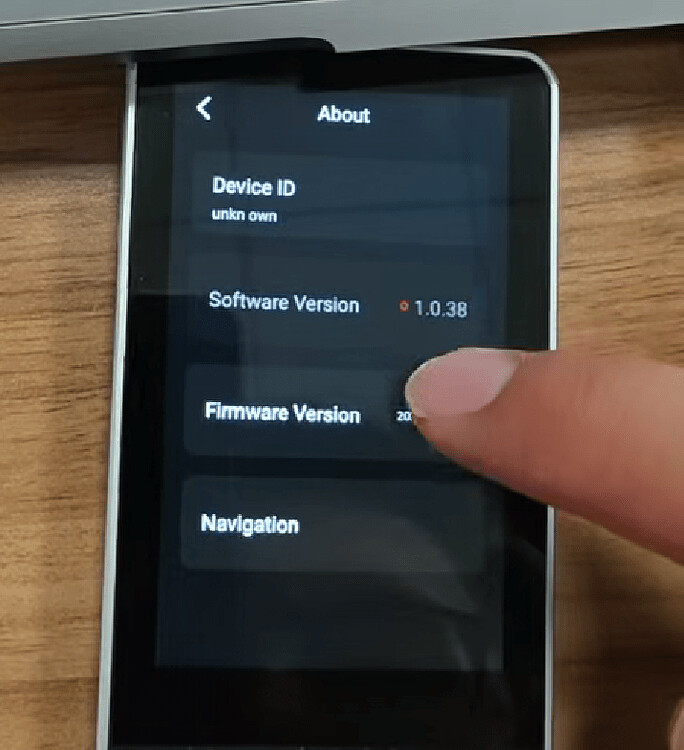
Hi Folks,
I’ve just set up my Astrion remote and I’m stuck on getting the view to show.
My setup:
- Latest Home Assistant
- RosCard installed via HACS (latest version)
- Remote is connected to HA successfully (same local network)
- Long-lived access token created and scanned via QR code
What I’ve done:
- Created a new dashboard called “Remote”
- Added a RosCard light card (custom:aiks-light-card) with 3 living room light entities
- Saved the card
- Tried refreshing on the remote multiple times
Dashboard YAML:
views:
- type: sections
sections:- type: grid
cards:- type: heading
heading: New section - type: custom:aiks-light-card
entities:- entity_id: light.ceiling_light
uuid: 1cff20f3-7ad8-4566-9764-51df87903824
alias: ‘’
independent_display: false - entity_id: light.living_room_uplighter
uuid: 26be89e6-32d8-43b0-9171-b591401474db
alias: ‘’
independent_display: false - entity_id: light.living_room_floor_lamp
uuid: 1793d96c-33c5-4a82-b1c0-8a35854d0b2b
alias: ‘’
independent_display: false
- entity_id: light.ceiling_light
- type: heading
- type: grid
The remote screen shows “View is empty - Configure the view in Home Assistant” with a blue toast saying “The view is empty. Please create a view in HA”.
What am I missing?