Date: Feb. 5th, 2025 To: All valued Astrion customers and community members
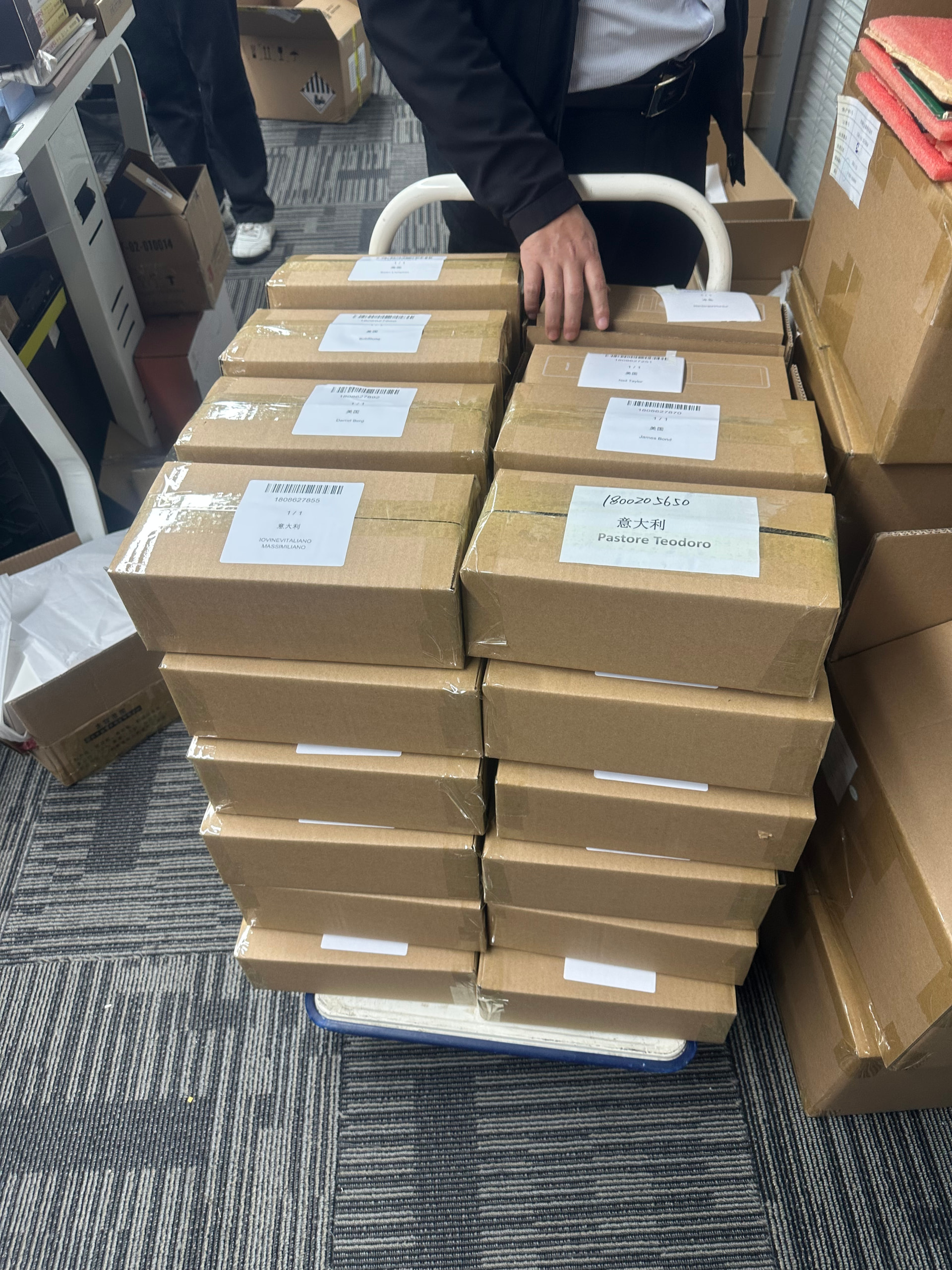
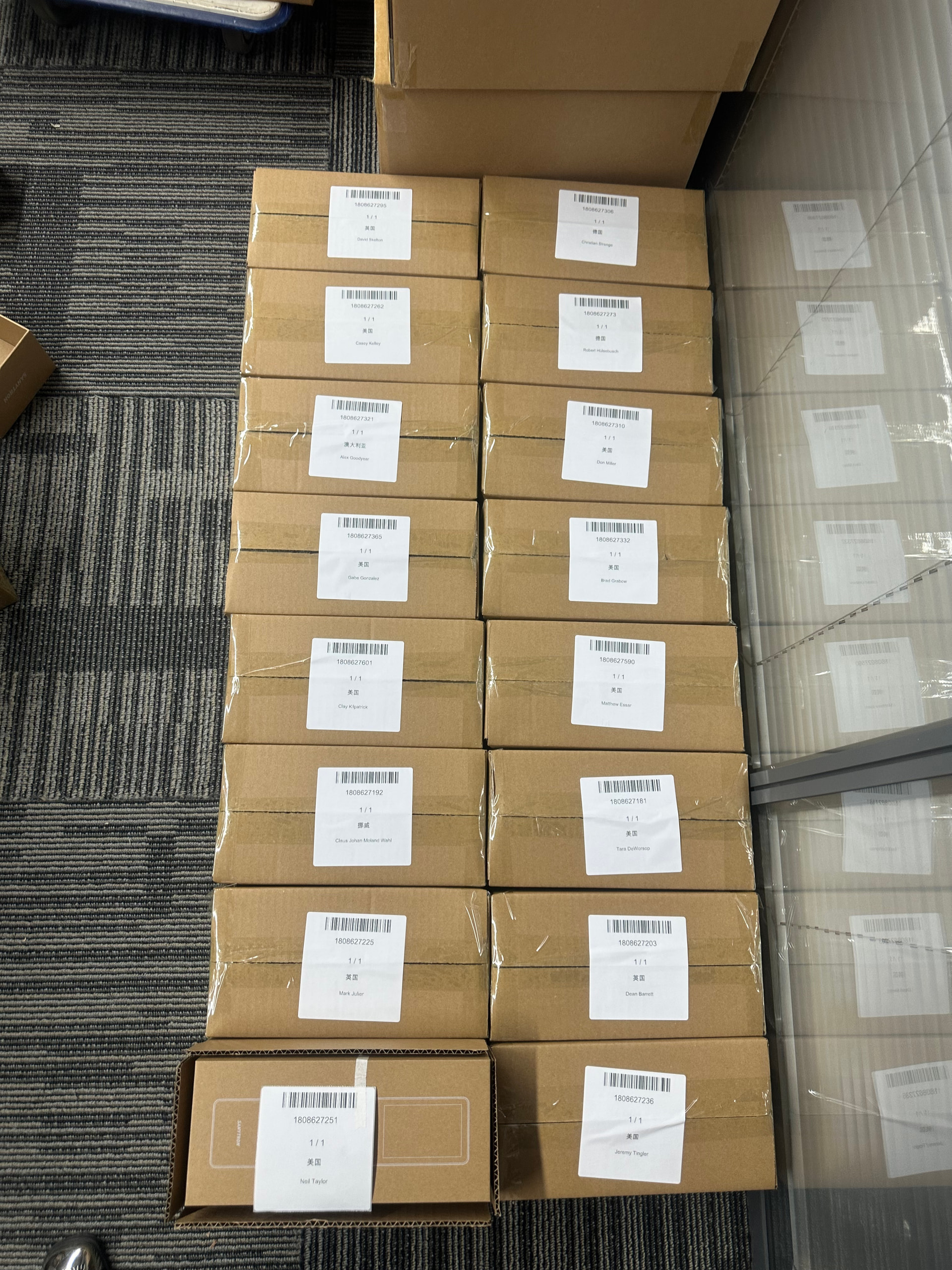
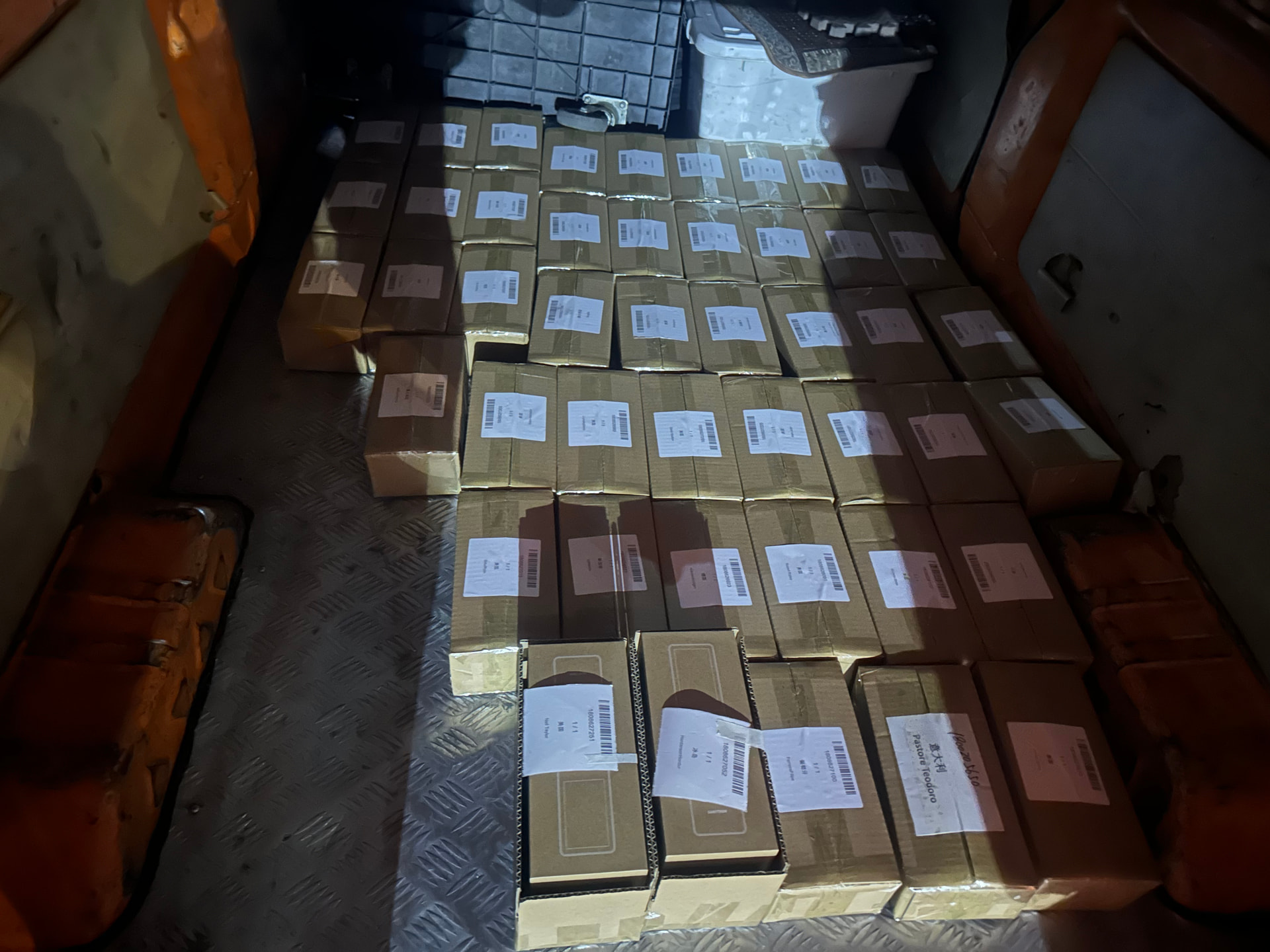
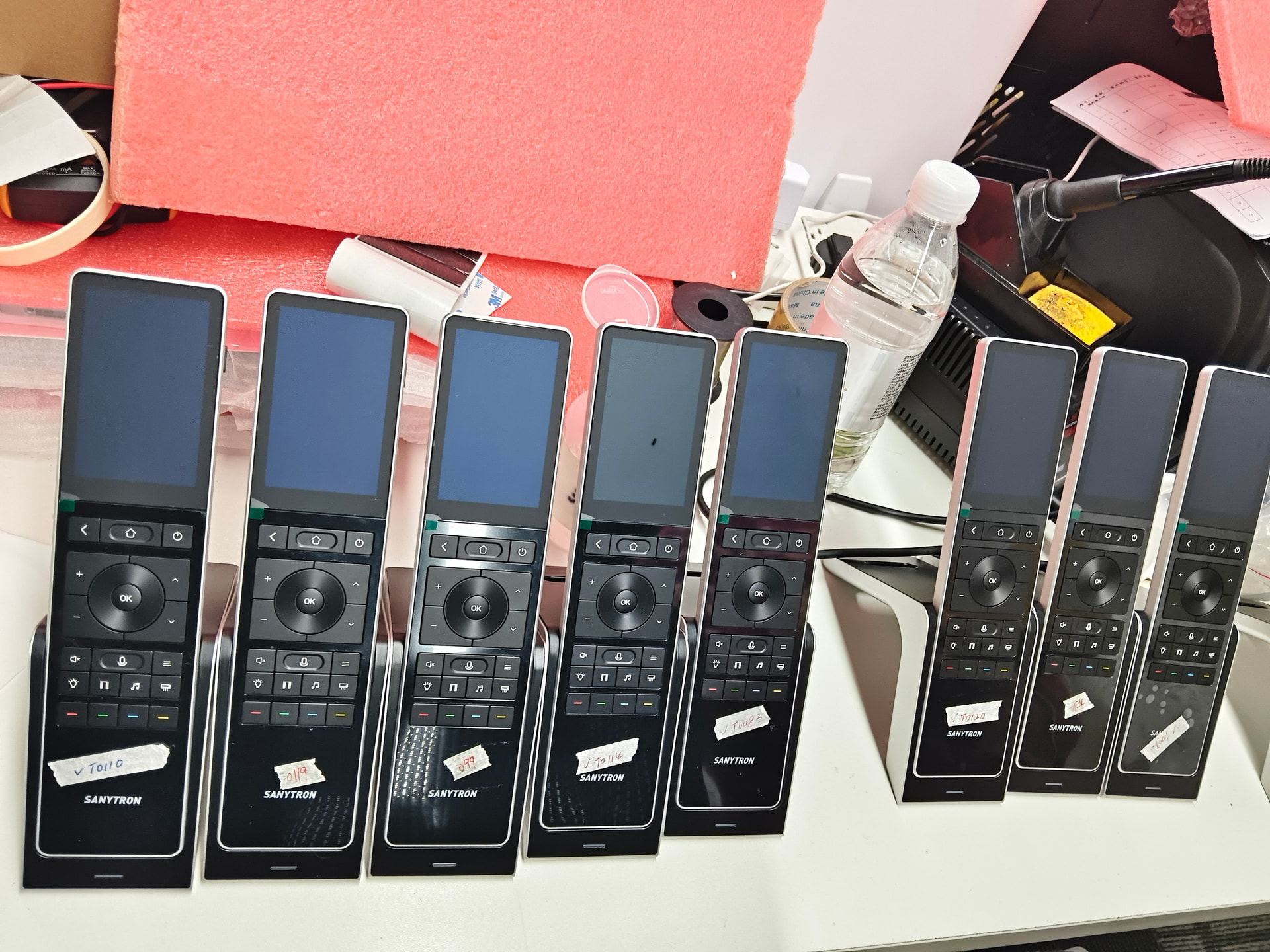
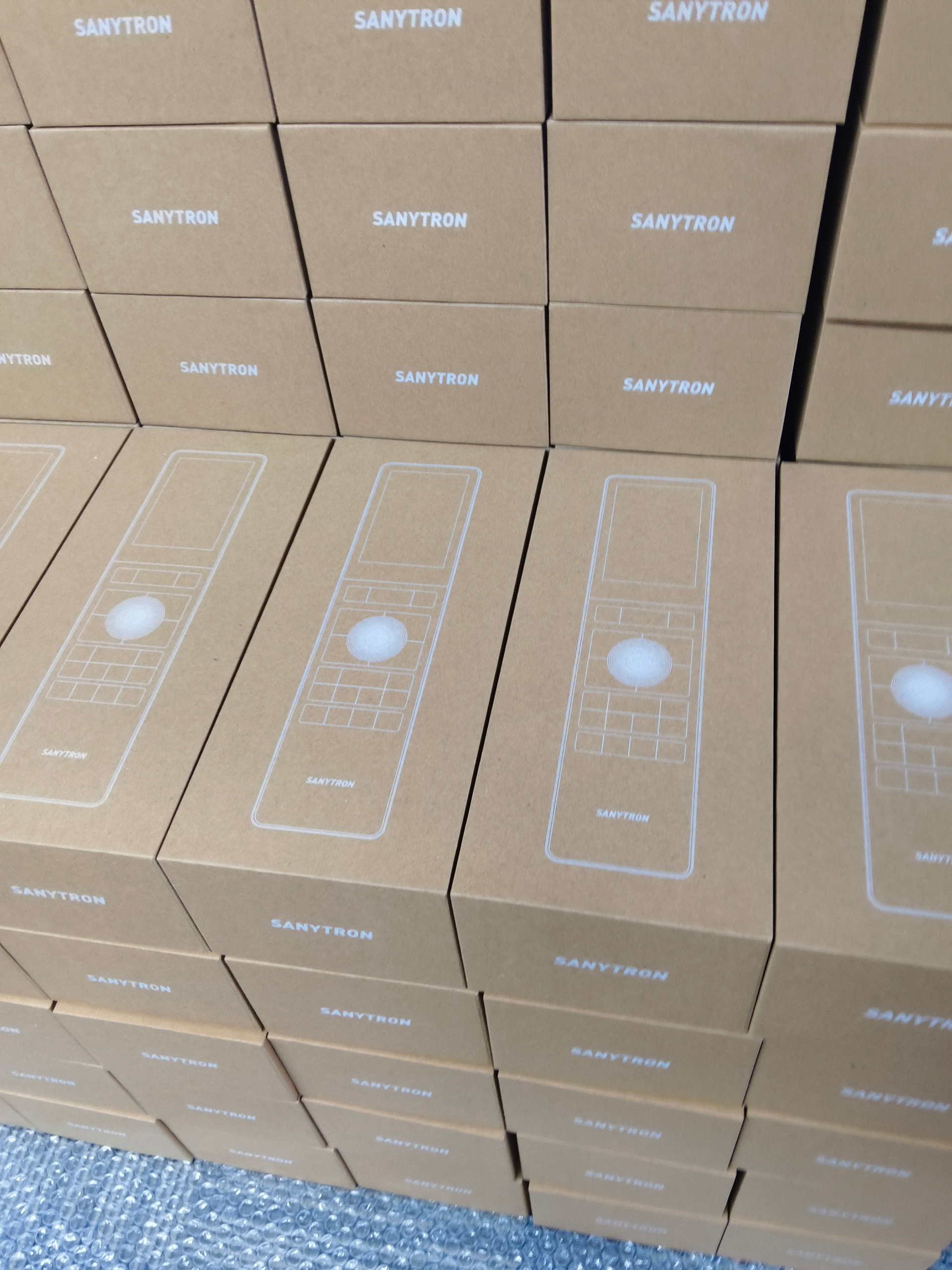
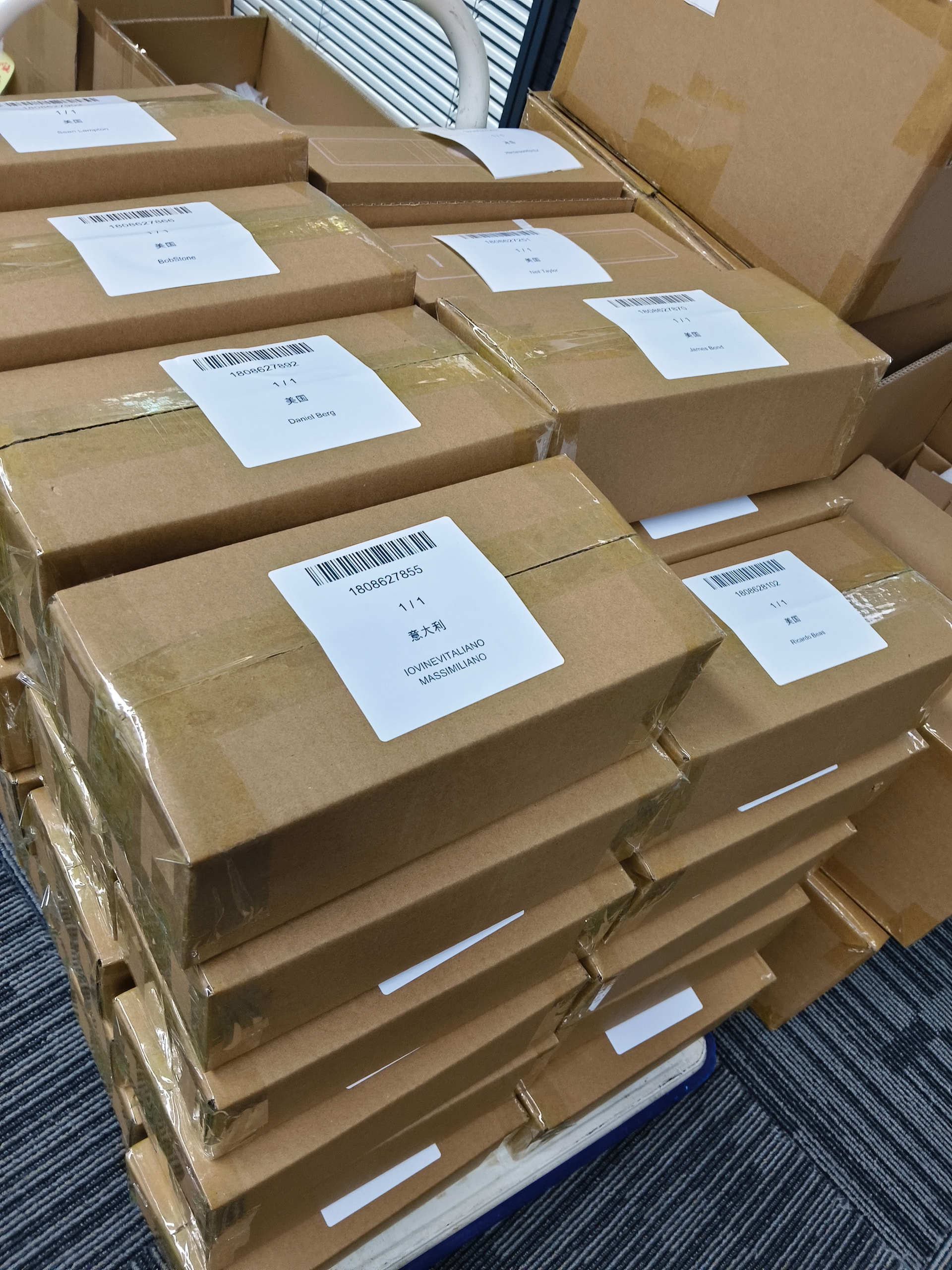
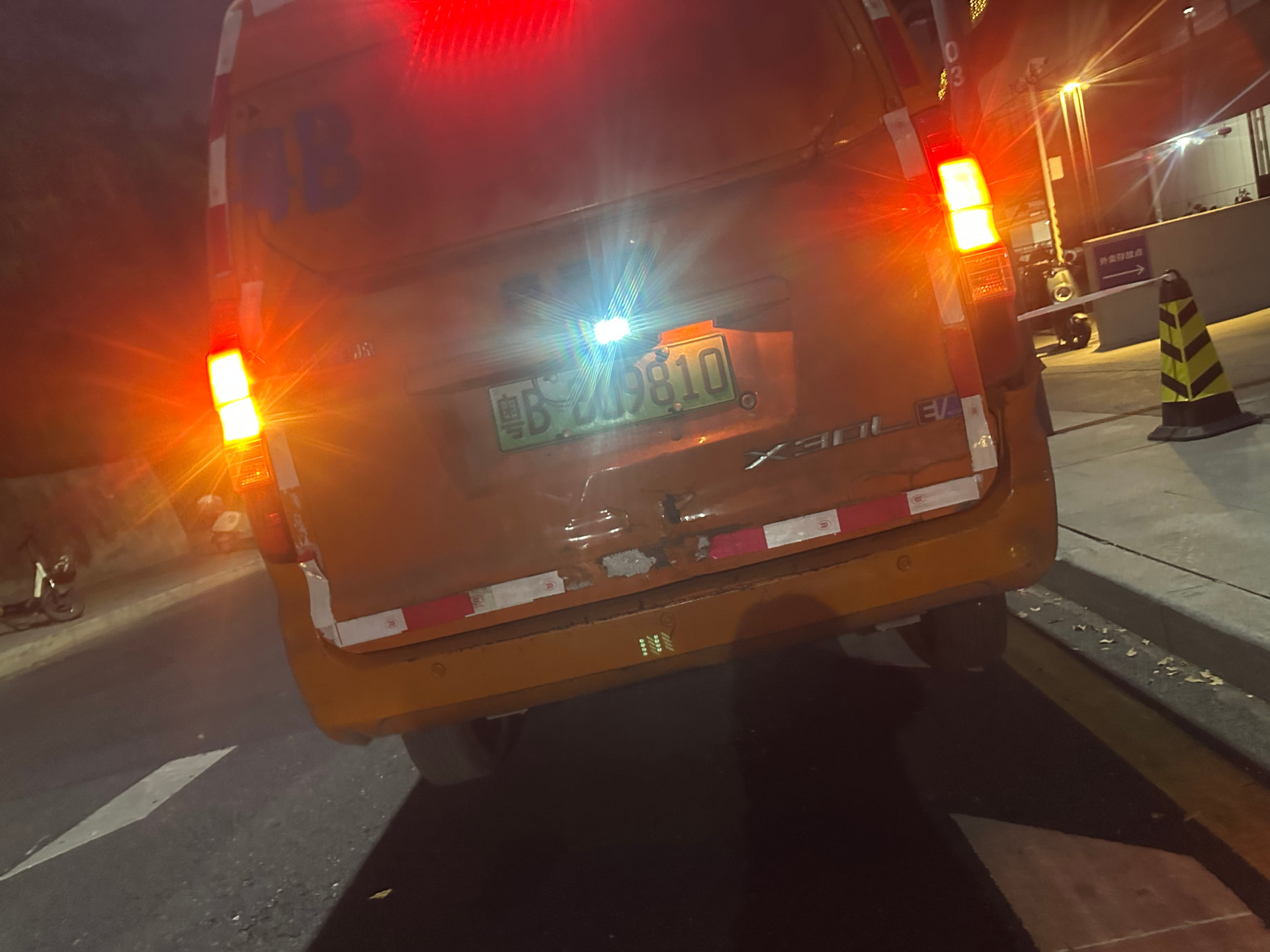
We are pleased to formally announce that all orders for the second production batch of the Astrion Remote (orders placed between November 15, 2025, and January 22, 2026) have been processed and shipped from our facility.
A Note of Gratitude
We extend our deepest thanks for your continued support and patience. We understand the anticipation involved in waiting for a new tool, and we are excited that your Astrion Remote is now on its final journey to you.
Detailed Shipping Information
1. Tracking Information
Due to the scale of this batch shipment, individual tracking numbers were not emailed separately. Shipping notifications may have been sent automatically from our logistics system or the carrier. Action Required: Please check the email address used for your order, including your Spam or Junk folder.
2. Shipping Methods & Customs
Region Type
Primary Method
Customs/Duties Note
Most Regions
DDP Air Freight
Duties and taxes are prepaid by Sanytron, This also means that you will only be able to see the tracking information after the shipment arrives at the destination and is handed over to your local freight forwarder, such as Australia Post.. You should not face additional charges upon delivery.
Some Specific Countries
FedEx / DHL Express
Due to local policies, DDP may not be available. Recipients may be responsible for paying applicable import fees or taxes as required by their local customs authority.
3. If You Haven’t Received Your Order
First: Double-check your email for any notifications.
Minor Delays: A small number of orders placed through our website may be delayed due to incomplete customer information (e.g., missing phone number). We are actively trying to contact these customers.
No Updates? If you have no information and your order is well past the estimated delivery window, please contact us directly via WhatsApp or Facebook Messenger (links below).
Chinese New Year Holiday & Future Orders Schedule
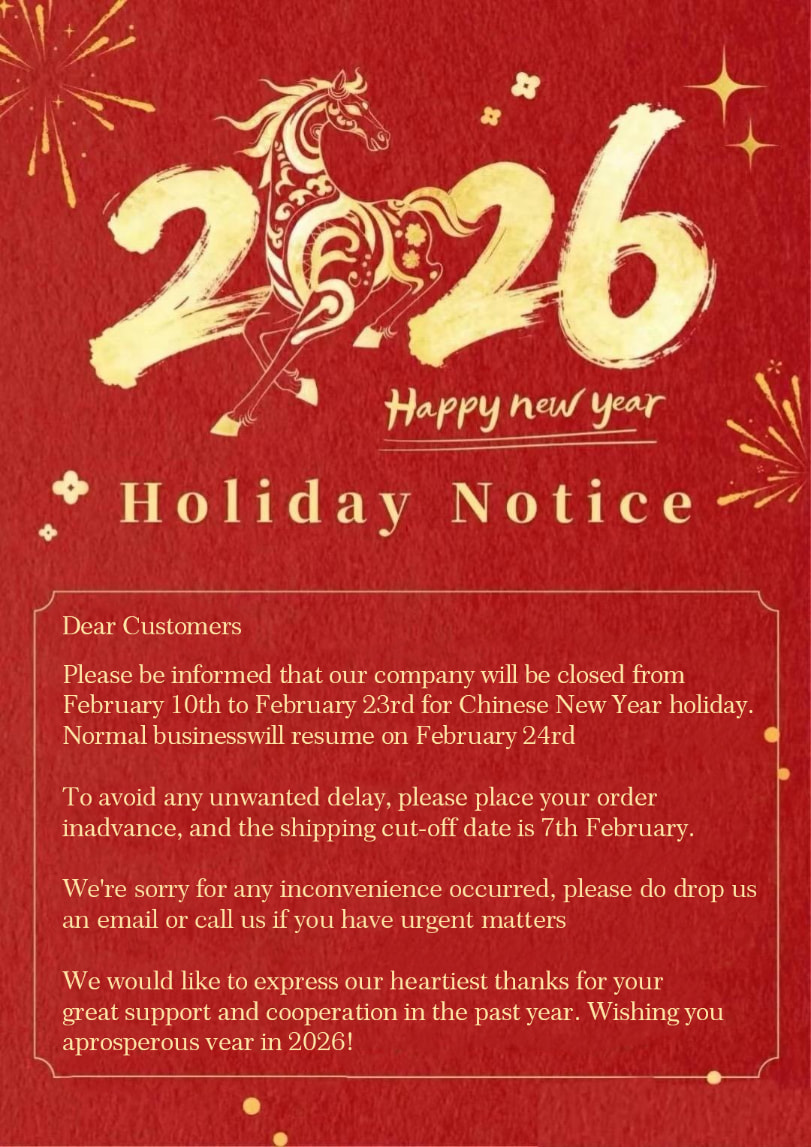
The Chinese New Year holiday is imminent, affecting logistics and operations across China.
Shipping Pause:All logistics and shipping services will be suspended during the holiday period.
New Orders:Any new orders placed from the date of this announcement will be processed and shipped in March 2025, after the holiday concludes.
General Notice: During the Chinese New Year (late January through February), most factories, companies, and government agencies in China will be closed.
We kindly ask all customers to be aware of this schedule before placing new orders.
Resources & Support Channels
Now that your device is arriving, here are your key resources:
Hello , I have received mine, but it won’t start. It shows no battery than 100% battery, but using the on-off button on the side of the remote does not turn it on. Facebook : https://m.facebook.com/ChanBondugula/
Hi Chanakya, welcome to the forum, and thank you for reporting this.
Sorry for the trouble. Let’s check a few basics first:
Please connect the remote to the charger and leave it charging for at least 20–30 minutes, even if the battery indicator seems inconsistent.
After a short charge, press and hold the side power button for 3–5 seconds, then release it and wait a few seconds to see if the device powers on automatically.
Please also confirm that the correct regional plug is attached to the power adapter, as the adapter includes multiple interchangeable connectors.
If the remote still does not power on, could you please let us know:
Whether any indicator or screen activity appears while charging
How long the device has been charged
If possible, a short video showing the charging and power-on attempt
Once we have this information, we can advise the next step right away. We’ll make sure this is resolved properly for you.
Yes it was left charging for over an hr. When first docked to the dock the initial battery showed red like when and iPhone runs out of battery then within 2 sec it showed 90% then shut off. Tried holding the power button nothing changed. So left it to charge for an hr. Still won’t turn on , then I put it back on the dock now it still shows the low battery indicator then within 4 sec shows the full battery but no percentage then shuts off. Tried using the button on the dock off the dock it won’t turn on. The dock indicator light is green. How do I send the video ? Email ?
Thank you for the detailed explanation — this behavior is very helpful for diagnosis.
Based on what you described, this does not appear to be a battery issue. If the battery were damaged, the screen would not light up at all. Since the display briefly turns on and shows battery indicators, the battery itself is responding.
Our assessment is that this is most likely caused by poor contact between the charging dock and the remote, possibly due to the charging base pins being damaged or slightly misaligned during transportation.
To help confirm this, could you please try the following:
Check the charging pins on the dock and the contact area on the remote for any visible damage or misalignment.
On the bottom of the remote’s charging area, remove the small protective cover screws.
Use a standard USB-C (Type-C) phone charging cable to charge the remote directly, bypassing the charging dock.
Let it charge for about 15–20 minutes, then press and hold the side power button for 3–5 seconds.
This test will help us determine whether the issue is isolated to the charging base.
Regarding the video: yes, please send it by email to bz@sanytron.com — a short clip is perfect.
We’re very sorry for the inconvenience caused. We will learn from this case and improve both transportation protection and structural design in future batches. Thank you again for your patience and cooperation.
Nothing changed same response from the device. Sent a video to your email. The dock is functioning correctly since the contacts seems to be touching the receiving area of the remote can see marks from the pins.
thank you for the update and for sending the video — we’ve received it.
From what we can see, the dock itself appears to be working correctly, and we also agree that the charging pins are making physical contact with the remote.
However, we noticed in the video that the remote was unplugged and powered on immediately after charging.
Please note that when the battery is fully depleted, the remote requires a slightly longer continuous charging time before it can successfully power on. Even if the battery indicator appears briefly, there may not yet be enough actual power to complete the startup process.
We kindly suggest the following:
Please charge the remote continuously for at least 1.5–2 hours
After charging, wait about 1–2 minutes after unplugging before pressing the power button
If possible, also try charging directly using a Type-C phone charging cable (bypassing the dock) to rule out any dock-related contact issues
Thank you very much for your patience and detailed feedback. We truly appreciate it and are continuing to review this case carefully to ensure we provide you with a proper solution.
It was already plugged in for more than an hour. The remote is no longer taking any more charge. Tried every thing you have suggested. The issue is with the device itself.
Based on all the tests you’ve completed — including extended charging time and direct Type-C charging — we agree that this is an issue with the device itself rather than the charging dock.
We have now approved a replacement (RMA created) for your Astrion Remote. As our team is currently on Lunar New Year holiday, RMA processing and replacement shipment will begin once normal operations resume on March 1st. Your case will be prioritized at that time.
We sincerely apologize for the inconvenience. This is the first replacement case for Astrion Remote, and we truly appreciate your detailed feedback, which helps us improve both product reliability and logistics going forward.
We’ll continue to update you by email with the next steps. Thank you again for your understanding and support.
Dont know what the actual issue was .. but once the remote was in recovery – Power + Back button –> the power button was not able to select anything per the factory reset manual. I download ADB tools from google then in Terminal with admin Privileges. I was able to sent a command to reboot the device via ./adb reboot and the device rebooted into the remote os. now everything seems to be working fine. I have updated the device via software update and was able to reboot / shutdown device via the Power button on the side. Still I would suggest reviewing the logs to find the actual problem that caused the device to get stuck in a non boot state.
Thank you very much for the detailed update and for taking the time to investigate this so thoroughly — we really appreciate it.
To clarify one point for future reference: in bootloader / recovery mode, the side power button is used as the confirmation key. This is described in the factory reset instructions we shared previously by email. From your description, it does appear that the side power button was not responding correctly at that moment, which explains why selection was not possible in recovery.
The good news is that the fact the smart screen and OS are now loading normally confirms that the remote hardware itself is functioning properly. Using ADB to reboot the device was a very good workaround, and we’re glad to hear that the system update completed successfully and that the power button behavior has returned to normal.
Your suggestion about reviewing logs is absolutely valid. We will pass this case to our engineering team so they can analyze potential causes for the device entering a non-boot state and improve robustness in future firmware releases.
Thank you again for your patience, technical insight, and constructive feedback — it genuinely helps us improve the Astrion Remote. If you notice anything unusual again, please don’t hesitate to let us know.
Thank you very much for your detailed feedback — it’s genuinely helpful for us.
After further internal discussion, we believe the issue is indeed related to the side power button itself, rather than the system or battery. For aesthetic reasons, the button was designed to be relatively hidden and minimal, similar to certain automotive interior designs. While this gives the device a clean and elegant appearance, we’ve come to realize that it can negatively impact usability for some users.
Because the contact area is quite small, the button press may not always be clearly felt, especially depending on hand size or finger position. In fact, we’ve already had at least one case where a user initially had difficulty locating the power button at all. This explains why the button may feel inconsistent, even though it is technically functioning.
Based on this feedback, we’ve decided to improve the power button’s user experience in future hardware designs, ensuring better tactile feedback and easier operation across different hand sizes.
Regarding the battery indicator behavior, the icons and transitions you described are currently working as designed and reflect normal system responses. That said, we appreciate your suggestion and will continue to evaluate how we can make the charging status clearer and more intuitive in future updates.
Thank you again for taking the time to share your experience. Feedback like this directly influences how we improve Astrion going forward, and we truly appreciate your support.
Just wondering if anyone in the USA received theirs yet, and if so which carrier it was and if there was any notification from the carrier? I last received the email from Sones on Jan 22nd asking for my phone number. Thanks!
I am in the St. Louis area. Mine delivered Feb 16th from FedEx.
If I recall correctly, clicking the link on your order response allows you to track it. Crossing the water is pretty ambiguous on there. But, FedEx shows it delivering from Fulfillment Center NJ.
More info: Ordered 12/30/2025. Request for phone number and response 1/22/2026.
I ordered on December 13th and got the phone number request on Jan 22nd too. The link shows a label was created on Feb 4th but that the carrier (shows UPS for me, I’m in Seattle so maybe different per coast) hasn’t received it yet. Must have just missed out on Lunar shutdown.
Hi David! Welcome to the forum, my forwarder has checked the shipping status and your parcel has been carried by UPS and now in procedure of custom clearance, I will send you the tracking No. privatedly that you can track the shipping detail in here:
The collection of detail contact info such as Email and contact phone no. This helps us:
Ensure smooth logistics and delivery
Keep customers informed of order and shipping status
Provide better after-sales support through our CRM system
 Shipping Completion Announcement: Second Batch
 A Note of Gratitude
 Detailed Shipping Information
 Chinese New Year Holiday & Future Orders Schedule
 Resources & Support Channels