I recently setup a Astrion remote and am having problems getting my Air Conditioner to show up on the remote. I have added the ROS Climate Card to existing views as well as created a new view. I have done the Refresh on the remote several times but it never shows up. I did notice that if I have the ROS Climate Card on any view then the refresh takes noticeably longer than if I do not have the ROS Climate Card on any view. I can control the AC properly for the HA dashboard.
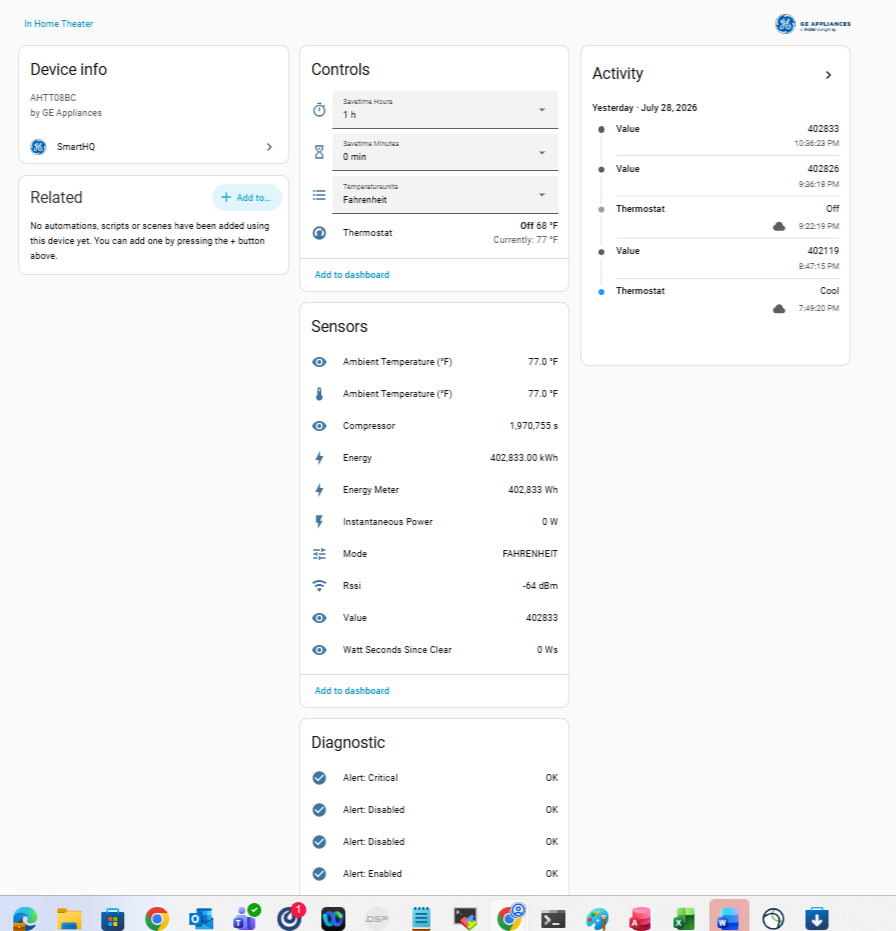

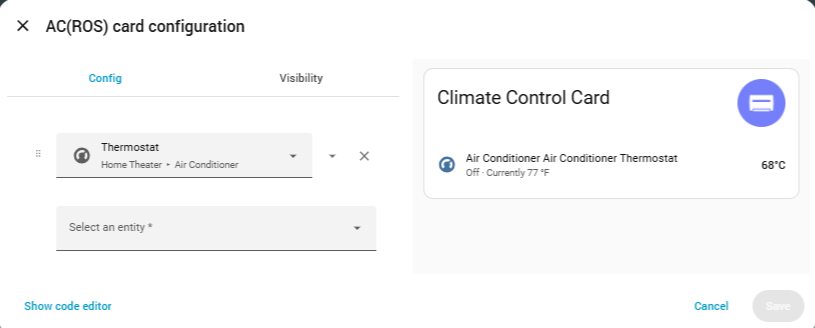
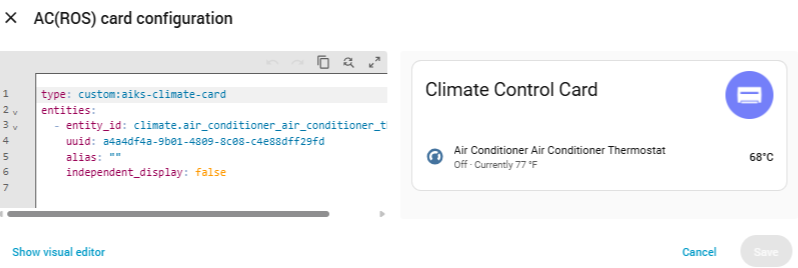
Make sure the view is not called climate it will interfere with the default HA dashboard that is called climate.
Its called Theater AC!
1 Like
Hi Rafael_Smith,
To help our team pin down the issue, could you please do the following for us?
-
Head over to Developer Options and provide the attributes of your air conditioner.
-
Enable logging on your AC, then perform a pull-down refresh. (Logging can be turned on via: pull-down menu
 Settings About.) Also, please share your Device ID with us.
Really appreciate your cooperation on this!
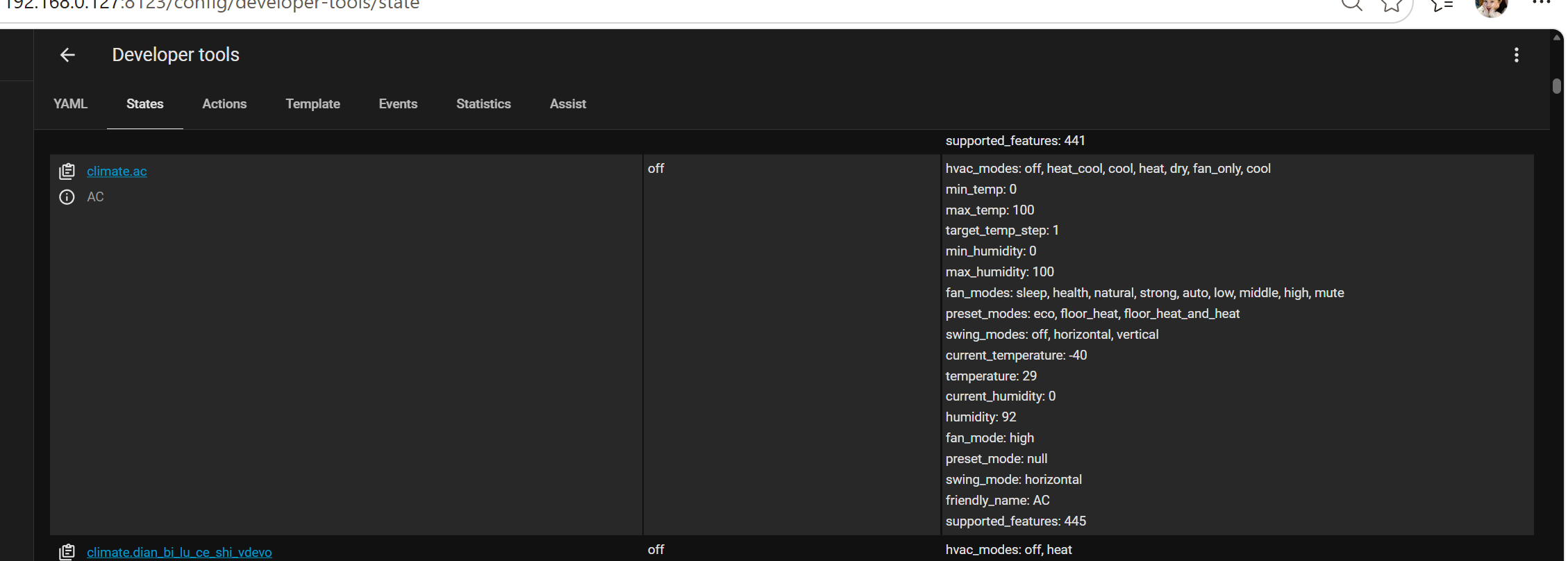
I am remote currently so will do the logging later but here is the info from HA Developer Tools for the AC unit:

type: custom:aiks-climate-card
entities:
- entity_id: climate.air_conditioner_air_conditioner_thermostat
uuid: 40c964eb-c769-4bfc-a513-09242e6d2c14
alias: “”
independent_display: false
We sincerely apologize for any inconvenience this may have caused.
The air conditioning issue you reported has been confirmed as a technical defect on our end. It has been submitted to our R&D department for resolution and is expected to be fixed in the next version update. Please stay tuned for upcoming release notifications.
Thank you for your continued support.