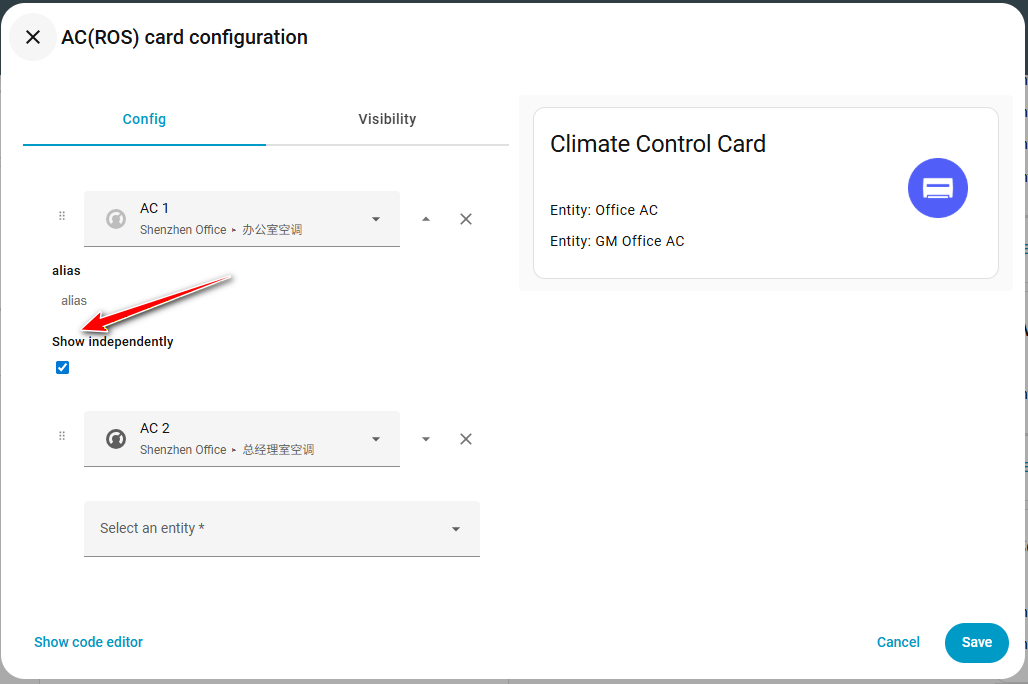
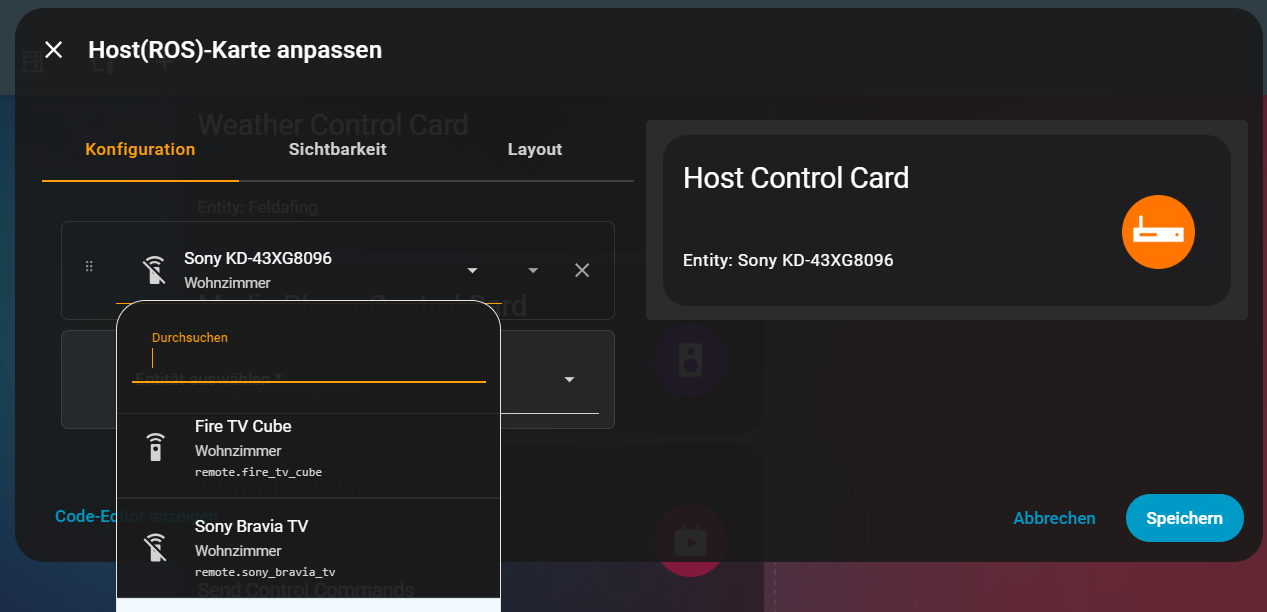
Hi starob,
Great questions — welcome! I’ll go through each one step by step so you have a clear overview of how things work today and what options you have.
1. How do I link an Astrion button to a Home Assistant script?
You can bind a physical button through the Shortcut / Button Binding settings:
Typical flow
Remote button → Shortcut binding → HA entity/service → Script executes
To do this:
-
Create your script in Home Assistant
-
Expose it as an entity/service
-
Assign it to a shortcut/button action in the remote configuration
Once linked, pressing that button triggers the script instantly.
2. Horizontal stacks / multiple cards per row
Currently, RosCard layouts are primarily vertical-stack oriented for readability and touch usability on the remote screen.
At the moment:
That said, more flexible layout systems (including multi-column/grid-style arrangements) are under evaluation for future versions because many advanced users have requested this.
3. What is a ROS Host Control Card?
A Host Control Card is designed to control a parent or host device/service rather than a simple entity.
Typical use cases:
Think of it as a controller for logic layers, not just a single device.
4. What is a ROS Monitor Card?
A Monitor Card is mainly for displaying status information rather than controlling devices.
Examples:
-
Sensor values
-
System stats
-
Status indicators
-
Read-only data feeds
It’s useful for dashboards where you want quick system visibility without interaction.
5. Media Player volume step too large
You’re correct — the volume step size comes from the underlying media entity’s configured step value.
Possible solutions:
-
Adjust the volume step in the Home Assistant integration (if supported)
-
Wrap volume commands inside a script and bind buttons to that script with custom step logic
-
Use repeated small-step service calls instead of default volume_up/down
Native adjustment for volume increment size directly on the remote side is a reasonable request and something we’re considering adding as a configurable parameter.
Extra tip
RosCard currently supports nine control categories (lighting, climate, curtains, media, scenes, statistics, etc.), so depending on your use case you may find a built-in card that already fits your workflow. Our knowledge section posts, manuals, and tutorial videos include configuration examples that can be very helpful when setting up advanced layouts or logic chains.