Mastering the Basics: Customization & Updates
Key Mapping & Shortcut Configuration
- Navigate:
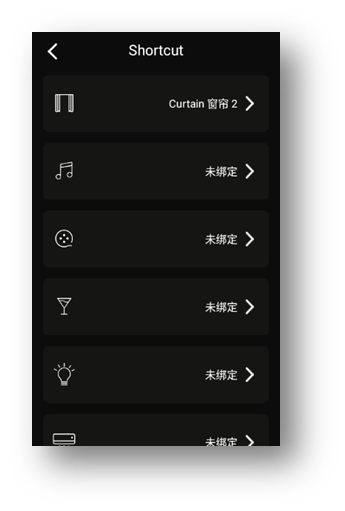
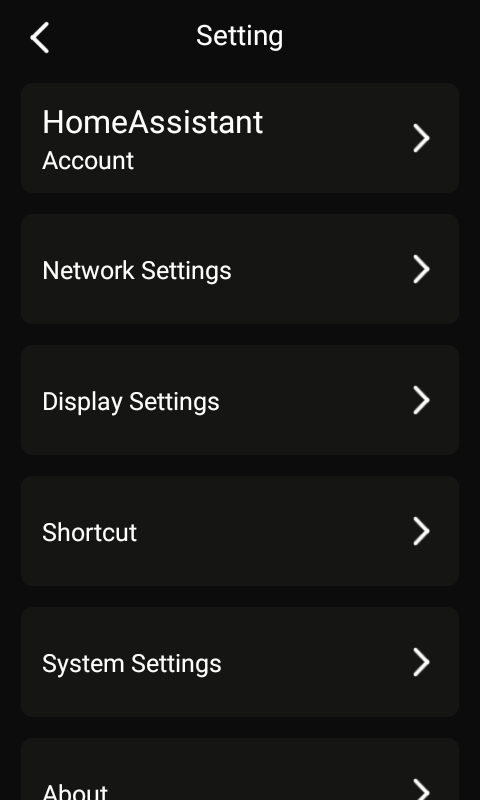
Settings → Shortcut → [Select Key] → [Choose Action] → [Bind Entity/Service/Scene] - Short press / long press can trigger different actions.
Examples:
-
“Light Dash”, “Curtain Dash”
-
Figure 10: Shortcut mapping interface
-
Figure 11: Example action bindings
OTA Firmware Upgrades
- Check updates:
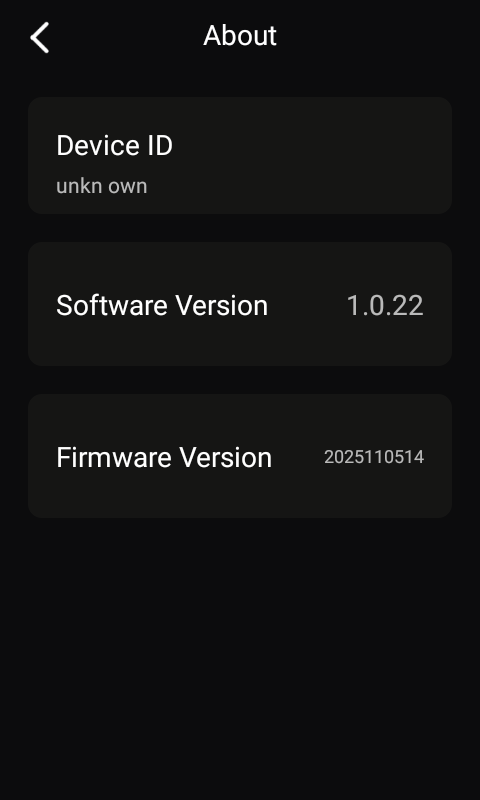
Settings → About → Software Version - Updates appear as a red dot next to version number
- Ensure Wi-Fi and sufficient charge for installation
Figure 12: OTA update notification and installation screen
Tip: Keep your remote updated for best performance and features.