Home Assistant Integration Deep Dive
4.1 Prerequisite: Install HACS
-
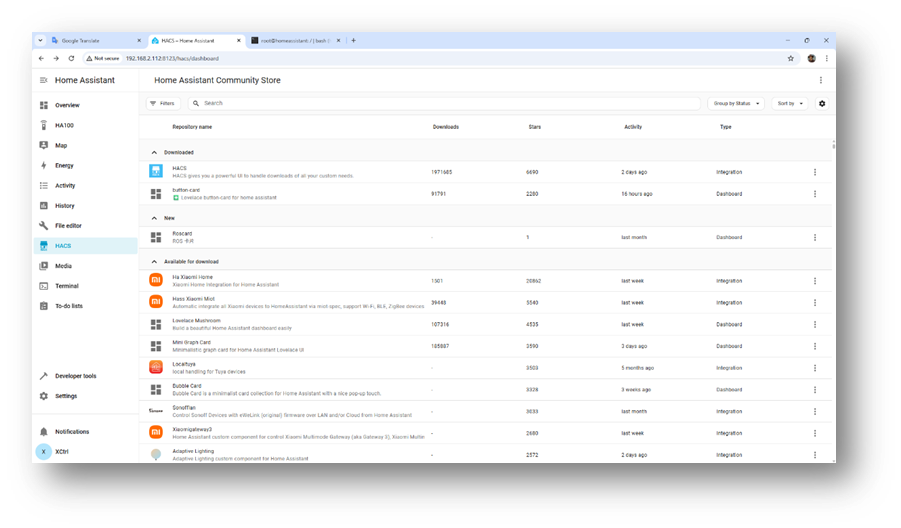
HACS (Home Assistant Community Store) must be installed.
-
Figure 13: HACS installation overview
4.2 Installing RosCard via HACS
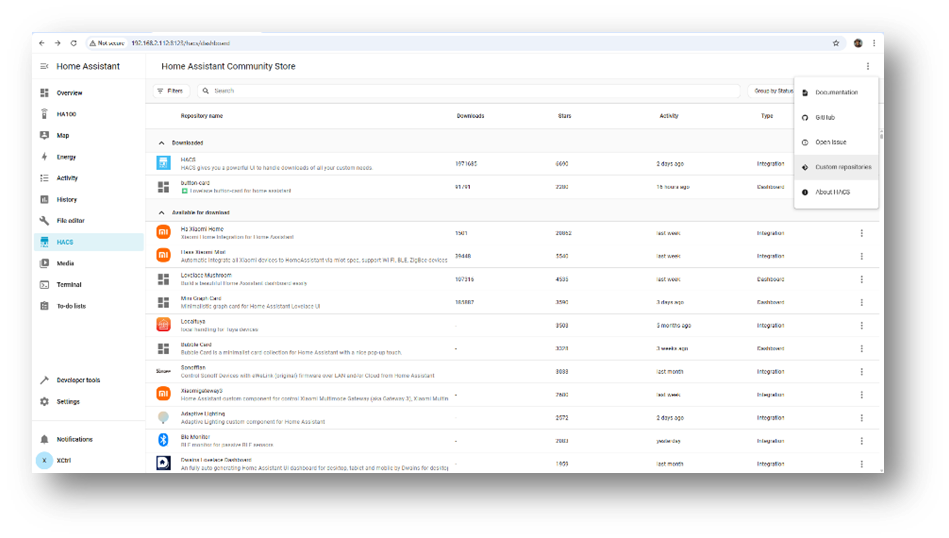
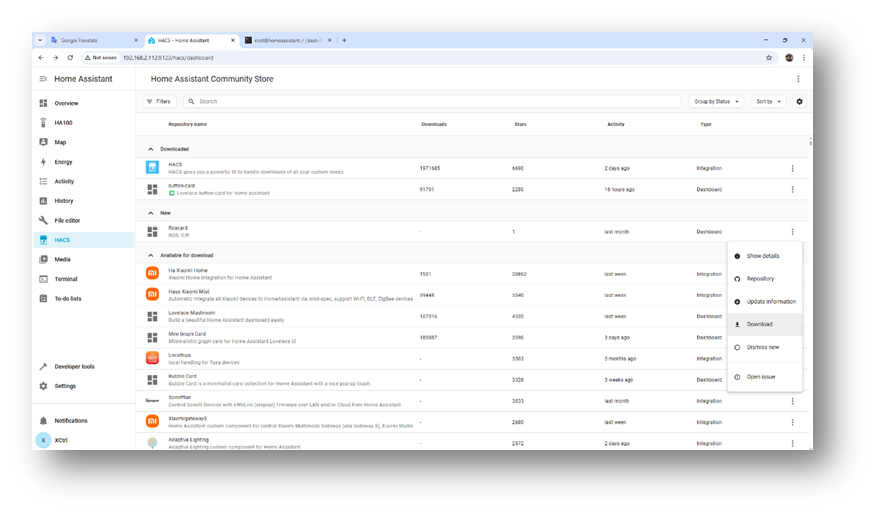
- HACS → menu (⋮) → Custom Repositories
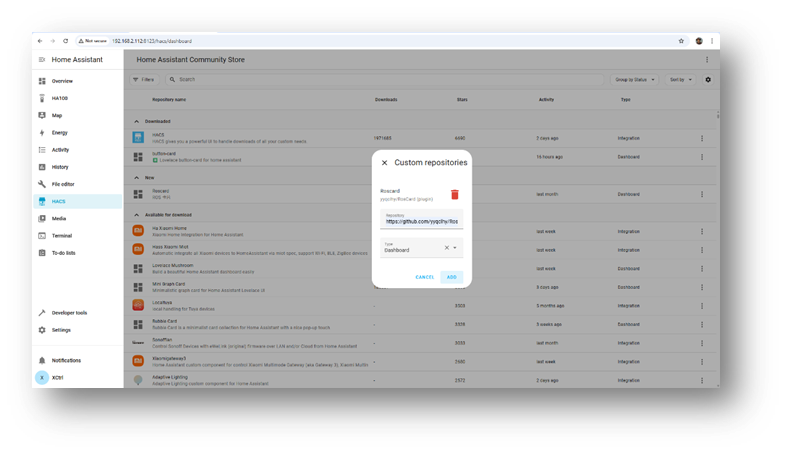
- Add repository:
https://github.com/yyqclhy/RosCard(Category: Dashboard) - Refresh HACS (press F5), search & download RosCard
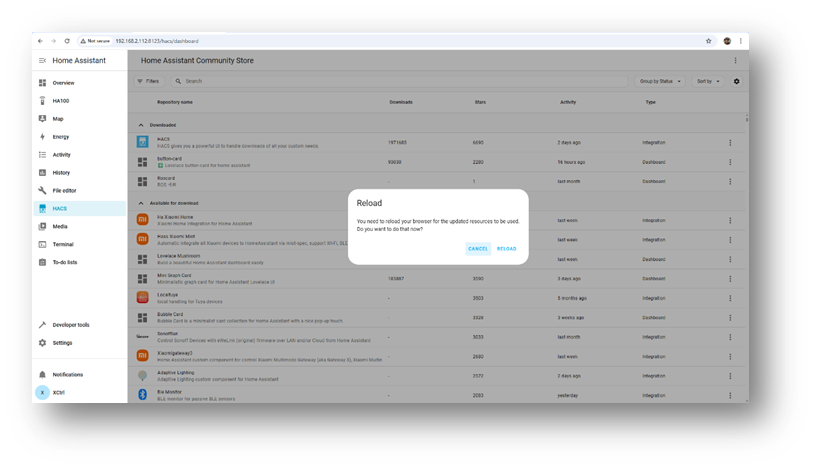
- Restart if prompted
Figures 14–19: Repository addition, search, download, and installation screenshots


4.3 Creating RosCard Control Views
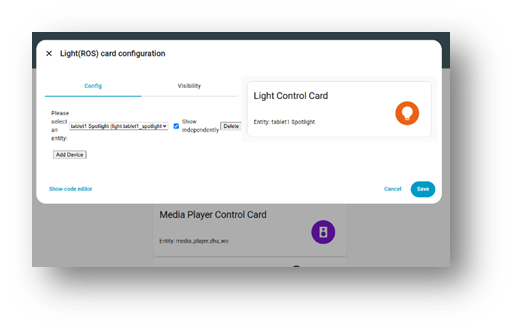
- Dashboard → Edit → Add Card → Custom: RosCard → Bind entities
Examples: - Light Card: Add light entities, enable Display Independently
- Media Card: Android TV → remote entity, Apple TV → media_player + remote
Figures 20–22: Example RosCard card creation and entity binding



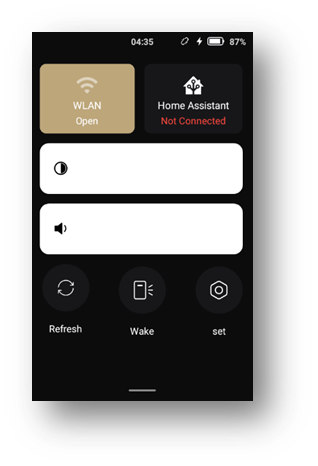
4.4 Connecting to Home Assistant
- Long-Lived Access Token: Profile → Tokens → Create → Copy
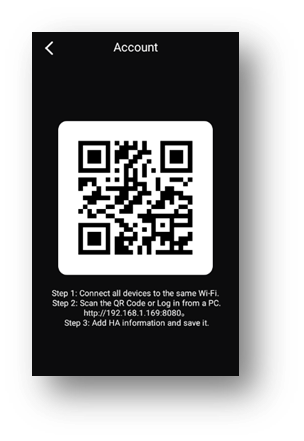
- QR Login (Recommended): Generate QR with HA URL + token → Remote: Settings → HA Login → Scan QR
- Manual URL login if auto-discovery fails
Figures 23–25: QR login, token input, server discovery


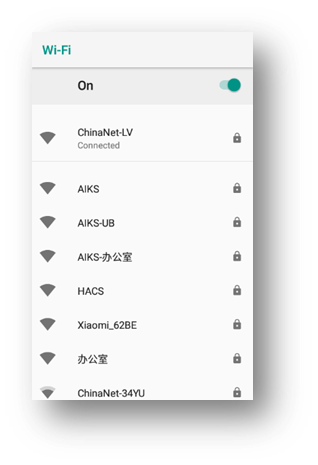

Tip: Ensure remote is on the same Wi-Fi subnet as HA server.