CLICK THE LINK BELOW FOR EXAMPLE FLOW FOR YOU TO RE-CONFIGURE TO YOUR OWN USAGE
Requirements
node-red-contrib-harmony-extra
node-red-contrib-home-assistant-websocket
Functions
Harmony Button Mapper
The Button Press Nodes are exposed to Home Assistant as button entities.
The Flow detects what Harmony Activity is Active and then will Re-Map the button Press to the right device.
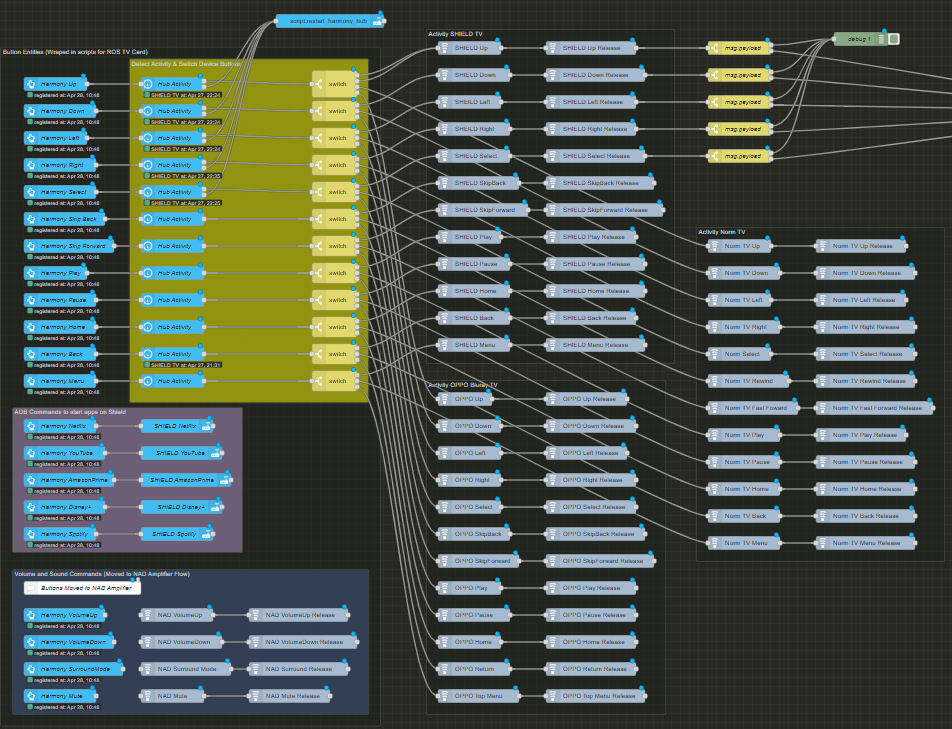
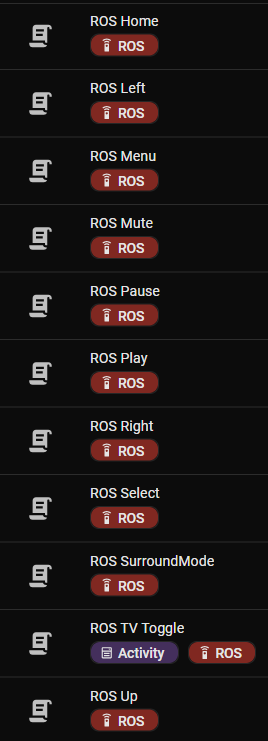
Wrap the buttons exposed to Home Assistant in scripts repeat for each button entity
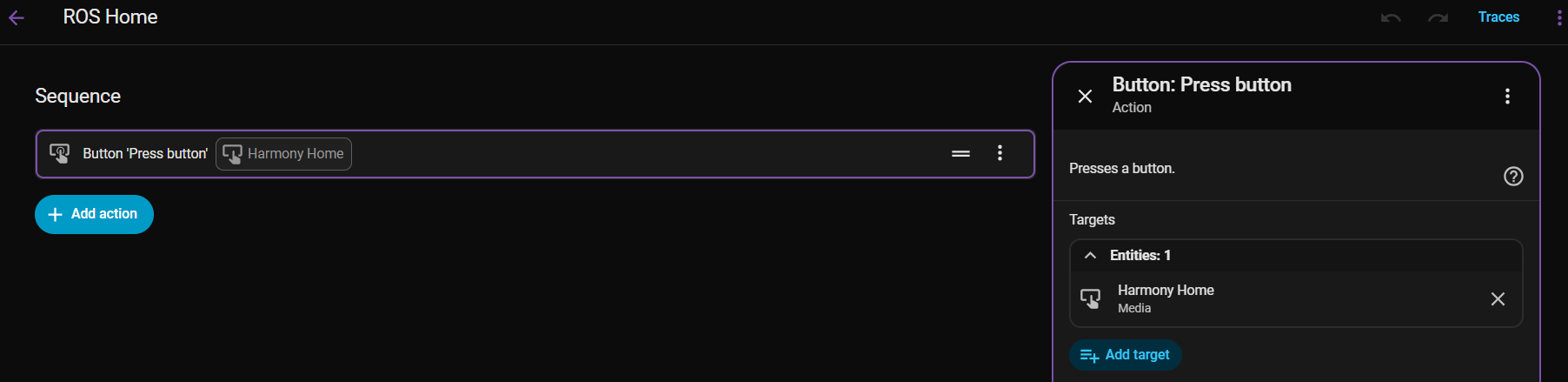
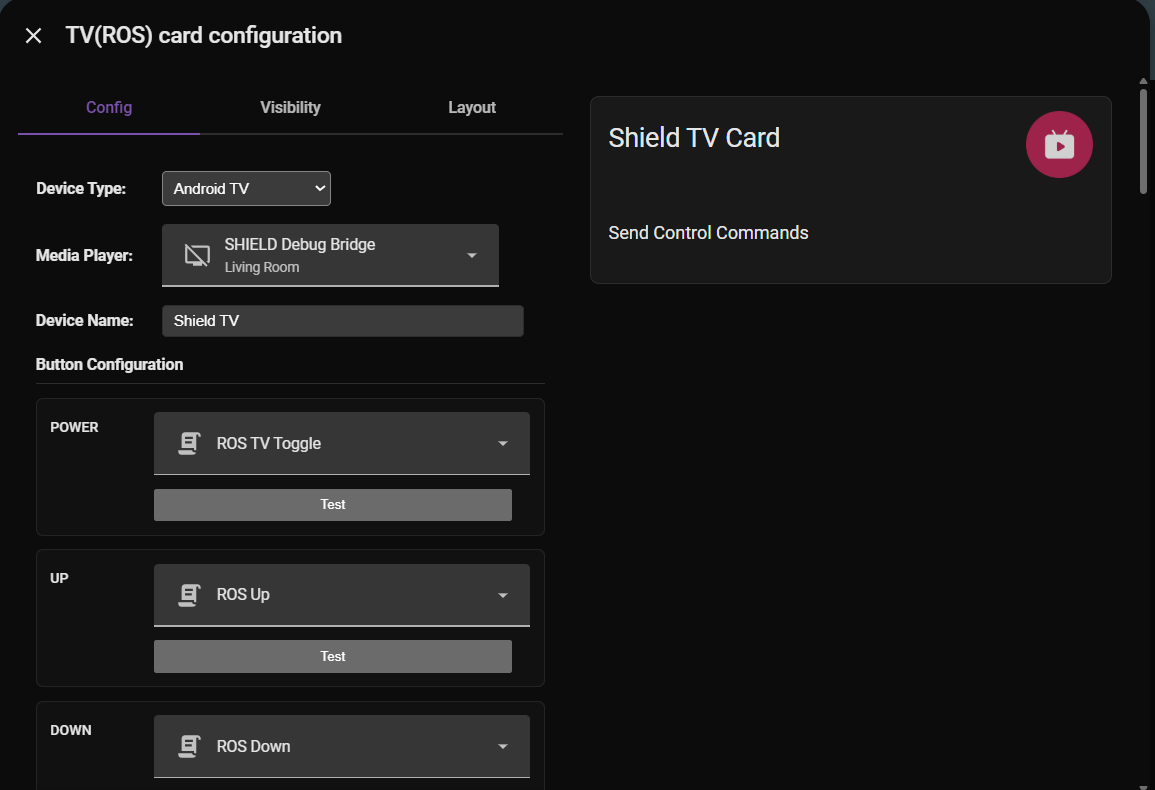
Map each script to the ROS TV Card
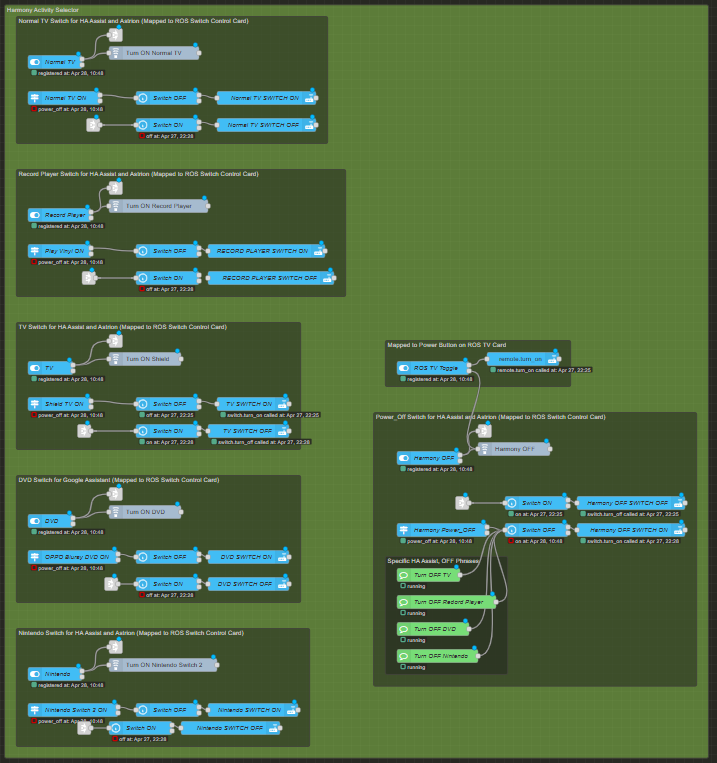
Harmony Activity Mapper
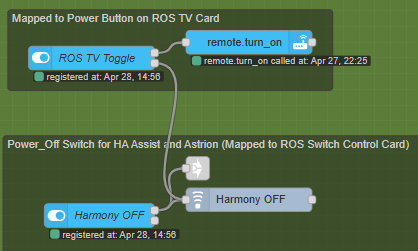
Provides switch entites that can be used with the ROS Switch Control card
Automatically manages the state of the switches and keeps sync with the Harmony Hub if operating from the Harmony remote, not just the Astrion Remote.
Map each switch to the ROS Switch Control Card
These will be available on the remote to switch between activities including off.
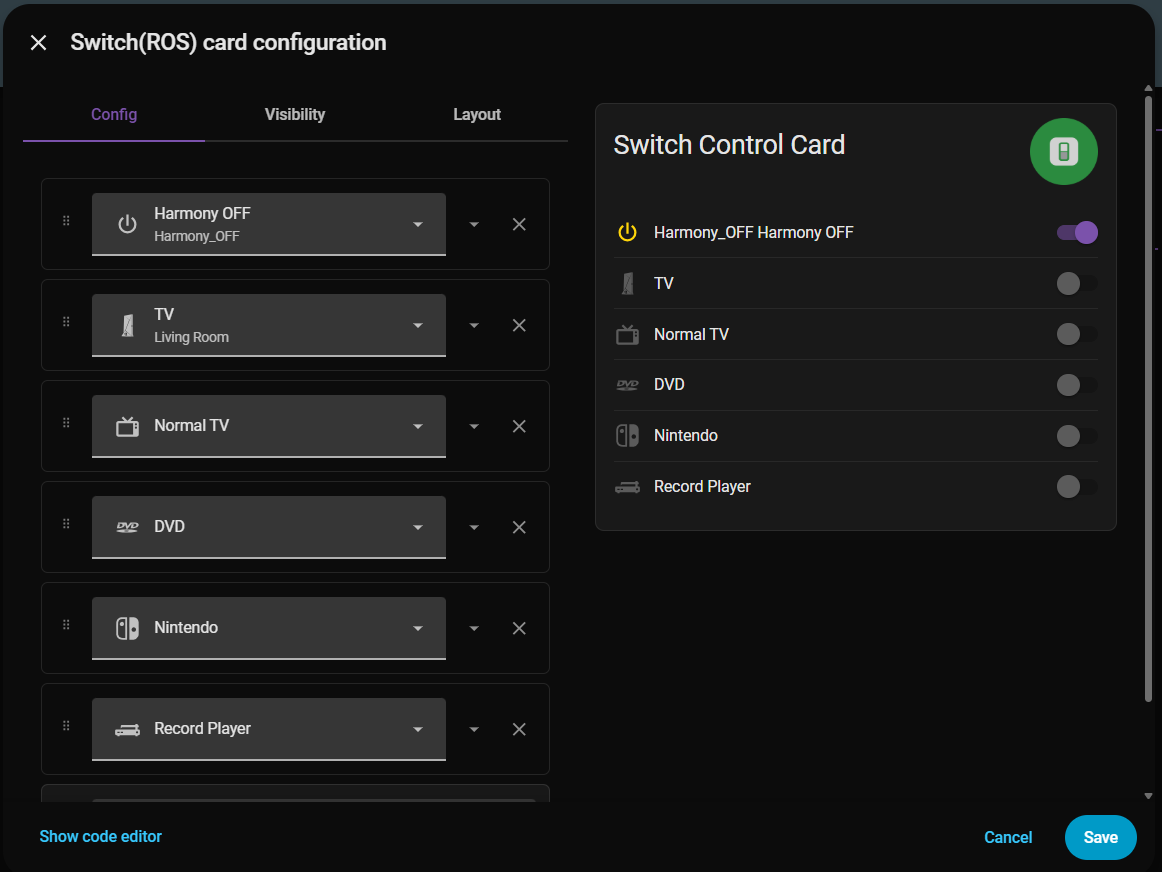
NOTE: ROS TV Toggle is mapped to the power button in the ROS TV Card, it switches remote.harmony_hub on (last activity) and powers off using the power_off activity.
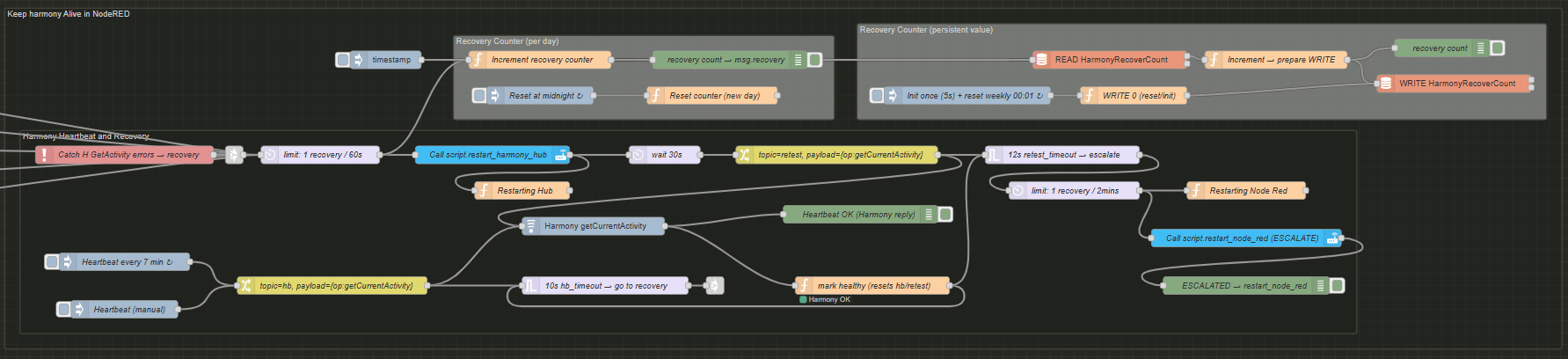
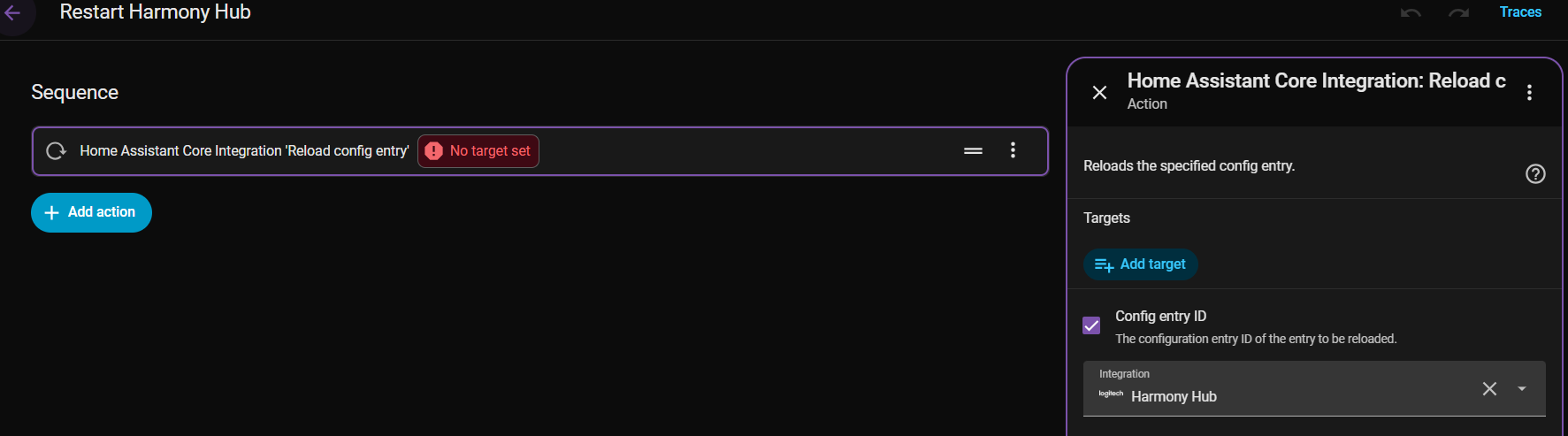
Keep Harmony Alive
Sometimes NodeRED drops connection with the Harmony Hub, resulting in a non-responsive remote. This flow ensures the connection stays alive