From Multi-Ecosystem Panels to Home Assistant: Exploring iPano Plus Integration

Hello everyone,

We’d like to share some background and an ongoing experiment, and gather feedback from our community.

Over the past few years, we’ve developed and sold iPano and iPano Plus panels for multiple smart home ecosystems, including Control4, RTi, ELAN, Nice, Crestron, and Tuya. These versions were designed to fit tightly into closed or semi-closed platforms.

Home Assistant, however, works very differently.

Because of HA’s openness and flexibility, we later developed Astrion Remote as a dedicated Home Assistant device, rather than adapting an existing ecosystem version. The strong response to two Astrion Remote pre-sales encouraged us to explore additional HA-focused hardware.

Why iPano Plus (6-inch) First

Instead of starting with the 3-inch iPano, we chose to begin HA testing on iPano Plus (6-inch) to better evaluate:

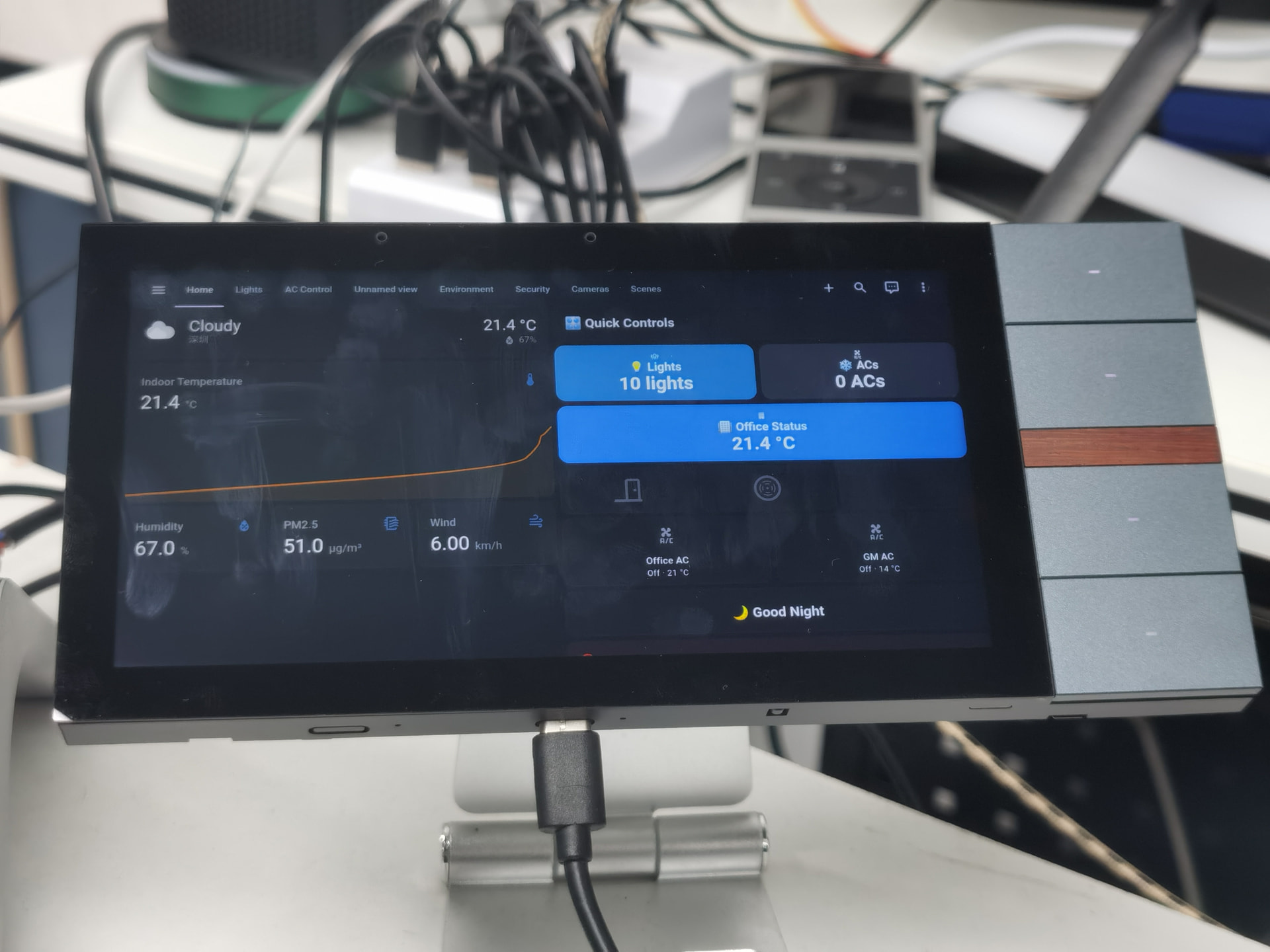
  • Lovelace dashboard usability
  • Touch interaction density
  • The balance between touchscreen and physical buttons

Current Test Configuration

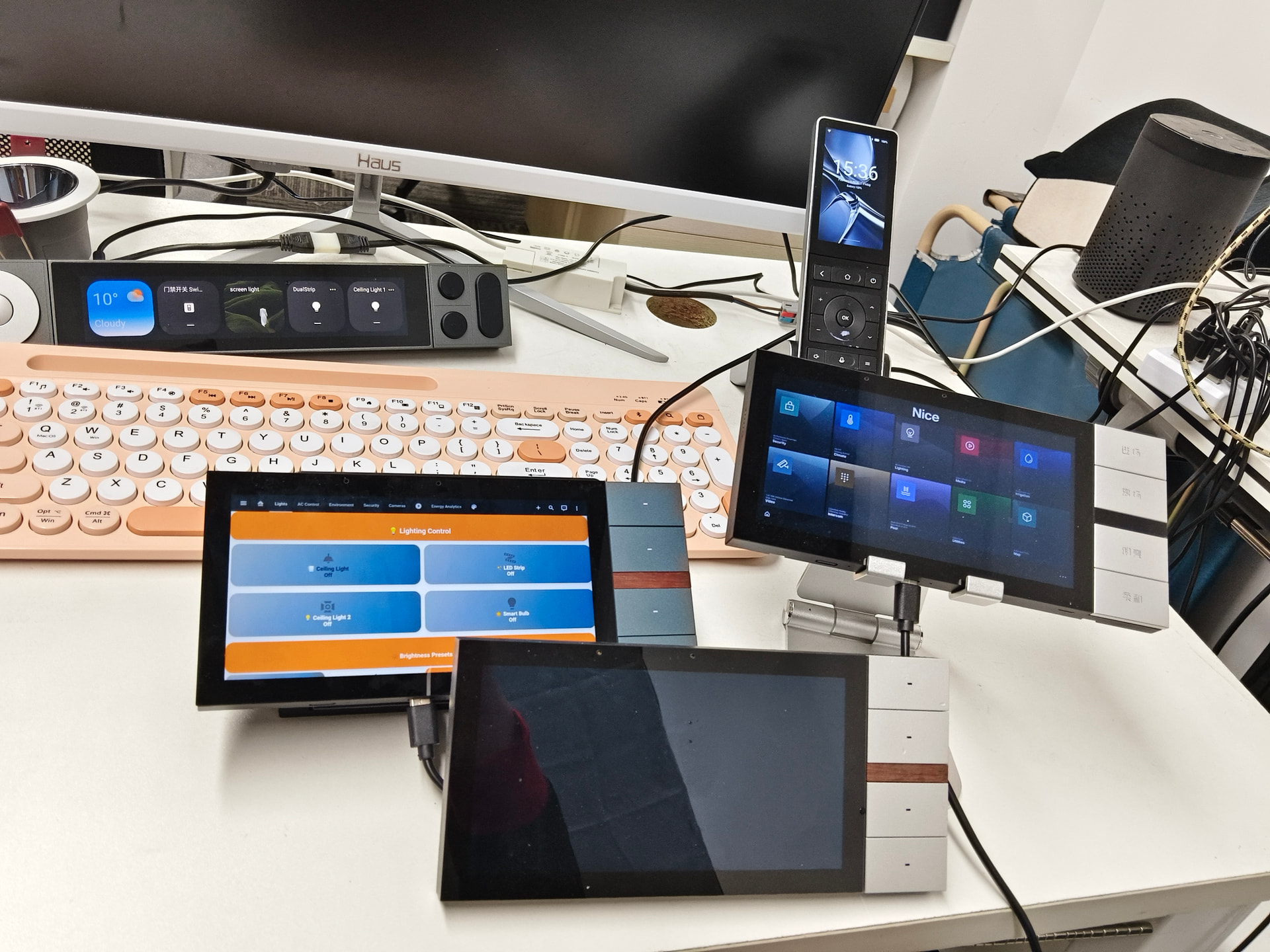
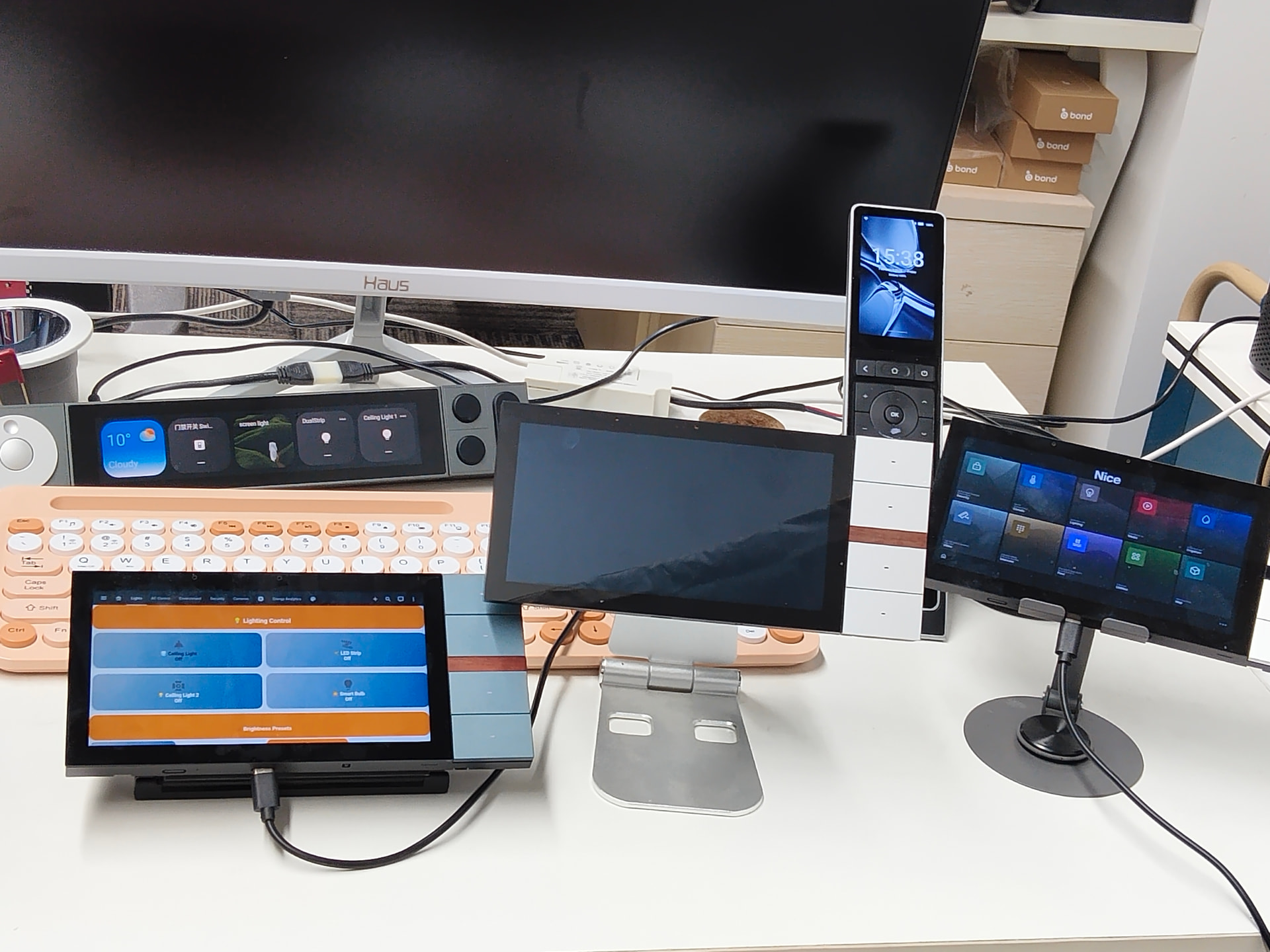
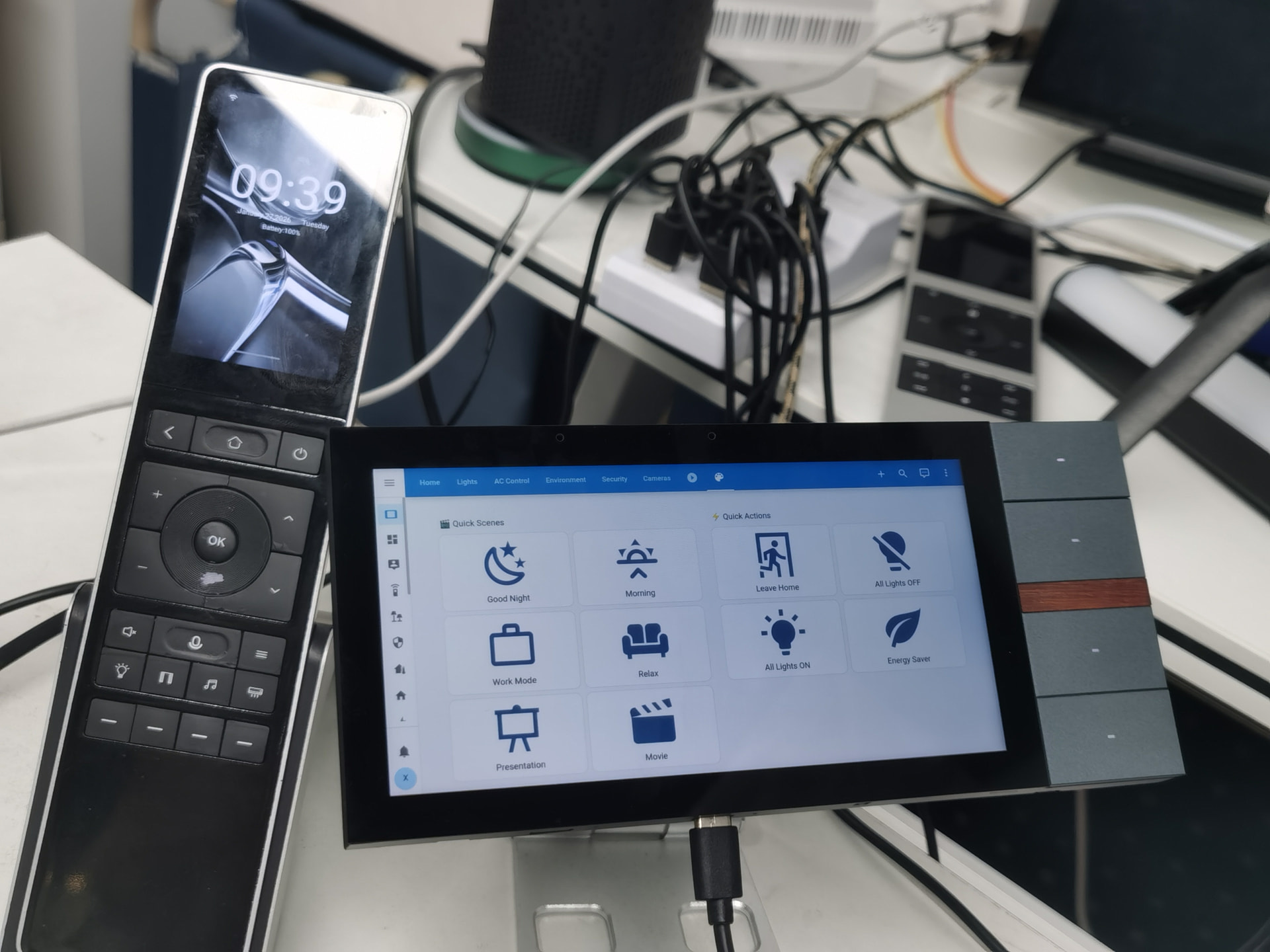
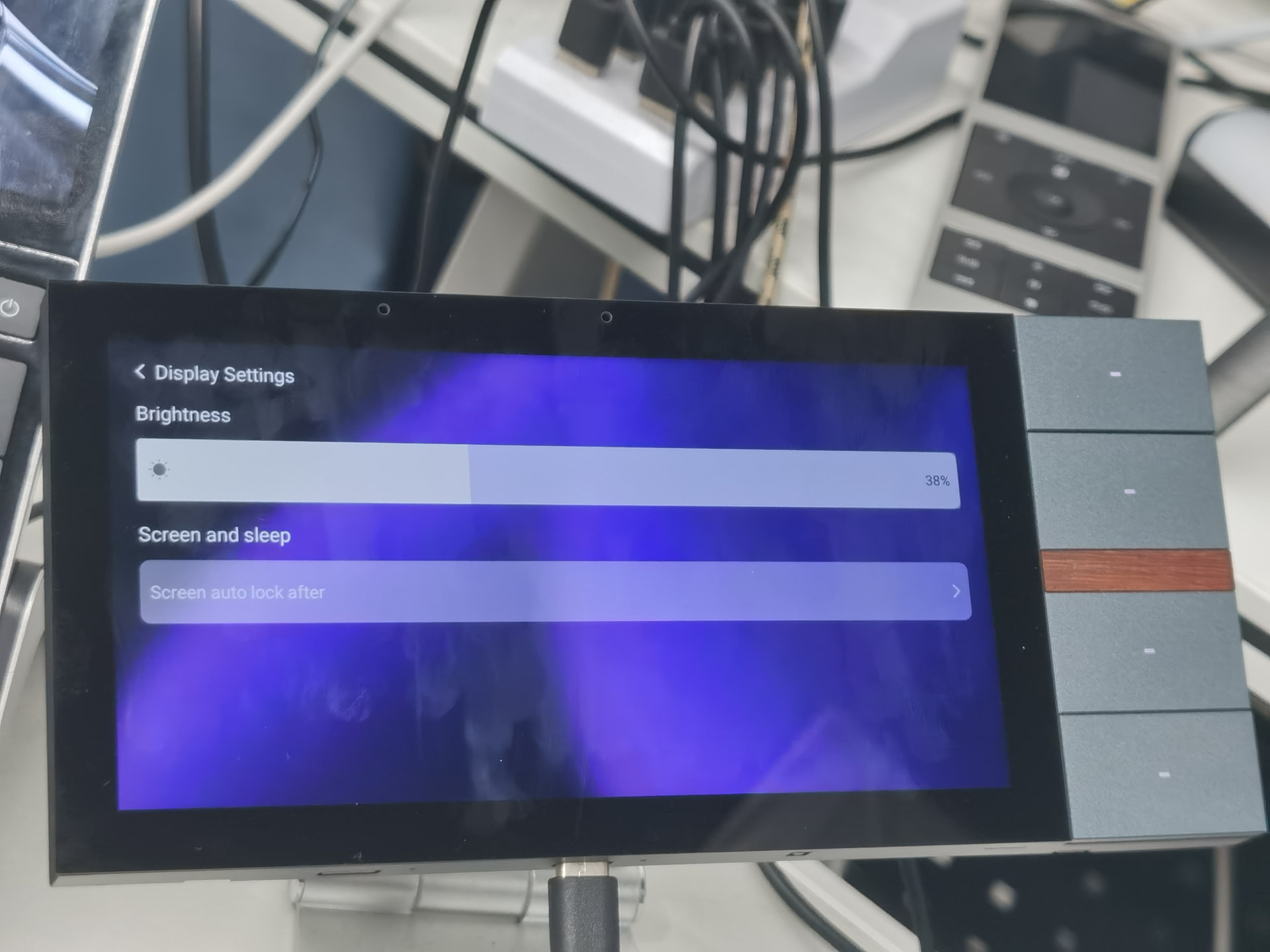
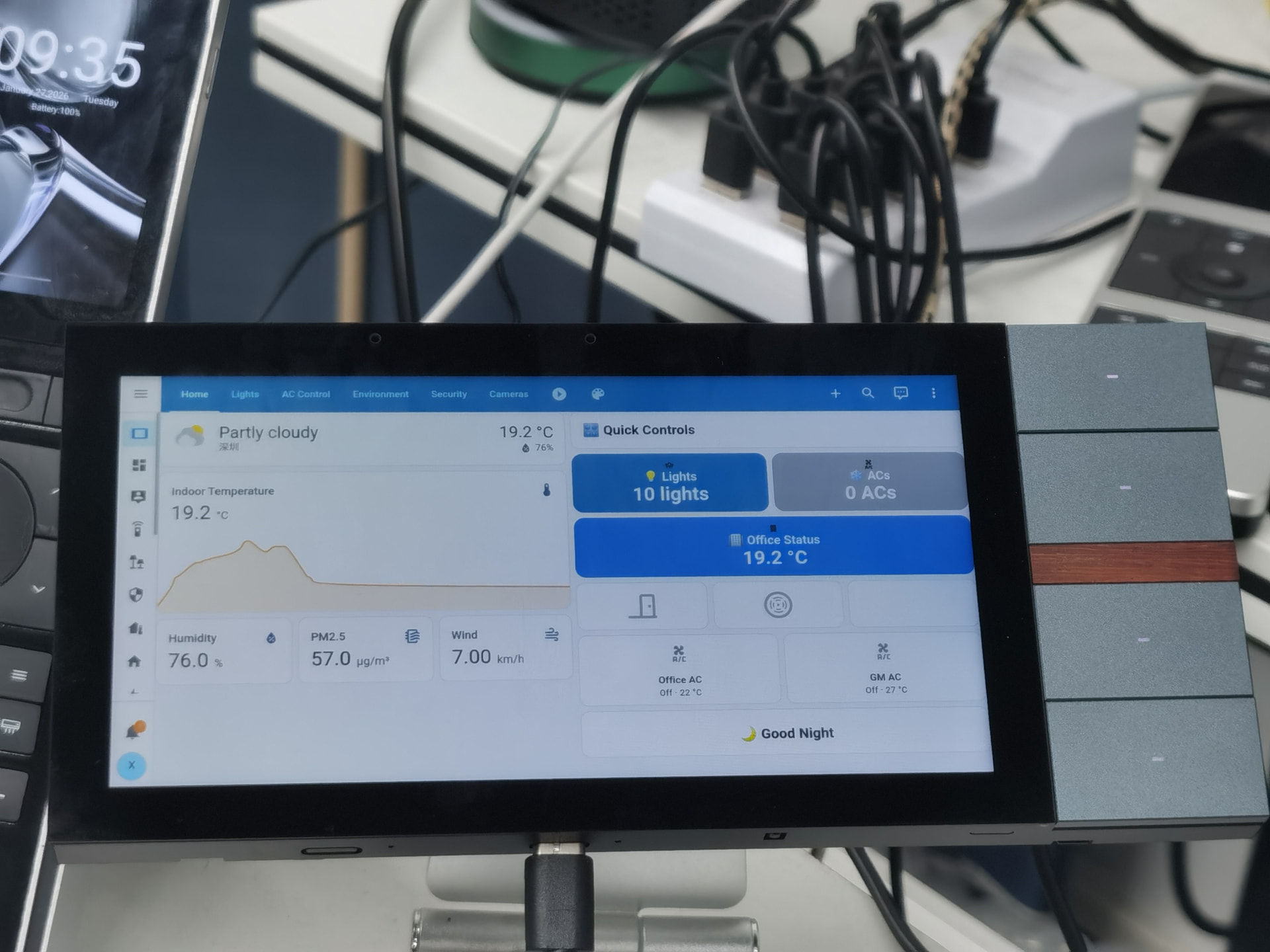
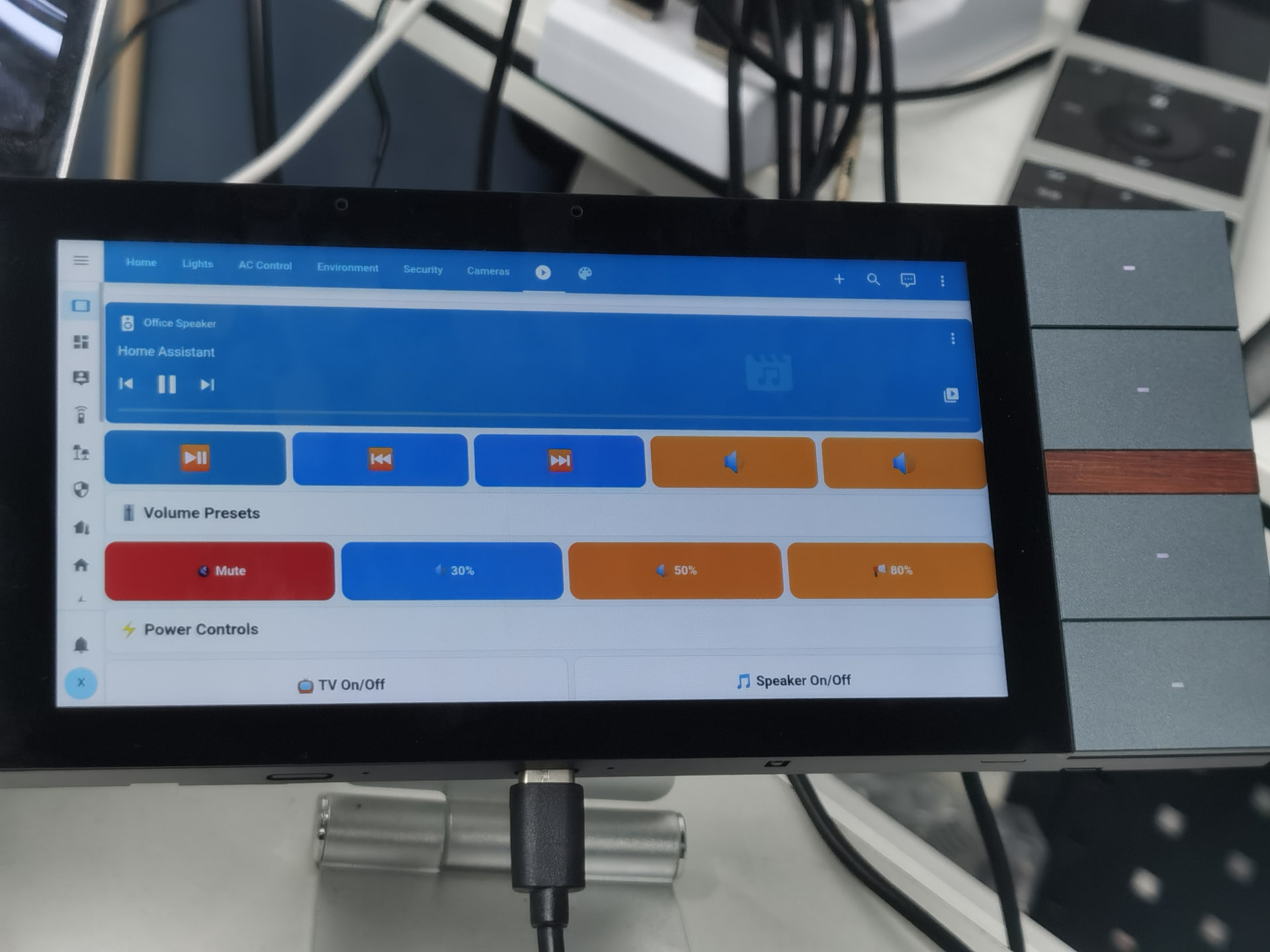
  • 6-inch OLED touchscreen (1440×720)
  • Android 10
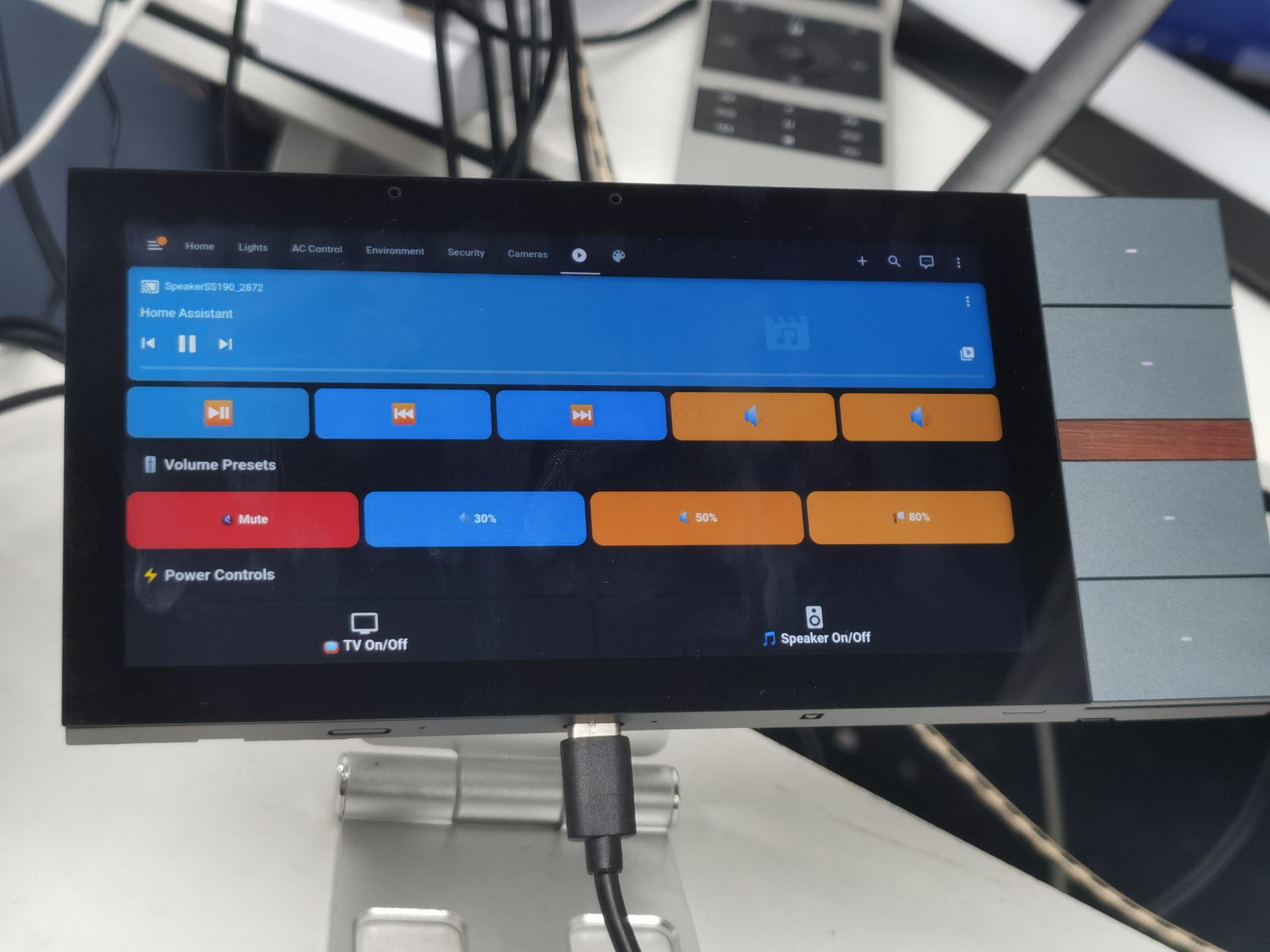
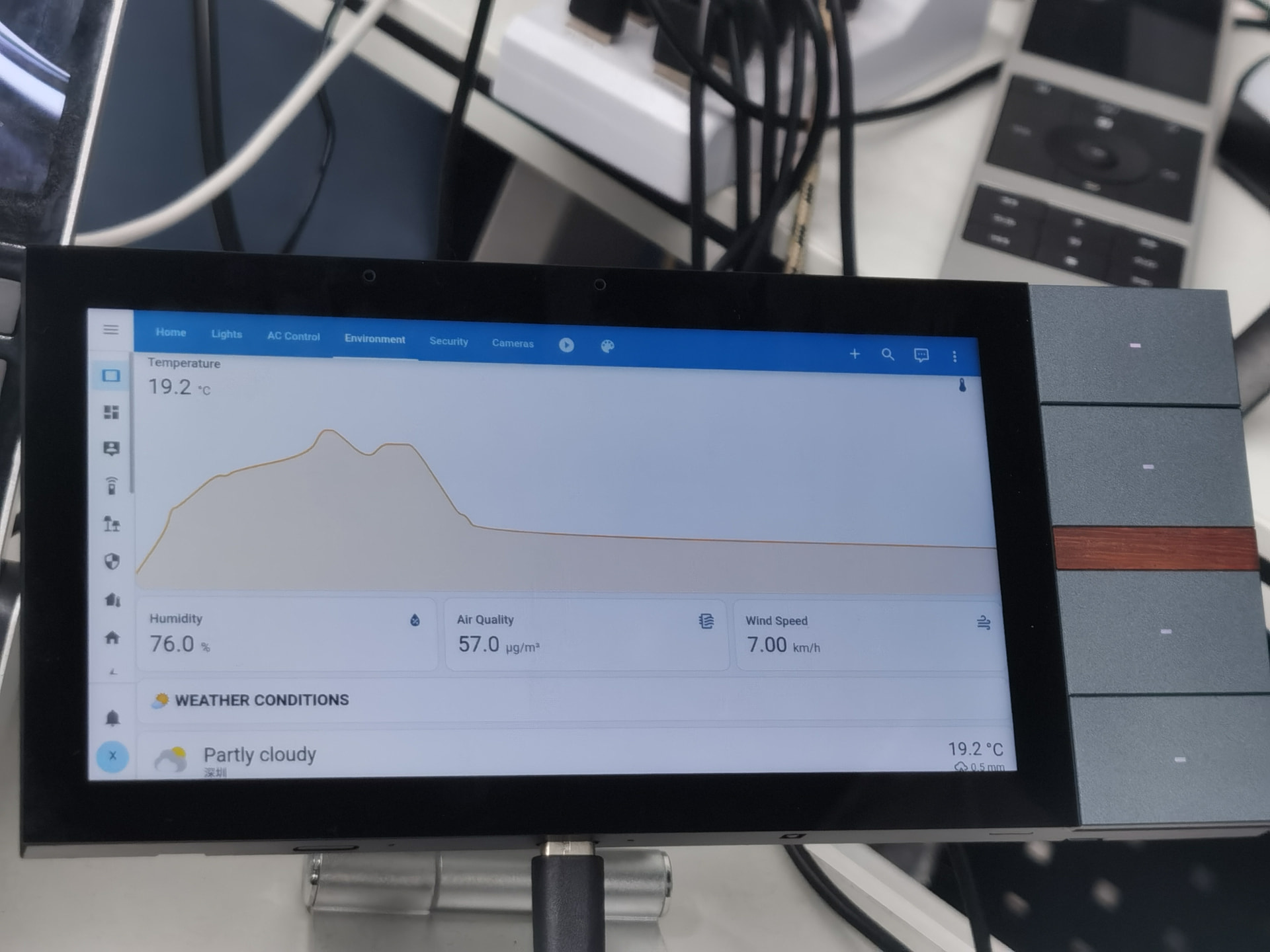
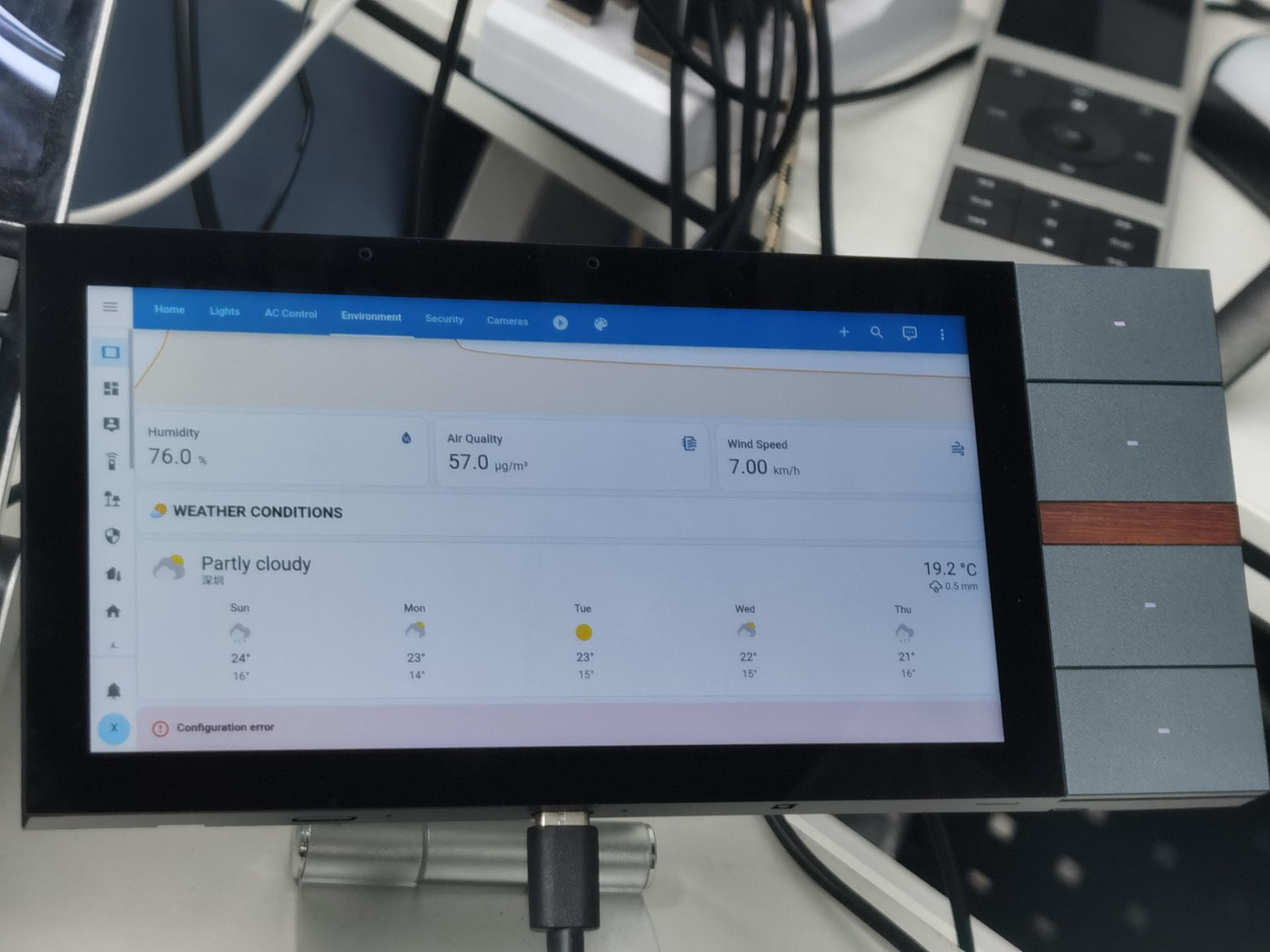
  • Official Home Assistant Android app
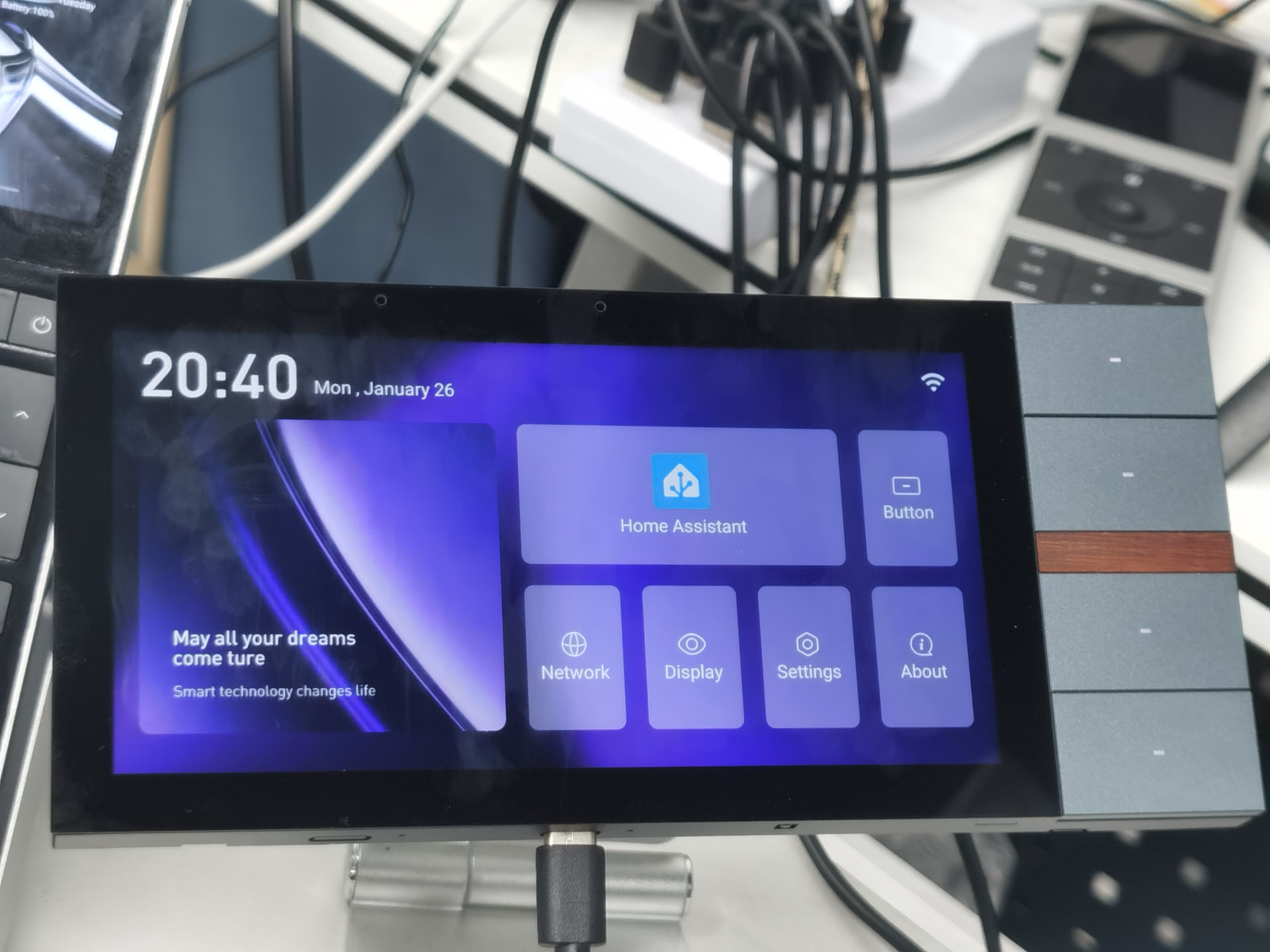
  • Custom launcher UI
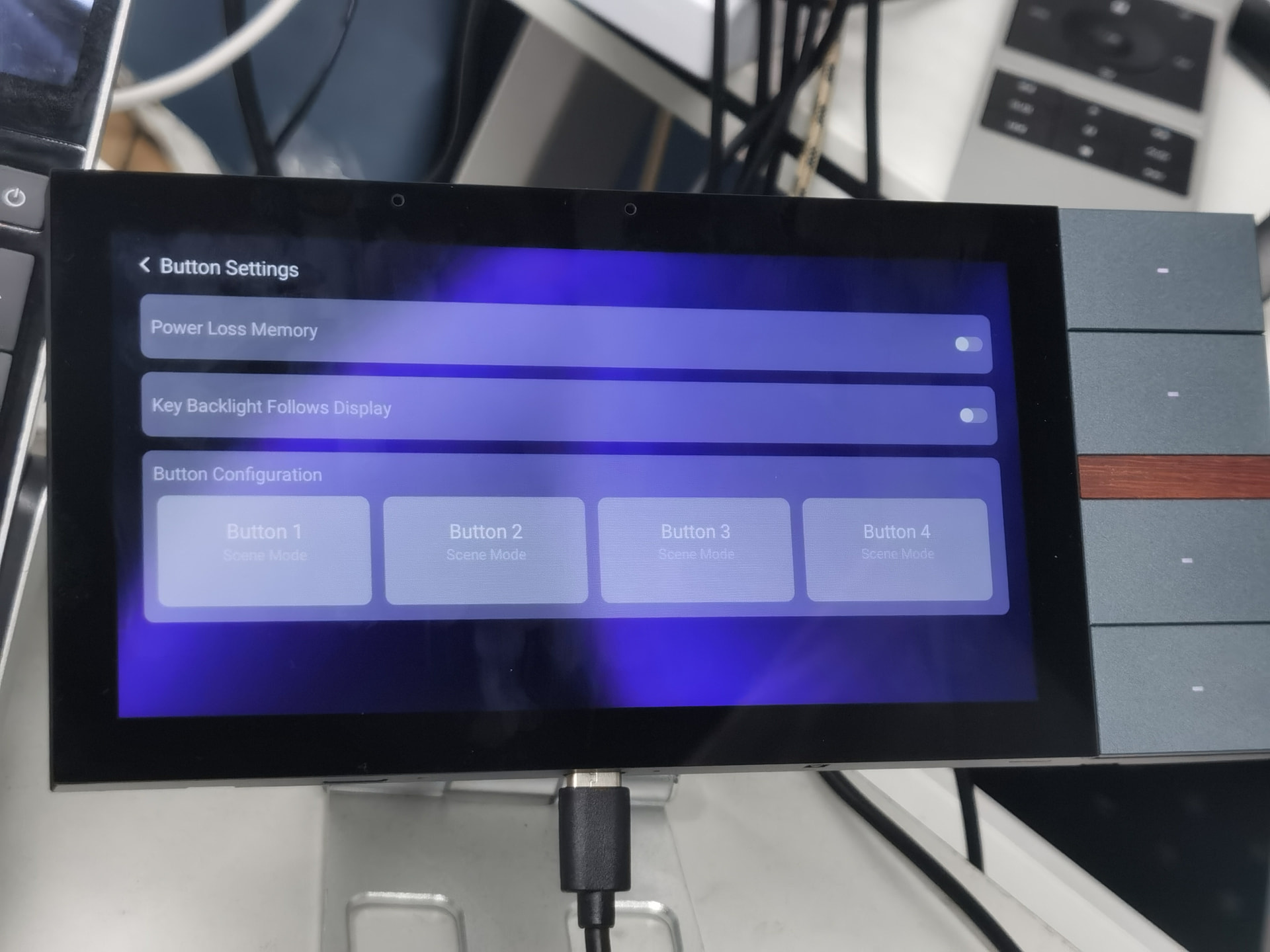
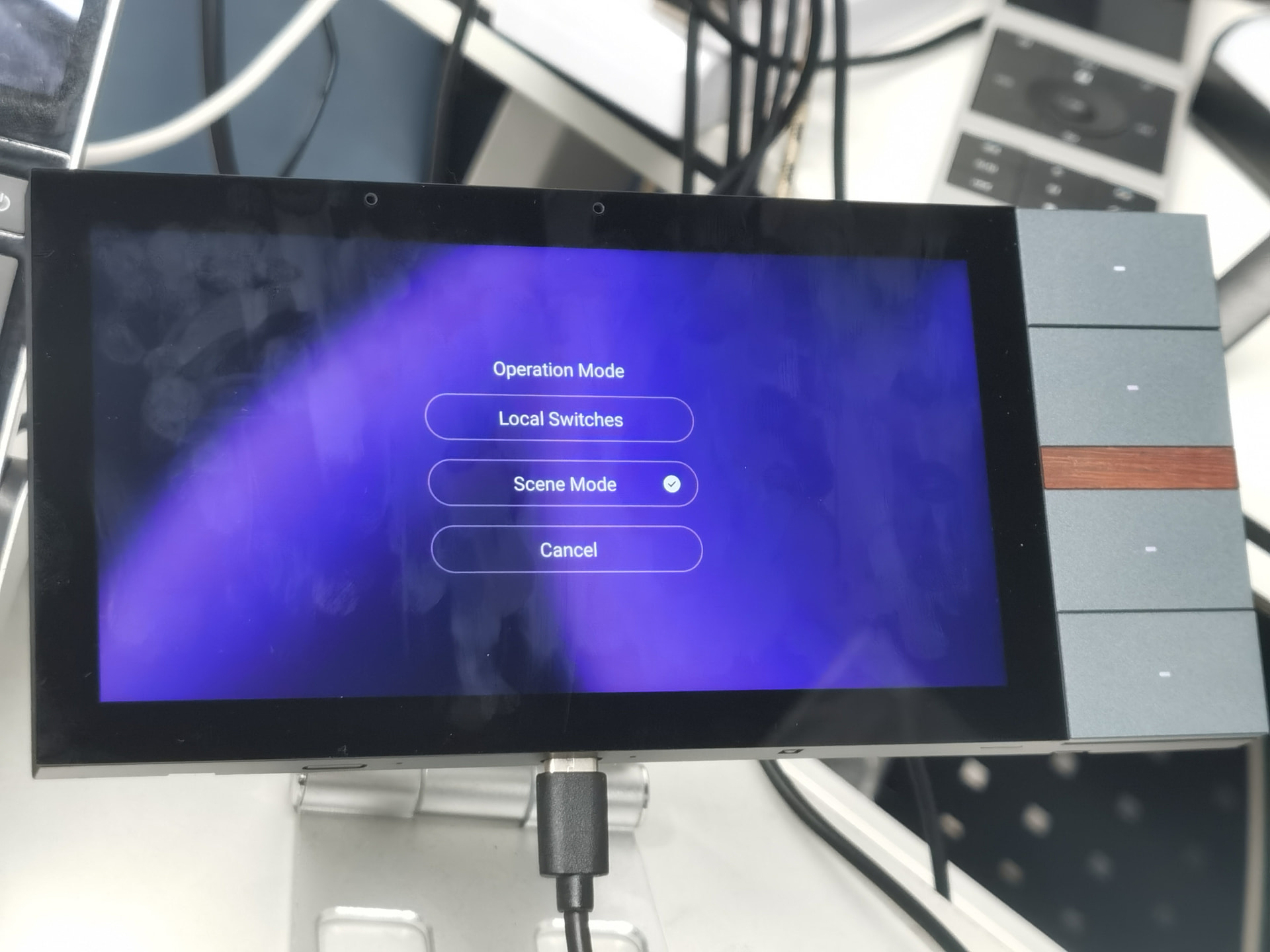
  • 4 configurable physical buttons
  • Proximity sensor and microphone
  • Optional base box with dual local relays (tested and integrated into HA)
  • Desktop operation via USB Type-C

The local relays have been successfully synchronized with Home Assistant, and coordinated control has been tested across:

  • iPano Plus
  • Astrion Remote
  • PC-based HA dashboards

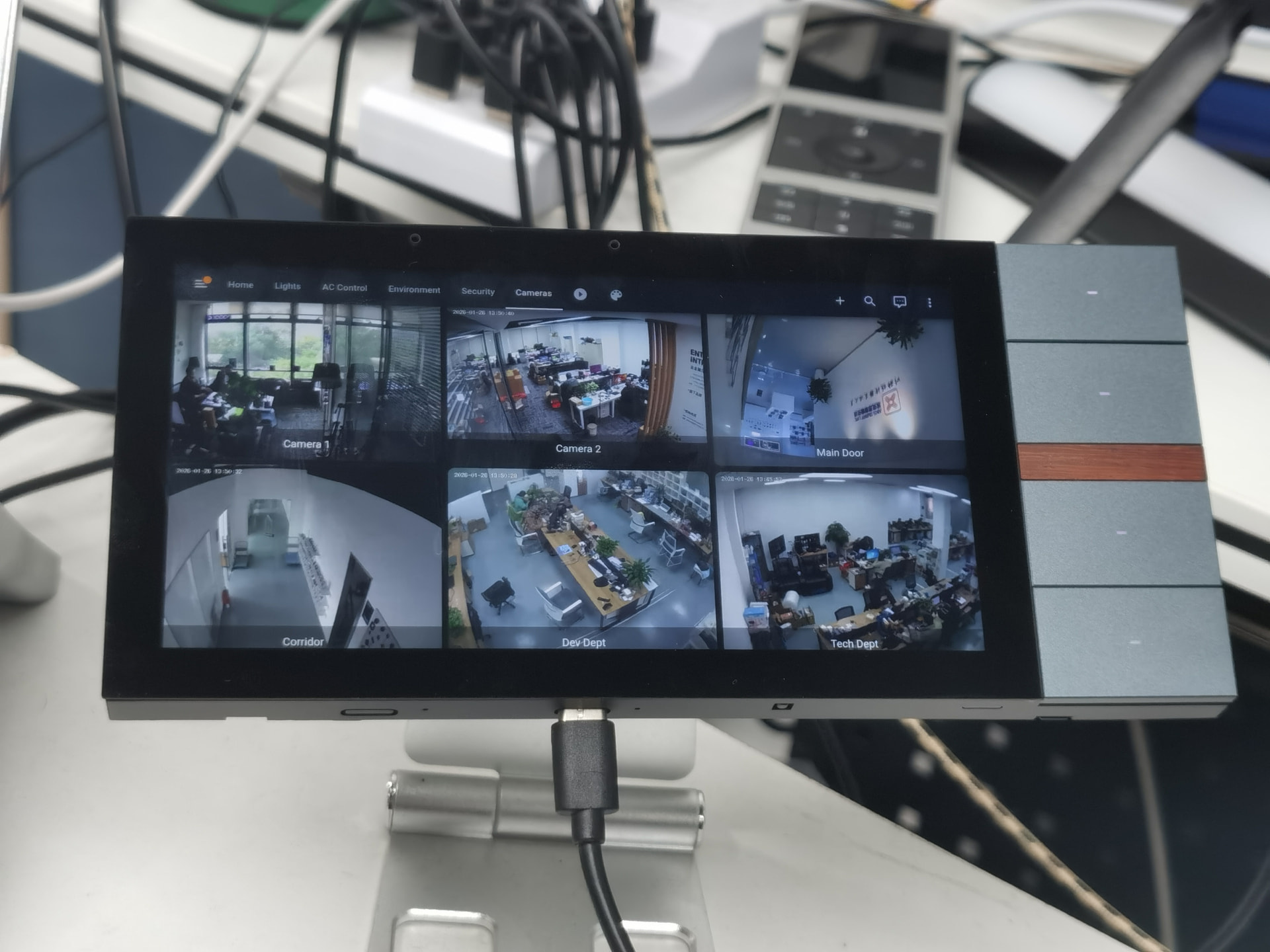
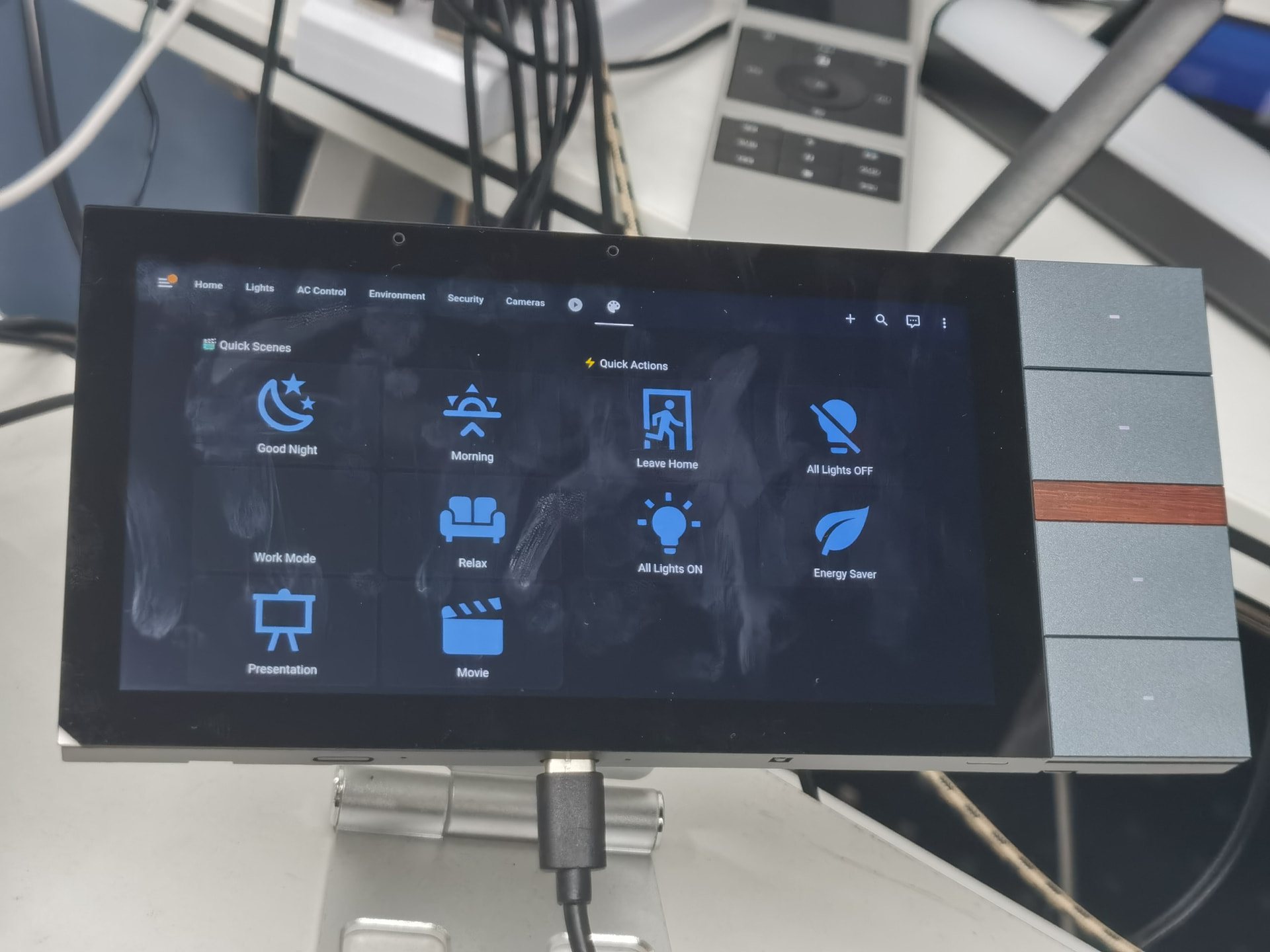
Photos and a short demo video are included below.

Pricing & Feedback

The current planned price for iPano Plus is USD 145, the same as Astrion Remote.

Before moving further, we’d appreciate feedback on:

  • Whether a 6-inch HA panel fits your use case
  • The importance of physical buttons vs touch-only
  • Preferred installation methods (PoE, local relay, USB-powered desktop)

This is not a product launch announcement. Our goal is to validate the direction and refine the concept based on real-world HA usage.

Thank you for your time and insights.

Discussion Points for Our Community:

  1. Upgrade Path: For Astrion Remote users or those considering one, what would compel you to choose this 6-inch version instead? Is the screen size or relay functionality the key driver?
  2. Feature Fine-Tuning: Given this is a more advanced platform, what advanced software features should we prioritize? (e.g., Dashboards for each button, advanced relay automation templates)?
  3. Bundling: How should we offer this? As a complete kit with a specific base? As a standalone panel for users who already have our bases?
  4. Honest Assessment: At the ~$145 price, does this feel like a natural and valuable progression in the dedicated HA hardware ecosystem?

Your experience with the Astrion Remote and your visions for an ideal panel are invaluable. Let’s build this next chapter together.

Resources:
• Integration GitHub Repo: [Link]
• Demonstration Video: [Link]
• External HA Community Discussion: (We welcome you to bring perspectives from the broader HA world into our discussion here!)

I think it’s a good idea. The physical buttons are good for ‘always needed’ stuff. I have been considering for some time to transition to a display per room, this would provide that.

Presumably no limit to the number of devices (within reason) per HA system?

I’d like to be able to vary the size of touch buttons ( I think this would work well on the Ariston too, as I’d like to be able to set 2 buttons per row on it.

Needs to have a wall mounted charger and flip out stand for use on a coffee table.

Hope that helps!

1 Like

In my opinion, I do not see this cannibalizing Astrion sales or vice versa, At least for my use case, these two would seem to compliment each other quite nicely within the ecosystem. Without knowing too much about the existing iPano displays, can the buttons be used independently of the relays? I’d love to have physical buttons to open on-screen tabs (CCTV, HVAC, Media, Lights).

I personally would wall mount and only use POE wherever applicable. An option to bundle with and without a base at checkout would be convenient and convey that it is necessary hardware to any new users.

I would love to deploy 3.1” in bedrooms and 6” variants in hallways and media rooms if they are ever made available. Fundamentally it’s an Android tablet, The option to leave one on a table or counter like a Crestron 70 series tablet with a battery or USB C power would be excellent.

Thanks a lot, Mark — this is exactly the kind of use case we had in mind :ok_hand:

You’re spot on about physical buttons for “always-needed” actions. That’s one of the main reasons we didn’t want this to be just another tablet. Things like lighting scenes, blinds, intercom, or “all off” really benefit from muscle memory.

To answer your questions:

  • Number of devices:
    There’s no artificial limit from our side. From a Home Assistant perspective, it’s simply another Android client + entities. Within reason, HA should handle multiple panels per room or per house without issue.
  • Variable touch button sizes:
    Yes — this is actually one of the advantages of using the official HA Android app + Lovelace. Button size, layout (2 per row, 3 per row, etc.) is entirely dashboard-driven. What you’re describing would work equally well on iPano Plus.
  • Wall power + table use:
    This aligns very well with our thinking.
    iPano Plus already supports:
    • Wall mounting (with base box / PoE low-voltage)
    • USB-C power for desktop or table useA flip-out stand or tabletop option is something we’re actively considering based on feedback like yours.

This helps a lot — especially the “display per room” idea. Thanks again for taking the time to write it up.

Welcome, Flp :waving_hand:
Thanks for jumping in — and great questions.

You raised a really important point first:

I do not see this cannibalizing Astrion sales…

That’s exactly how we see it as well.
Astrion Remote and iPano Plus are intended to be complementary, not competing:

  • Astrion → handheld, tactile, quick control
  • iPano Plus → fixed panel, visual overview, room-level control

Regarding your questions:

  • Buttons vs relays:
    Yes — the physical buttons can be used completely independently of the relays.
    They can:
    • Trigger HA scripts
    • Navigate to specific Lovelace views or tabs (CCTV, HVAC, Media, Lights, etc.)
    • Act as scene shortcuts or automationsThe relays are optional and just additional local I/O for those who want them.
  • PoE-only wall mounting:
    100% agree. PoE is our preferred setup as well for fixed panels.
    Your suggestion about bundling with or without the base box is a good one — it avoids confusion and gives experienced users more flexibility.
  • Different sizes in different rooms:
    This is very much aligned with our long-term thinking:
    • Smaller panels (e.g. ~3") for bedrooms
    • 6" panels for hallways, living rooms, media areasStarting with 6" is mainly to validate dashboard usability before scaling sizes.
  • Tabletop / battery-style usage:
    Totally agree. While it’s wall-first, we also want it to work well as a Crestron-style tabletop panel, powered via USB-C, for kitchens or coffee tables.

Thanks again — this is exactly the type of feedback that helps shape the product direction.

Adding to the idea for an option to include the base or not,

Make the bases/ wall mounts available separately, so you can as an initial start, have one display and the ability to dock in 2 rooms.

Cost effective starter pack maybe even? One display and 2 brackets?

Just a thought

Thanks for the follow-up, Mark — that’s a really good idea, and it makes a lot of sense from both a usability and cost perspective :+1:

A bit more context on the hardware side, which may help clarify the options:

  • Back box / base design
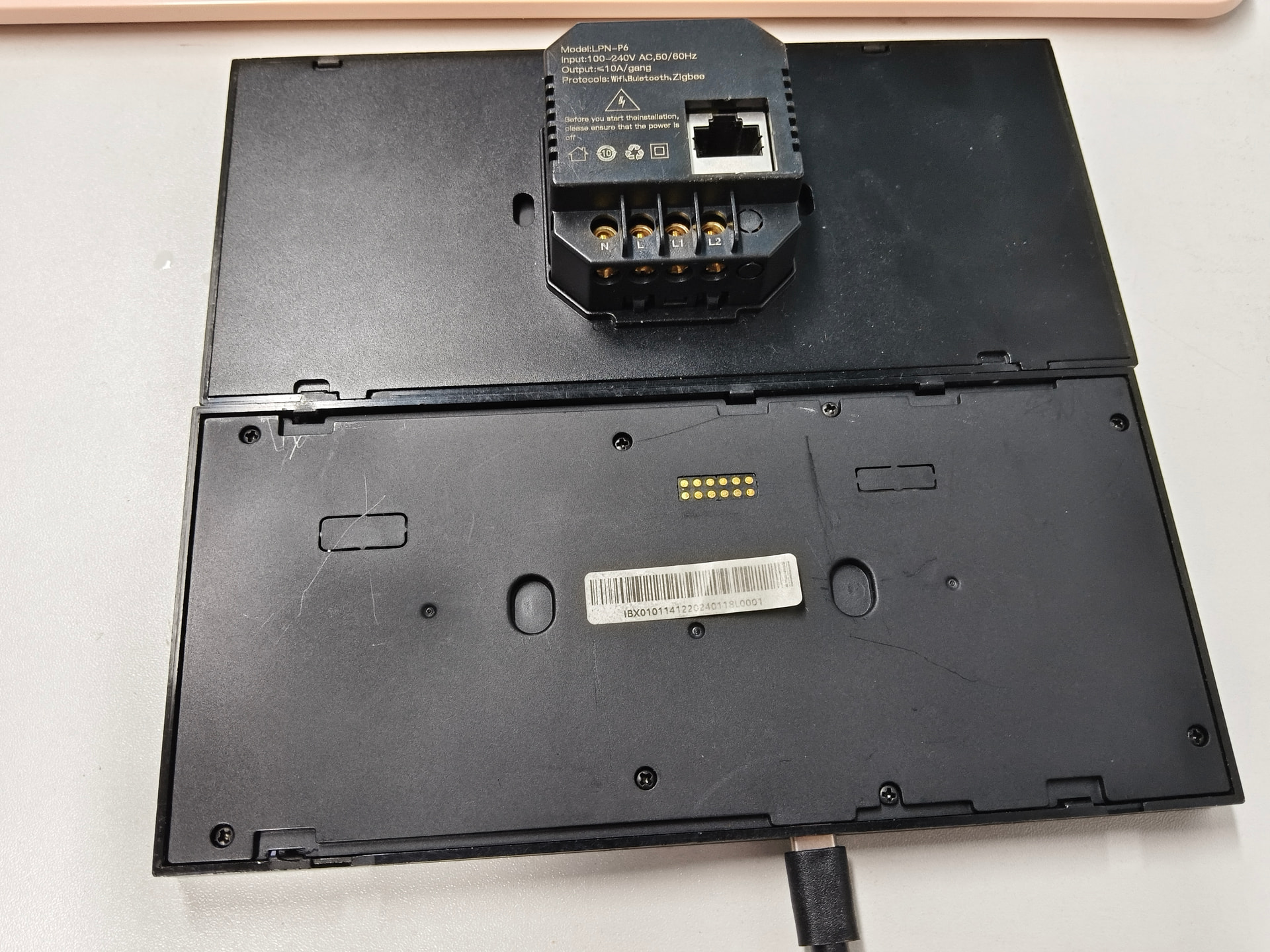
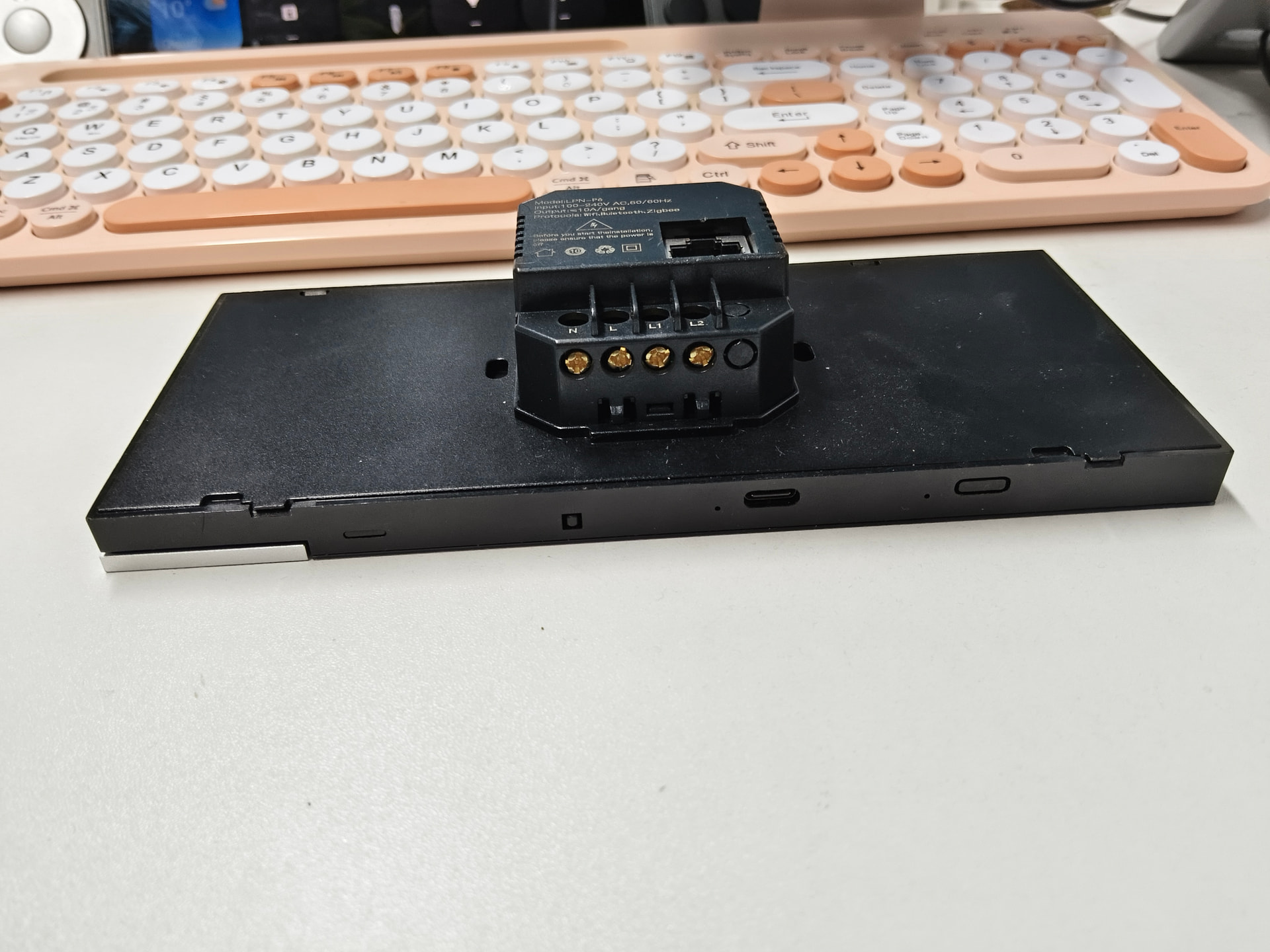
    The back box with dual relays and the PoE back box are very similar in shape and size. They’re primarily designed for wall mounting and clean installation.
  • Mounting standards
    The back box is compatible with:
    • Chinese 86-standard switch boxes
    • Common European wall box standards
      This makes it flexible for both new installations and retrofits. You can see the compatibility clearly in the attached pictures.
  • Tabletop use
    If the panel is placed on a desk, counter, or coffee table, no back box is required.
    The panel supports USB Type-C power, and in this scenario any standard smartphone or tablet desktop stand works well.

Your idea of:

One display with multiple wall mounts / bases

is actually very compelling. A starter pack (e.g. one display + two wall mounts) would allow users to move a single panel between rooms while keeping the installation neat and cost-effective — especially for early adopters or people still experimenting with room layouts.

This kind of modular approach (panel + mounts sold separately) is something we’re actively considering, and feedback like this helps us shape how we package and present it to new users.

Thanks again for the thoughtful suggestion — keep them coming!