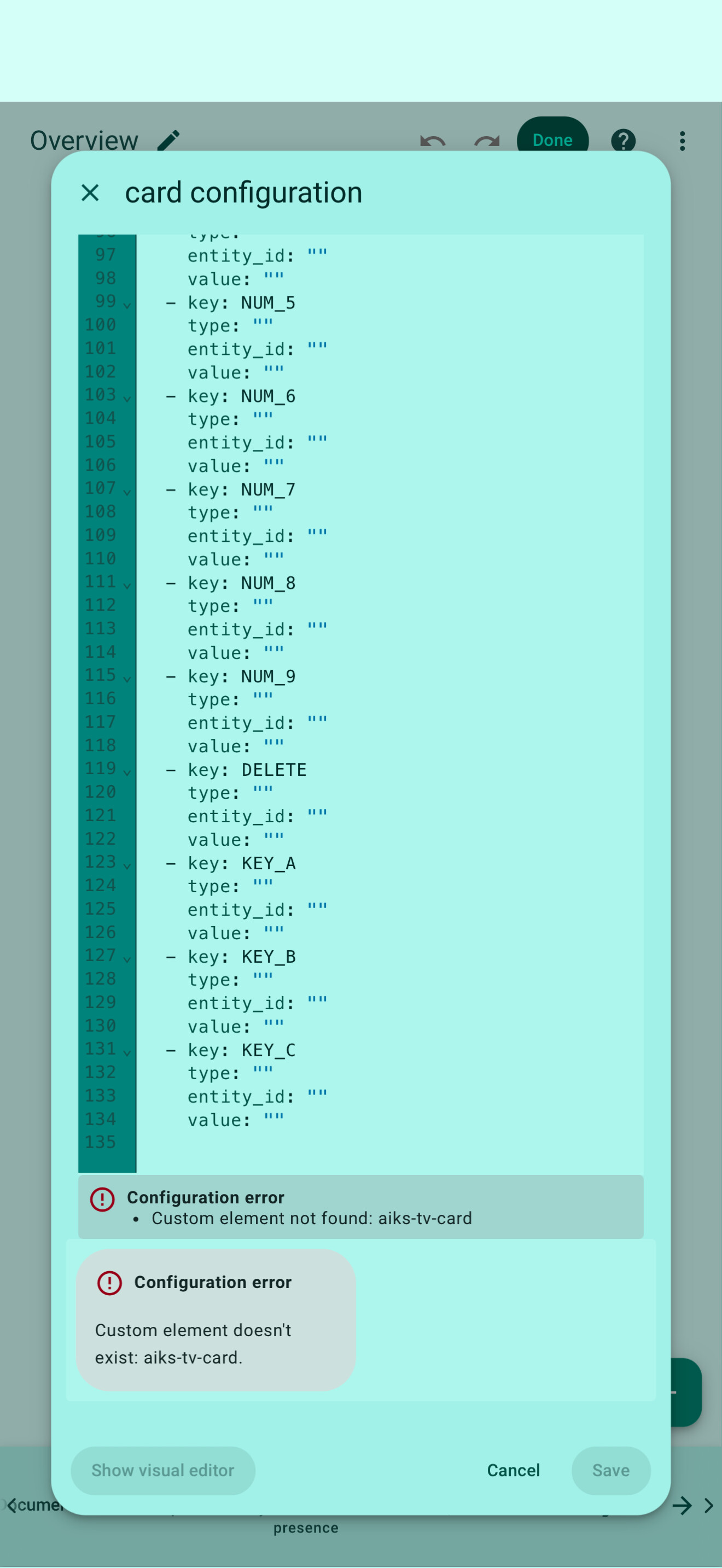
Hi Marius, thank you for reporting this and for sharing screenshots — that really helps.
What you’re experiencing is a known issue related to the RosCard v1.0.8 update, especially for users who updated from earlier versions.
Why this happens
RosCard v1.0.8 introduced custom entity naming, which changes how view data is stored.
Older saved views may fail to load correctly on Astrion until they are refreshed once.
Please try the following steps carefully:
Step 1: Clear browser cache
On the device you use to configure Home Assistant:
Clear browser cache and local storage
Reload Home Assistant
Step 2: Re-save all RosCard cards
On your PC:
Open Home Assistant
Edit each RosCard card you use
Click Save (no changes required)
This forces HA to write the new attributes correctly.
Step 3: Restart Astrion Remote
Restart the remote after re-saving the cards
A factory reset is not required at this stage.
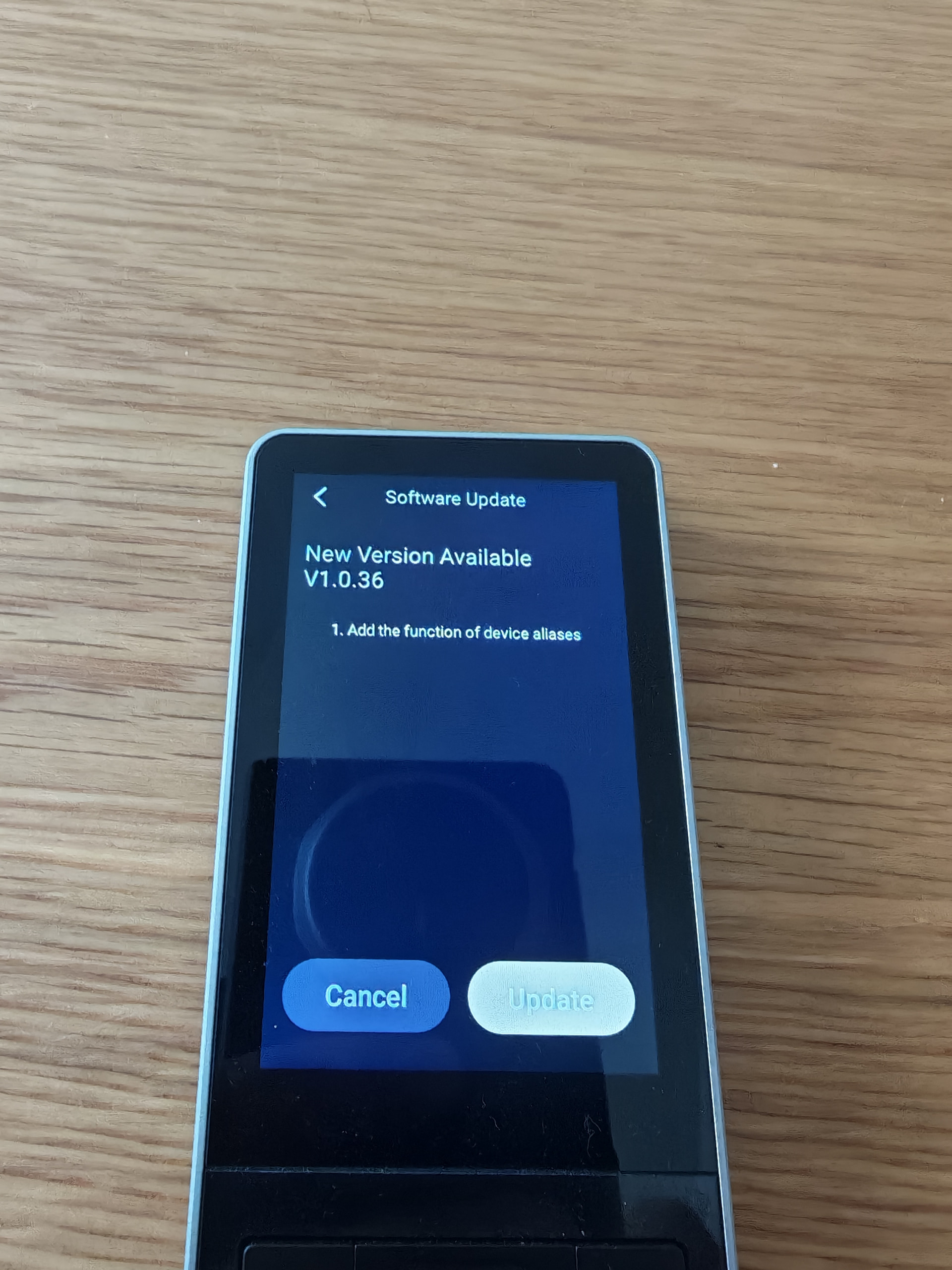
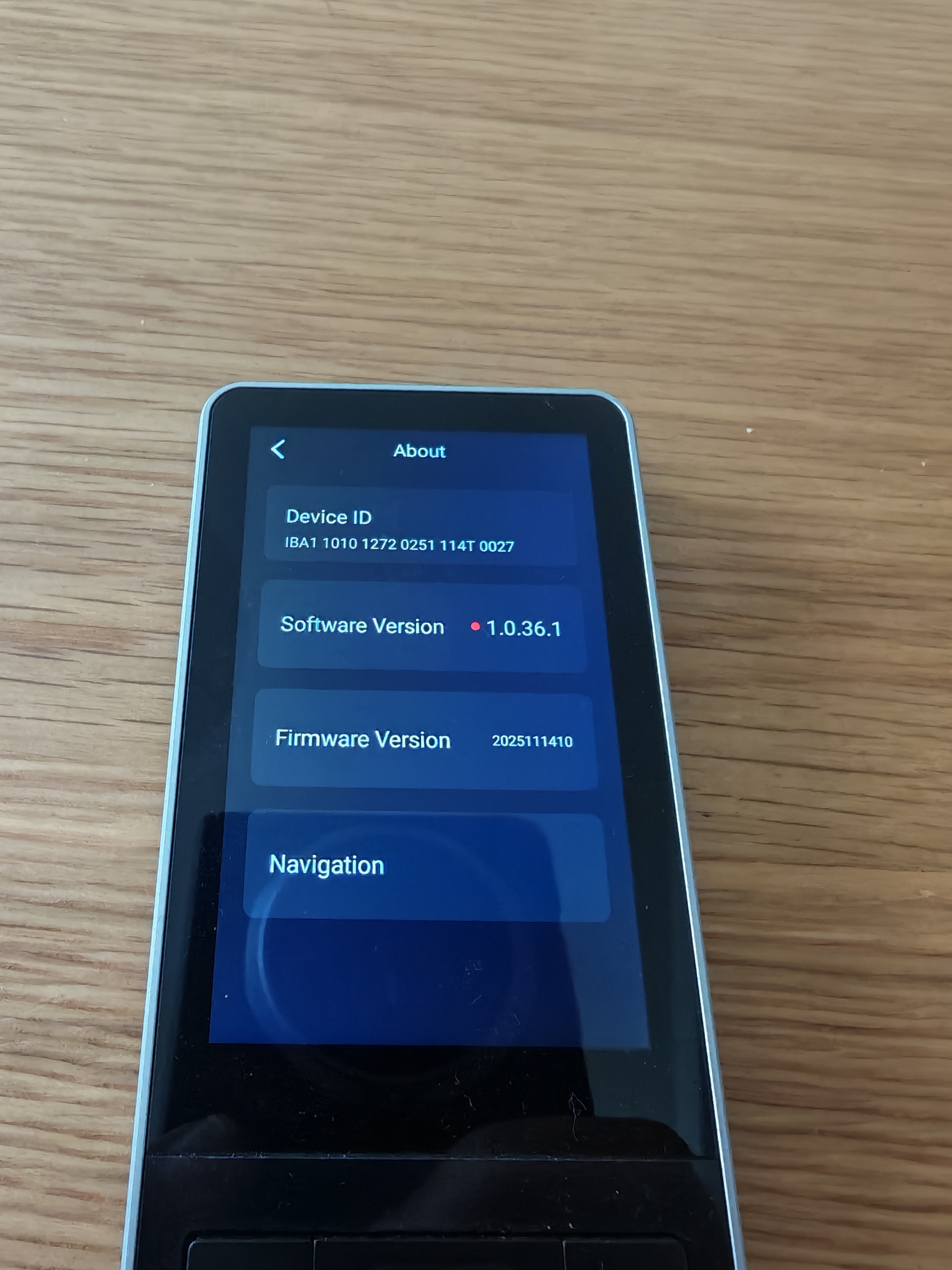
About firmware version (1.0.36 / 1.0.36.1)
1.0.36.1 is a minor internal revision
Functionality is the same as 1.0.36
The issue you see is not caused by firmware mismatch
If the problem still persists after these steps, please reply in the thread and let us know:
Hi Joe, thanks for reporting this — and sorry for the frustration.
Based on your description, there are two separate but related issues here.
Random reboots & shortcuts tab rebooting
This is not expected behavior.
From internal testing and other reports, this can happen if:
Shortcut bindings reference entities or scripts that no longer load correctly after the update
Or shortcut metadata became inconsistent after upgrading
Recommended steps:
Temporarily remove or disable shortcut bindings
Restart the remote
Re-add shortcuts one by one
If a specific shortcut causes a reboot, please let us know:
What entity or script it is bound to
Whether it’s a TV / Media / automation shortcut
Can’t update firmware
If the device reports update issues:
Make sure the remote is on stable Wi-Fi
Restart the remote once
Try the update again
If it still fails, please reply with:
Current firmware version shown in Settings
Whether the reboot happens during update or normal use
We are actively monitoring reboot-related reports and treating them as high priority.
Thank you for your patience — your feedback directly helps us stabilize and improve Astrion.
I have tried the above steps but still no remedy. I didnt set up any shortcuts yet but now wont allow me to and it just reboots. Is it possible to do a factory reset and just start over?
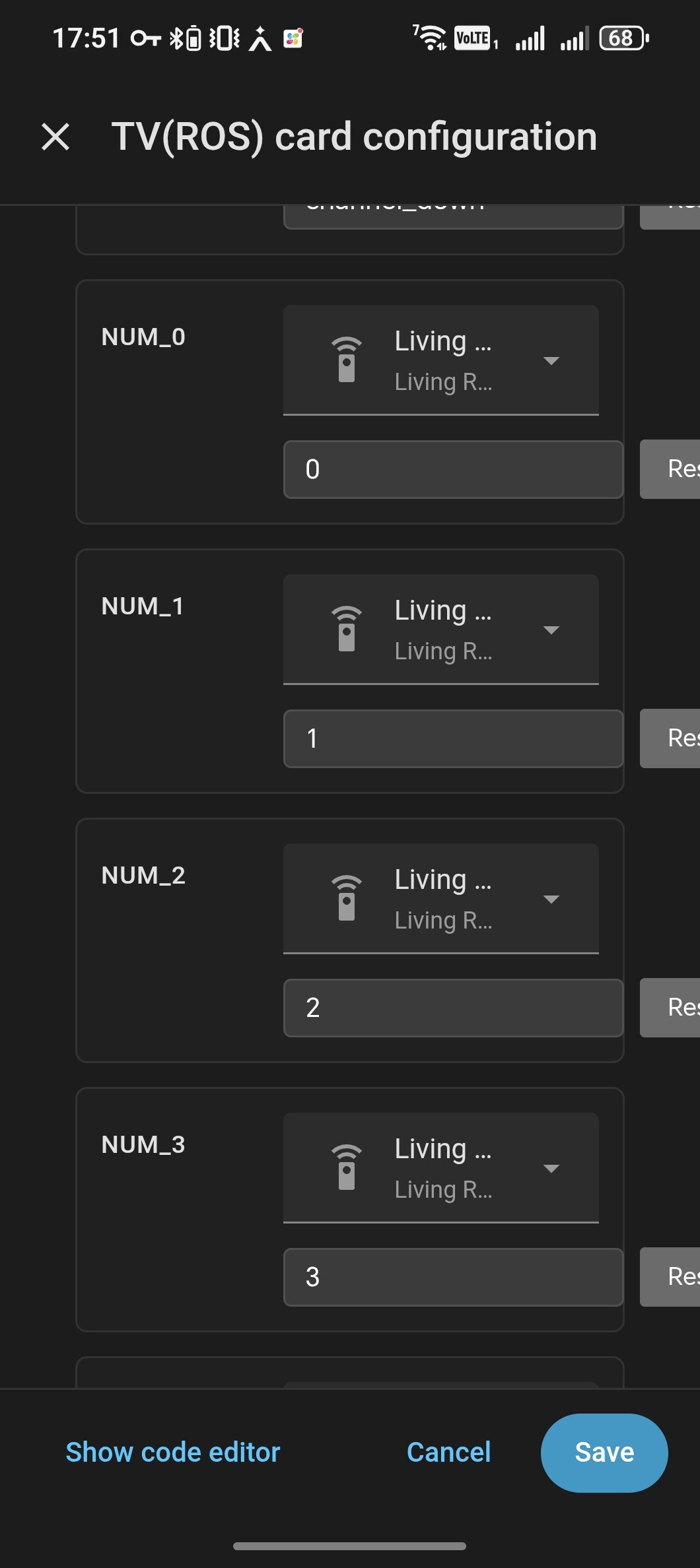
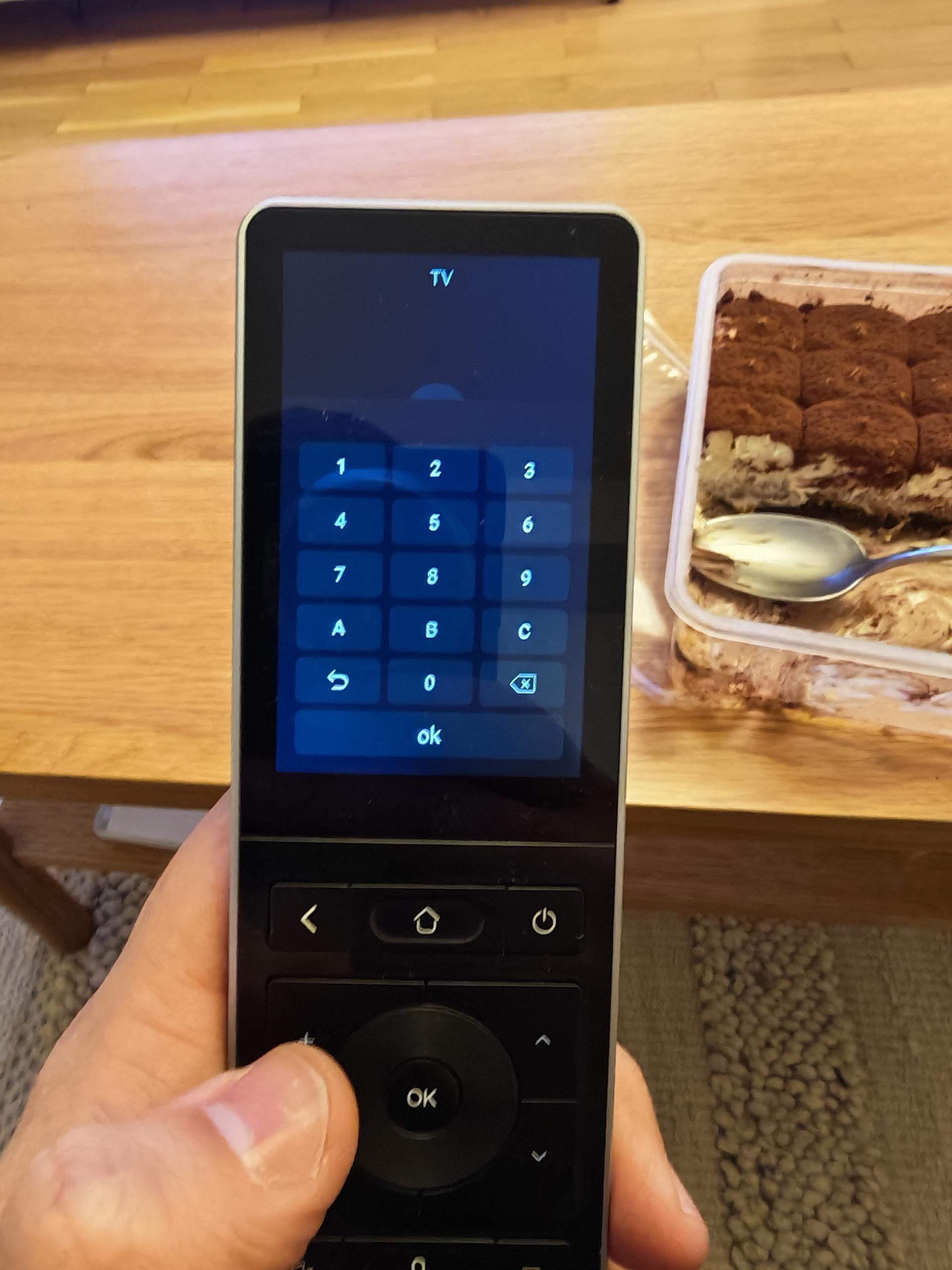
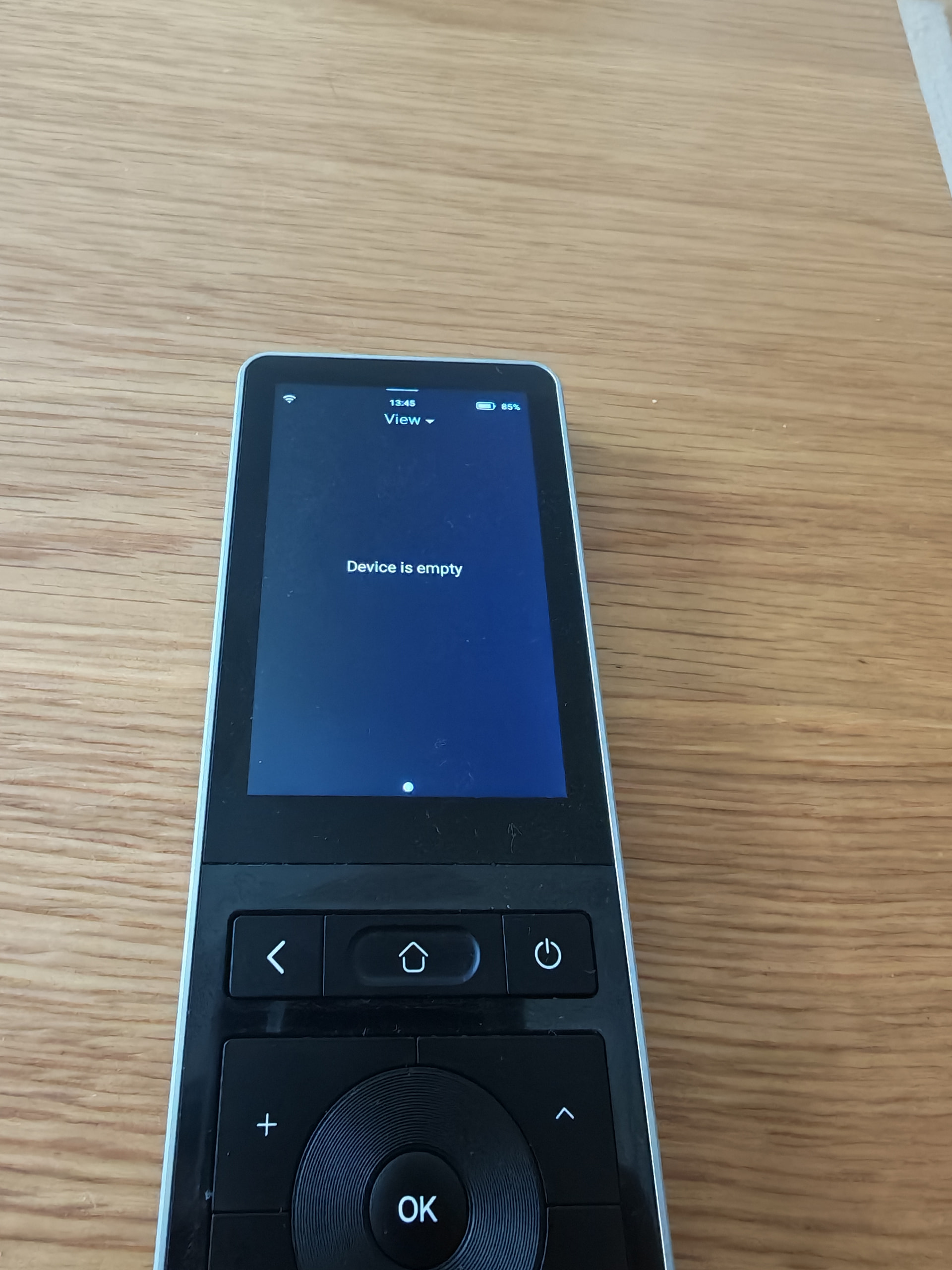
I have a problem with the remote widget ( was present also in previous version) . The number keys are working only for 1 and 0 , for the rest 2-9 it does not work. If I push test from HA it works.
I think you can update to V1.0.37 for the new software version of the remote, and do remember to update RosCard to V1.0.8 too. After update you might need to clear the browser caches and history, cookies and so on, restart the remote.
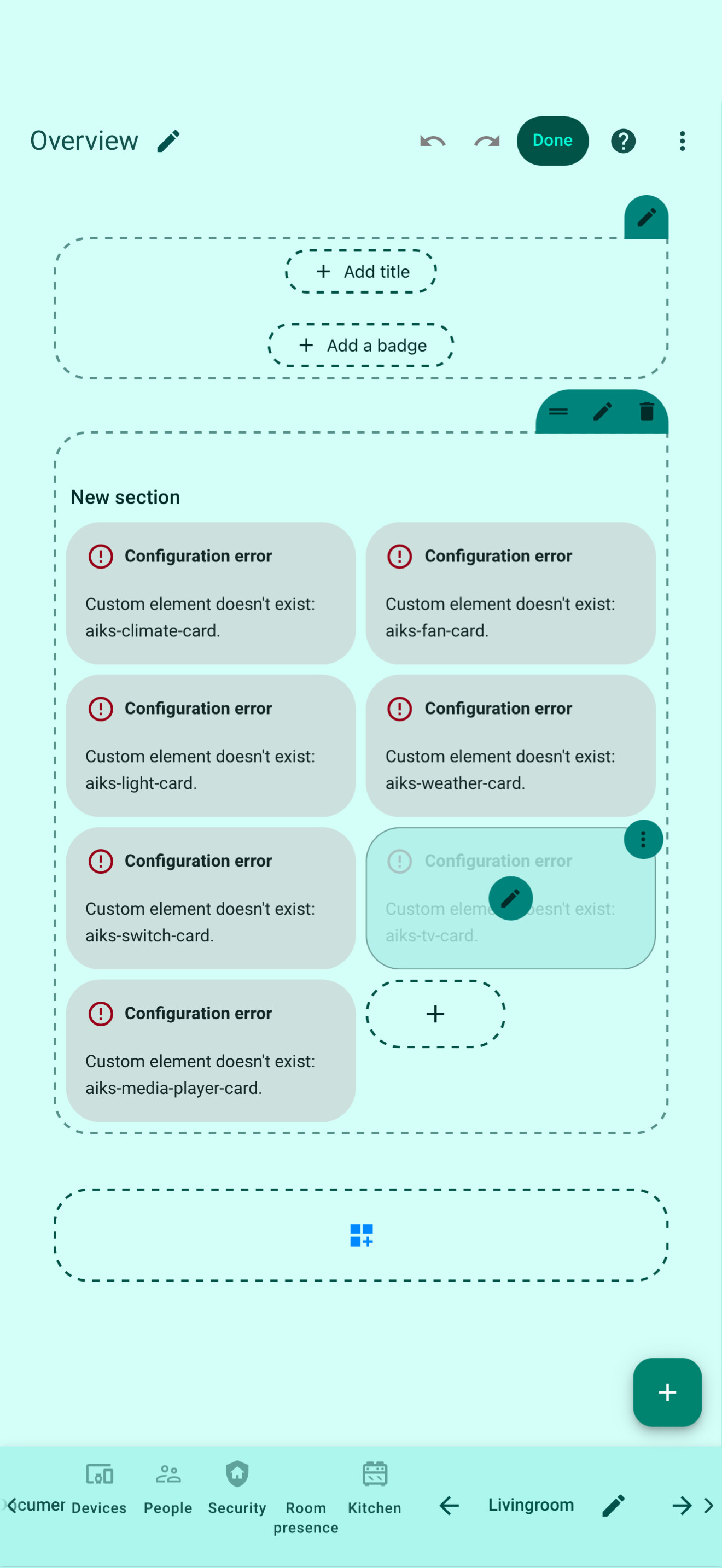
I cannot find the ROS installation or any of the cards when you edit the dashboard, the HACSROS installation shows as installed in HACS but not under devices, and if I search to add it, it does not exist.
Update:
All the above remains true however I have just updated the remote to 1.0.38 and the remote is at least working now.
Can something be done to notify either the device or Home Assistant that there is a new update? It’s a pain having to check all the time
Further update!
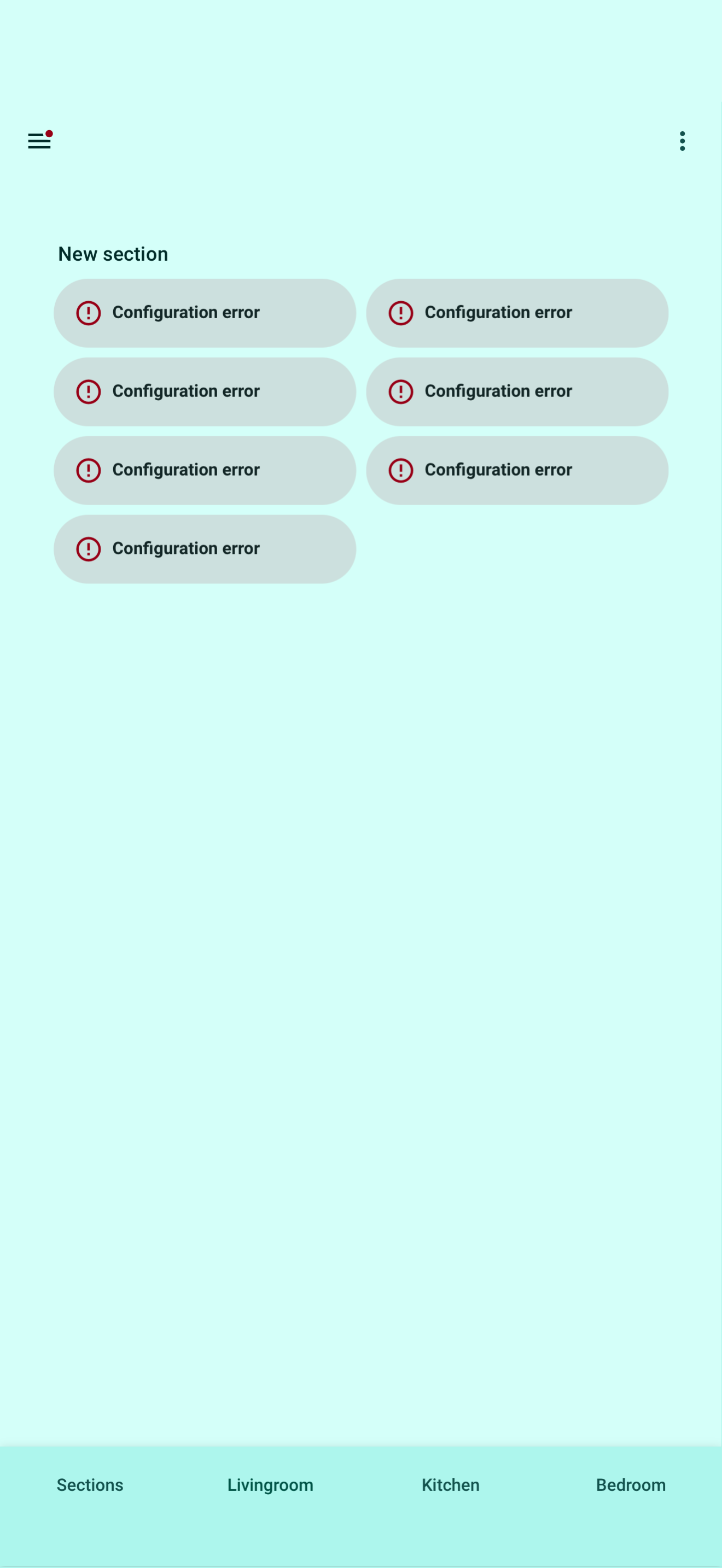
all my cards now show config error, so not you! Need to trace back my last updates
 Step 1: Clear browser cache
 A factory reset is not required at this stage.
 Random reboots & shortcuts tab rebooting
 Can’t update firmware