Hi,
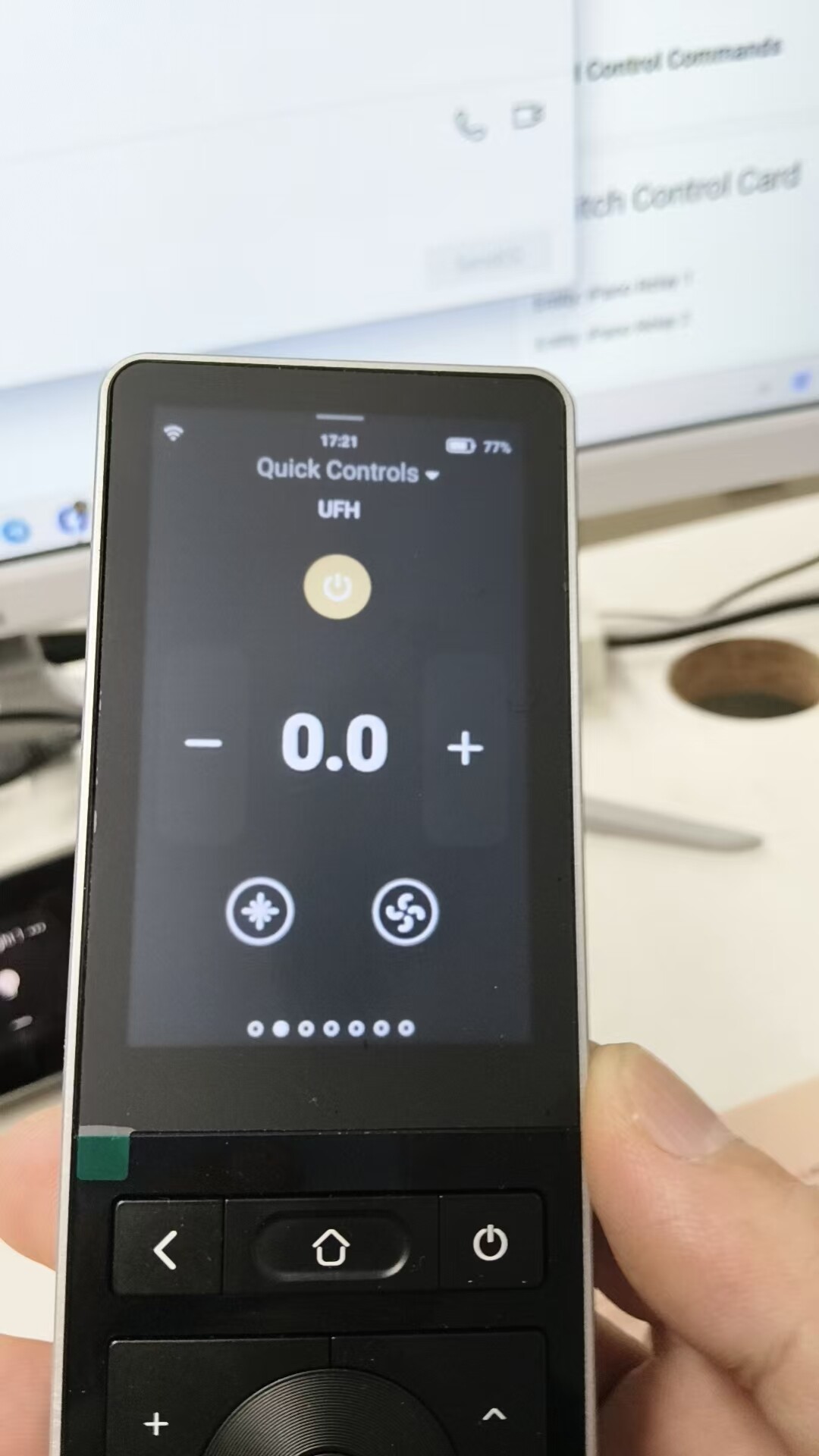
Any idea when the Climate card will become visible on the remote display?
It’s never being visible so far as I remember.
Thanks
Mark
Hi,
Any idea when the Climate card will become visible on the remote display?
It’s never being visible so far as I remember.
Thanks
Mark
it is working from beginning, but I think you may need to fillout with the right climate entity? can you show some detail screenshot?
Hi Charles.
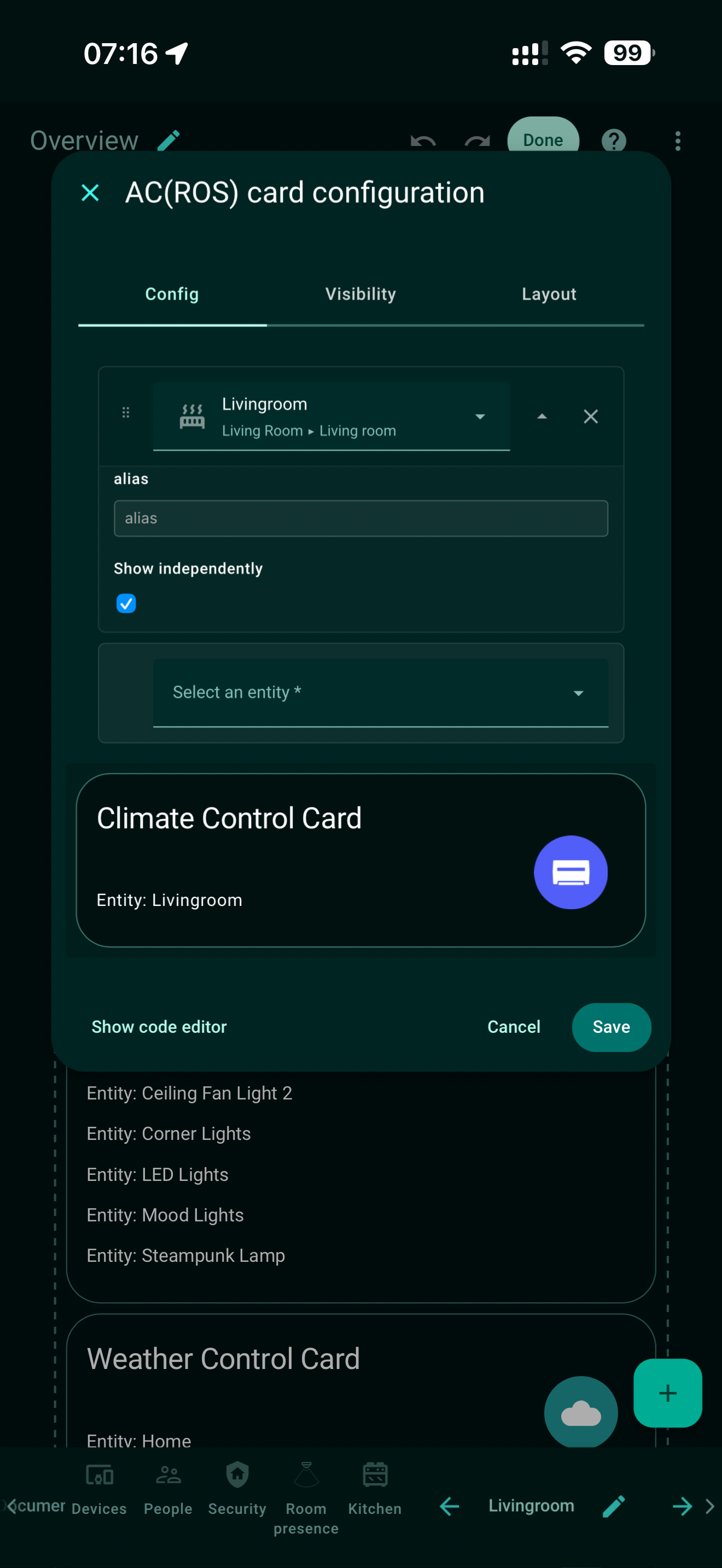
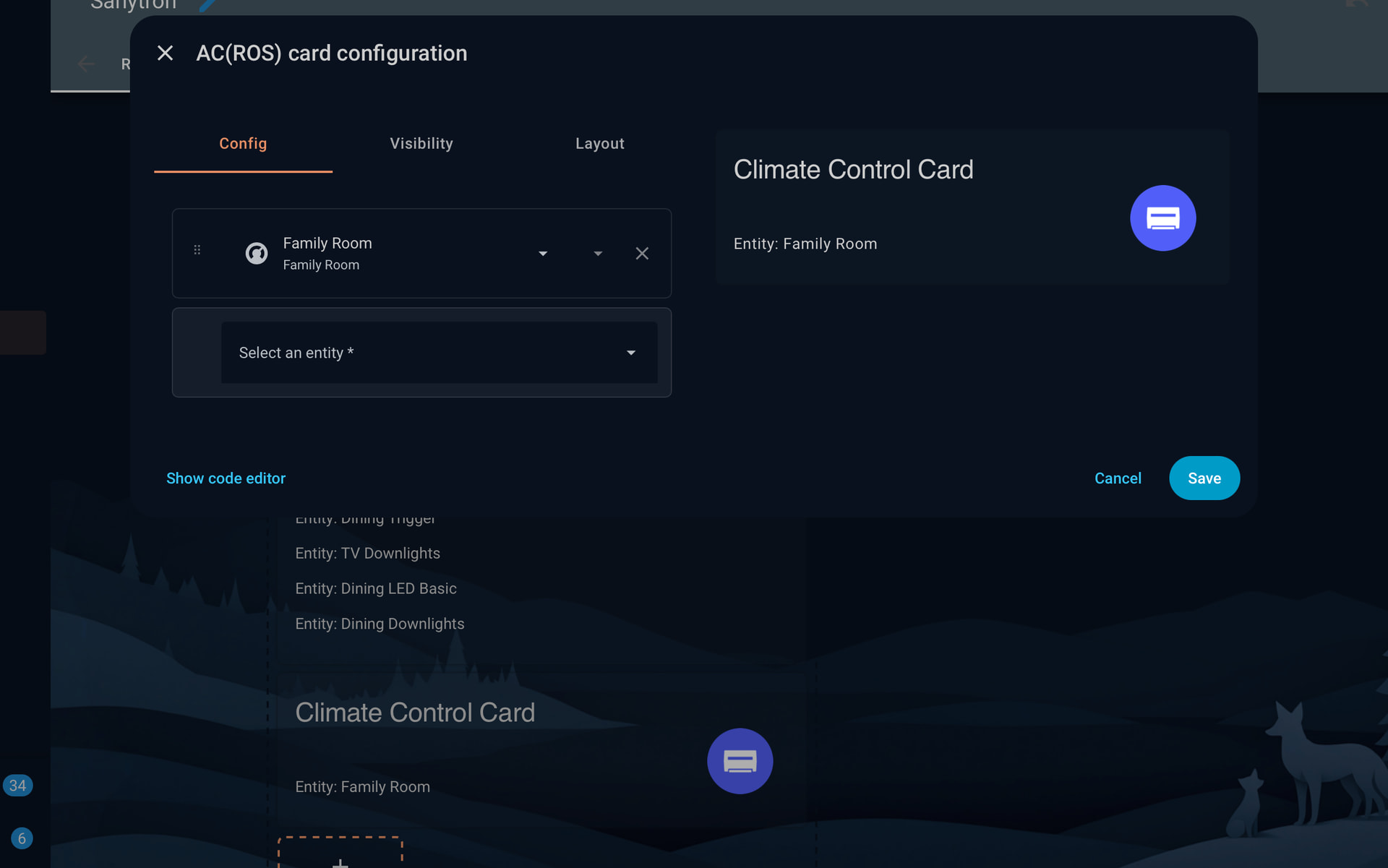
Not sure what you need, but here is the screen shot of the ROS card, but it does not appear in the dashboard .
I’ve set different climate entities on 3 areas, one with 2 climate devices and none of them appear.
They are hating only, no cooling and no fan.
Hi Mark,
Thank you for the update and the details — that helps a lot 
First, could you please help confirm the following versions:
If either one is not updated, please upgrade them first.
 Clear caches and reload
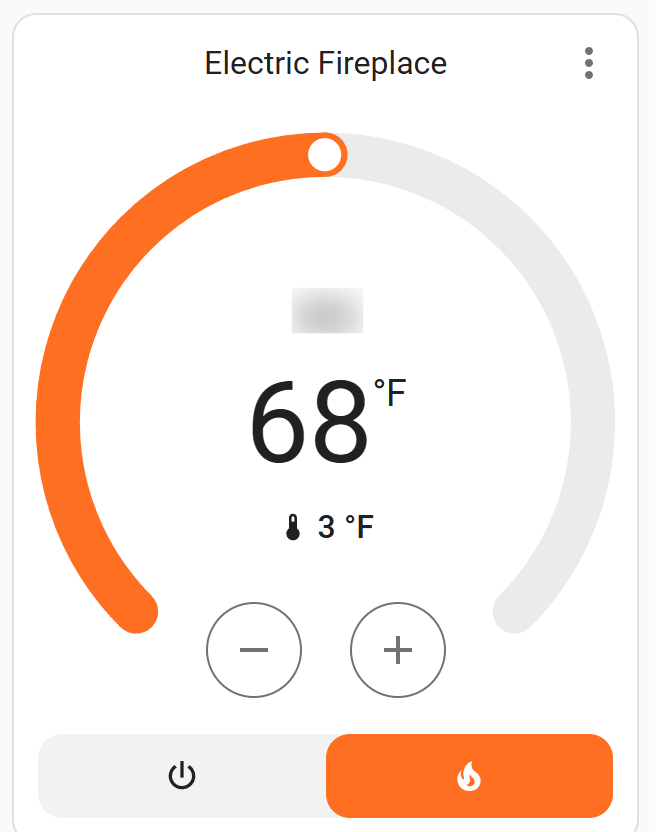
Could you please try adding this climate device using the official Home Assistant climate card (not RosCard), and then send us a screenshot — similar to the one you already shared?
We mainly need to check what Home Assistant is currently exposing for that climate entity.
For Astrion Remote, the climate device only needs to support:
Once we confirm HA is properly displaying those controls, we can determine why RosCard is not passing them to the remote.
Also just to confirm:
You mentioned your devices are heating only with no cooling or fan control — this is normally supported, but we need to verify how HA is reporting the entity capabilities.
Looking forward to your screenshots so we can help you resolve this.
Thanks again for your patience and testing!
Charles
Sanytron Support
Well I removed the entity, re-added it, and it worked!
I have had to do similar with other cards, and I had an entity that had become unavailable which I had to remove before the other entities would appear, or it seemed to be the blocking issue at least.
TL;DR:
After the v1.0.38 / RosCard v1.0.8 update, some existing entity bindings can break due to an internal ID change. Removing and re-adding the affected entity (or RosCard) refreshes the binding and resolves the issue — which matches what you observed.
Hi Mark,
Thank you for the update — and great catch
Your solution and observations are exactly aligned with what we’ve been seeing internally.
To add some background for clarity:
In the RosCard v1.0.8 update (paired with Astrion Remote v1.0.38), we introduced support for custom device and scene names based on user feedback.
To enable this cleanly, we changed the internal device identification method from:
Because of this change:
When you:
Home Assistant regenerated the bindings using the new Card ID logic, which immediately restored normal behavior. This is exactly why your Climate card appeared again.
If cards fail to display after updating:
Thanks again for testing and reporting back — this kind of feedback helps us refine both the product and our upgrade guidance for other users.
Hi @Skeltonmfc,
Thanks for the detailed info and screenshots — that really helps
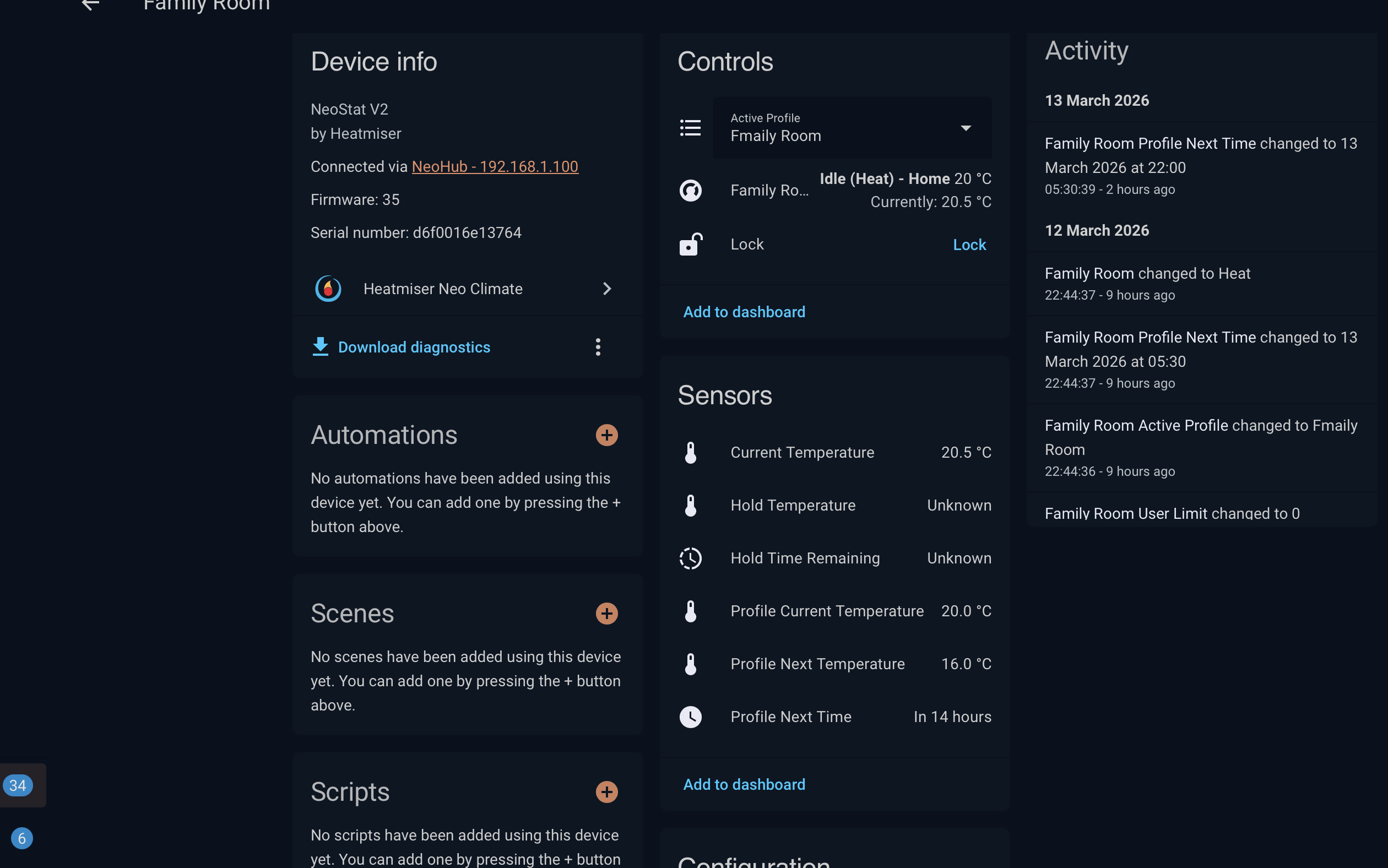
From what you’ve shared, this looks like a compatibility limitation with the Climate (ROS) card, rather than a firmware issue.
 What’s Happening
Your Heatmiser Neo (NeoStat V2) is correctly integrated into Home Assistant and exposes a climate entity, but:
 Not all climate integrations expose fully standard control features that the AC (ROS) Card expects.
From your data:
hvac_modes: off, heat
Temperature values present
But some fields like:
hold temperature
hold time
certain control attributes
are unknown / non-standard
This can cause:
Card not loading properly
Missing controls (like +/- temperature)
What to CheckPlease verify the following in Home Assistant:
Go to Developer Tools → States
Find your entity:
climate.family_room
Check if it supports:
temperature (settable)
hvac_mode
supported_features
Especially confirm that:
You can manually change temperature from HA UI
The service climate.set_temperature works
 Quick Test
Try this in Developer Tools → Services:
Service:
climate.set_temperature
Target:
climate.family_room
Data:
temperature: 22
If this works:
If it doesn’t:
 Current Limitation
Right now, the AC (ROS) Card works best with standard integrations, such as:
Generic Thermostat
Daikin / Mitsubishi / etc.
Fully compliant climate entities
Some integrations like Heatmiser may:
Use custom attributes
Or partial feature sets
 Workarounds
You can still control your thermostat using:
Option 1 — Use standard HA card (for testing)
Option 2 — Use Script / Scene Card
Create scripts like:
“Set 20°C”
“Set 22°C”
Bind them to buttons
 Future Improvements
We’re actively improving compatibility for more climate devices, including:
Better handling of non-standard climate entities
More flexible temperature control logic
Improved fallback behavior
SummaryYour device is working in HA
AC (ROS) Card currently has limited compatibility with some integrations 
Scripts can be used as a workaround